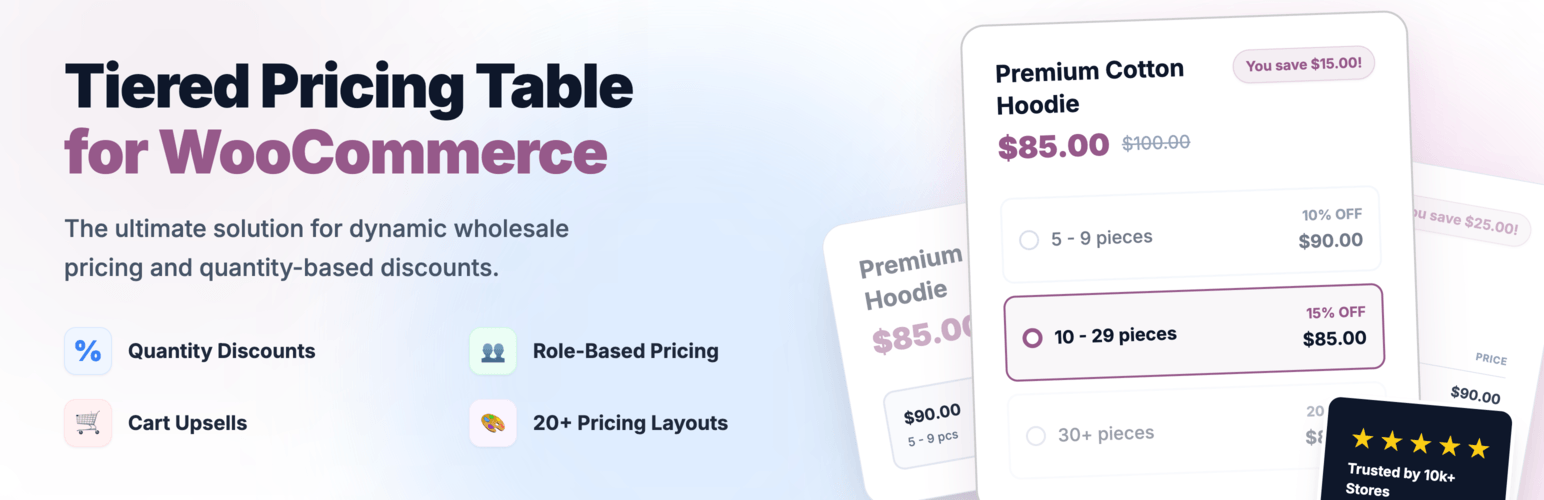
Create bulk, wholesale, and quantity-based pricing in WooCommerce with flexible tables, role-based pricing, an...
Free
10k+ installs 4.7★ (103)
Pricing Table generator by Supsystic allows you to create responsive pricing tables or comparison table without any programming skills
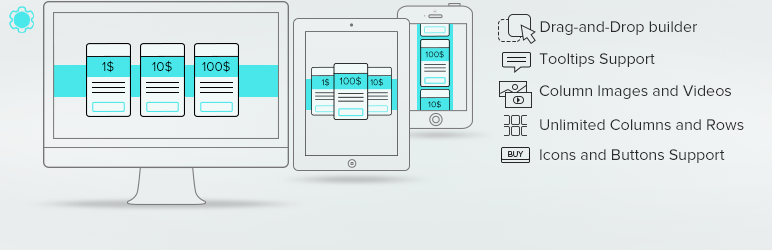
Pricing Table by Supsystic is a WordPress plugin that allows you to create and manage responsive pricing tables without needing programming skills. It features a drag-and-drop builder, enabling you to choose from preset templates and customize your tables easily. This plugin is suitable for anyone looking to display pricing information clearly on their website, such as businesses or service providers.
The plugin supports unlimited tables, columns, and rows, and includes options for column images, videos, and icons. It also offers features like hover animations and the ability to export/import tables, making it versatile for various pricing display needs.
Best for: This plugin suits businesses or individuals needing to present pricing information clearly on their websites.
What it does well
Where it falls short
Pricing Table by Supsystic offers a straightforward solution for creating pricing tables, though more detailed examples and advanced features would enhance its appeal.
supsystic's own description of Pricing Table by Supsystic, lightly tidied.
Create amazing pricing tables without any programming skills.
It’s possible with Pricing Table WordPress plugin by Supsystic. Choose pricing table template, edit content with Pricing table builder and publish on the website.
It has never been so easy to create and manage pricing and comparison tables with table builder. Any element of the table can be customized with a couple of clicks.
Pricing tables are used as a way to illustrate how features of a product differ as the price changes.
Pricing tables must be chosen very carefully so that visitors should get the information they would be interested in. Available features, options and costs available as well as refund. Price tables by Supsystic with nice templates and drag-and-drop builder are totally unique.
When you create your pricing table, it is good to consider the following points:
The Pricing Table Drag-and-Drop builder allows you to showcase the prices for your product, services, or packages in a beautiful and responsive pricing table. Design your pricing table just as you wish. Allows you to choose an icon which you can insert beside your header, add pricing table rows and columns, or enlarge a pricing column where you would like to emphasize a certain price.
In the pricing table user should carefully examine its portfolio and pick the most important features to present in its pricing plans. Visitors should be given only the information they would be interested in: available price features, options and costs. The rule of thumb is: every unnecessary cell in your pricing table increases the probability of losing potential customers, because you make it more difficult for them to compare various price plans and select the best one.
Most of the pricing tables are horizontal because it’s easier to compare the offers and see features. That doesn’t mean you should always use the horizontal pricing table layout, though. It really depends on the variety and complexity of the price plans information you want to display in the pricing table chart. Best practice is to use a horizontal table solution when you have to display a lot of features and a vertical table when you don’t have a lot of plans to offer and you’re not planning to include a long list of features in your pricing table.
Design can do one of two things to your business – either sink it or raise it to the top. You have to be very careful when designing a pricing table. Fonts, headlines, layout of pricing table – it all has to be balanced and done neatly. Furthermore you have to make sure the pricing chart’s design works with the main site. However don’t forget about your main goal. In pricing tables, design is just a tool to achieve your objectives, namely – increase sales. Simplicity is the key to success of price chart. Remember that you’re not creating a collage for school, you’re creating a price table design for a specific reason. Don’t clutter your chart with unnecessary elements. A common mistake is to write down a list of features most of the plans in the pricing table don’t offer and then put dozens of red crosses in your pricing table chart. Consumers don’t want to see what you’re not offering, they want to see what you’ve got and for what price.
Other plugins for pricing tables.
Create bulk, wholesale, and quantity-based pricing in WooCommerce with flexible tables, role-based pricing, an...
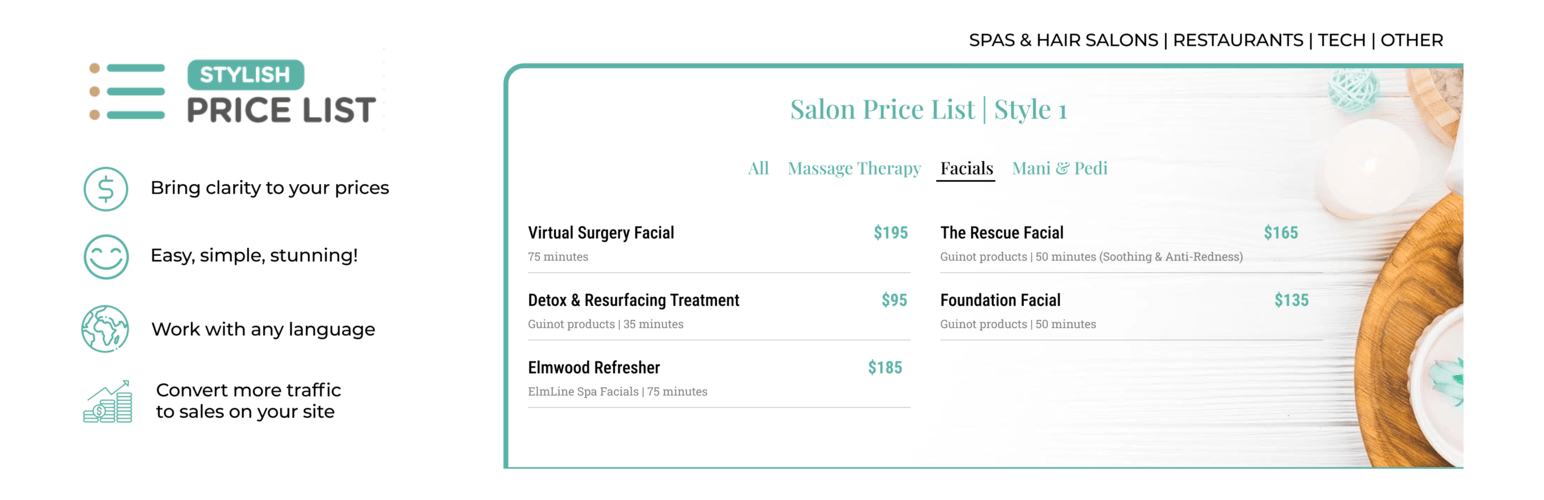
Stop Losing Customers Due to Confusing Pricing - Transform confused visitors into paying customers with crysta...

Pricing Table Plugin - Easy Pricing Tables Lets You Create A Beautiful, Responsive Pricing Table In 2 Minutes....

Elementor addons with 34 free widgets: galleries, sliders, form styler, carousels, pricing tables, countdowns,...

Addon for Elementor Page builder. It provides the set of widgets to create different kinds of content like pri...

Display pricing plans with responsive tables. Unlimited packages, 4 templates, shortcode support. Works with E...