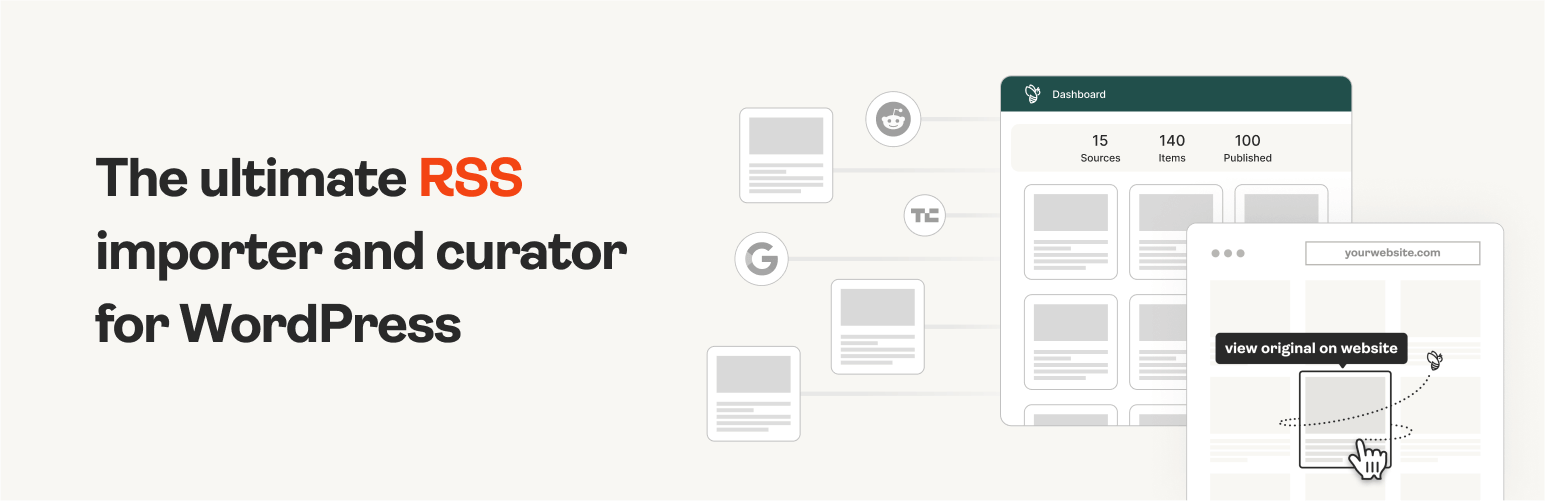
The #1 WordPress RSS aggregator to quickly import RSS feeds, build a news aggregator, and for easy autobloggin...
Free
40k+ installs 4.5★ (562)
Protects your login, xmlrpc and RSS feeds pages against DDoS attacks. Denies access to your site from certain countries via CloudFlare.

Protection Against DDoS is a WordPress plugin designed to mitigate performance issues caused by brute force attacks. It works by blocking excessive HTTP requests that can overwhelm your server, particularly targeting the wp-login.php file and other vulnerable WordPress features like xmlrpc and RSS feeds.
This plugin is suitable for users looking to enhance their site's security against DDoS attacks and brute force attempts. It is particularly beneficial for those using CloudFlare, as it allows for country-specific access controls.
Best for: This plugin suits WordPress site owners who want to improve their site's security against brute force attacks.
What it does well
Where it falls short
Protection Against DDoS provides essential security features for WordPress users concerned about DDoS and brute force attacks. Its effectiveness is rooted in its ability to block malicious requests before they reach your site.
WPChef's own description of Protection Against DDoS, lightly tidied.
This plugin resolves performance issues caused by brute force attacks described in the WordPress Codex here: https://codex.wordpress.org/Brute_Force_Attacks
From WordPress Codex:
Due to the nature of these attacks, you may find your server’s memory goes through the roof, causing performance problems. This is because the number of http requests (that is the number of times someone visits your site) is so high that servers run out of memory.
A common attack point on WordPress is to hammer the wp-login.php file over and over until they get in or the server dies. You can do some things to protect yourself.
Protection Against DDoS plugin addresses these issues very well.
It also allows to deny access to common WordPress features that get frequently attacked, like xmlrpc or RSS feeds pages.
CloudFlare users can allow or deny access for visitors from specified countries.
All checks are done via the .htaccess file so that bogus requests can’t even reach your WordPress site and get bounced at the web server level. You can also specify exactly where they can be bounced to.
Advanced users can get more technical information on the FAQ page.
Other plugins for aggregating content.
The #1 WordPress RSS aggregator to quickly import RSS feeds, build a news aggregator, and for easy autobloggin...
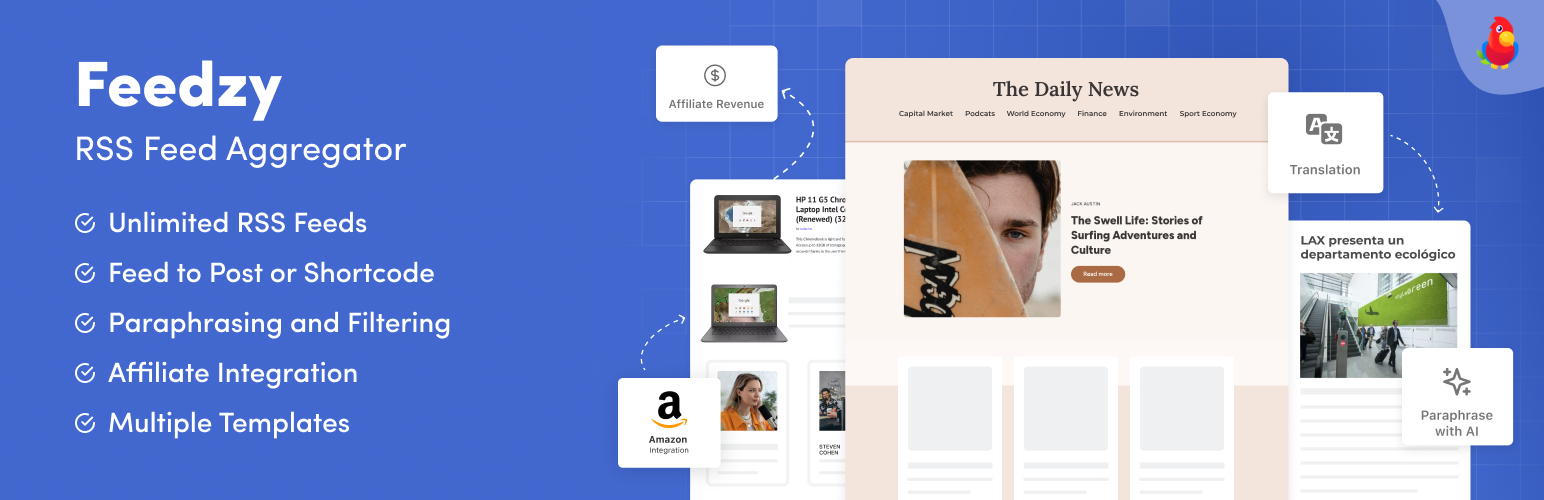
The most powerful WordPress RSS aggregator, helping you curate content, autoblog, import RSS & display unl...

Ditty offers a range of content display options, including its signature news ticker and customizable layouts.

Podcasting the way it's meant to be. No mess, no fuss - just you and your content taking over the world.

GN Publisher makes RSS feeds that comply with the Google News RSS Feed Technical Requirements for including yo...

Hide posts or WooCommerce products from the homepage, archives, search, RSS, REST API, sitemaps and SEO tools...