
ECS
88Seven free modules for Elementor: dark mode, container layouts, mobile menu, editorial text, style presets, JS...
Free
100k+ installs 4.6★ (117)
PublishPress Planner has all the tools you need to plan WordPress content including a Content Calendar, Content Overview, and Kanban Board.

PublishPress Planner is a WordPress plugin designed to help you plan and manage your content effectively. It features a Content Calendar, Content Overview, and a Kanban Board to organise your publishing schedule and content status. This plugin is suitable for WordPress sites that focus on producing and promoting high-quality content without needing external tools.
The Content Calendar provides an overview of your publishing timeline, allowing you to view and rearrange content easily. The Content Overview screen offers a way to organise content by status, categories, or users, while the Content Board allows for drag-and-drop management of post statuses. Notifications keep you informed about changes to important content, enhancing team collaboration.
Best for: This plugin suits WordPress sites focused on content planning and marketing.
What it does well
Where it falls short
PublishPress Planner is a useful tool for managing content schedules within WordPress, especially for those who prefer an integrated solution over external services.
PublishPress's own description of PublishPress Planner, lightly tidied.
PublishPress Planner has all the tools you need to plan WordPress content including a Content Calendar, Content Overview, Kanban Board, content notifications, and more.
PublishPress Planner is ideal for WordPress sites that publish and promote high-quality content. Our goal is to help you publish content from inside WordPress. Our aim is to build SaaS-style features in WordPress so people don’t need an extra service to plan your content. Why use Trello, ClickUp, Notion, CoSchedule, or other products when you already have WordPress?
Upgrade to PublishPress Planner Pro
This plugin is the free version of the PublishPress Planner plugin. The Pro version comes with all the features you need to plan and schedule WordPress content. Click here to purchase the best premium WordPress content scheduling plugin now!
The Content Calendar gives you a powerful overview of your publishing schedule. This screen works as a marketing calendar and an editorial calendar. You can easily see when content is planned, and when it was published. You can also drag-and-drop content to a new publication date. By default, you see all the WordPress content you have planned for the next few weeks. If you need to drill down, you can filter the calendar by post status, categories, users or post types.
The Content Overview screen is a companion to the Calendar screen. Whereas the Calendar allows you to see content organized by dates, Content Overview allows you to drill down and see content organized by status, categories, or users. This content organizer allows to choose any data from WordPress to show in columns. In the top-right corner is a “Print” button. Click this to get a printable overview of all your planned content.
The Content Board screen is a kanban board that you can use to organize your content. The Content Board provides one column for each status. You can drag-and-drop posts to change their status between Draft, Pending Review, Published, Scheduled, and more.
Notifications keep you and your team up to date on changes to important content. Users can be subscribed to notifications for any post, either individually or by selecting user groups. PublishPress Planner allows you to create powerful notification workflows based on post types, categories, status changes and much more.
Click here to read about the Content Notifications.
This PublishPress Planner Pro feature integrates your notifications with Slack. You can send notifications directly to a Slack channel and even reply without logging into WordPress.
Other plugins for news sites and magazines.
Seven free modules for Elementor: dark mode, container layouts, mobile menu, editorial text, style presets, JS...
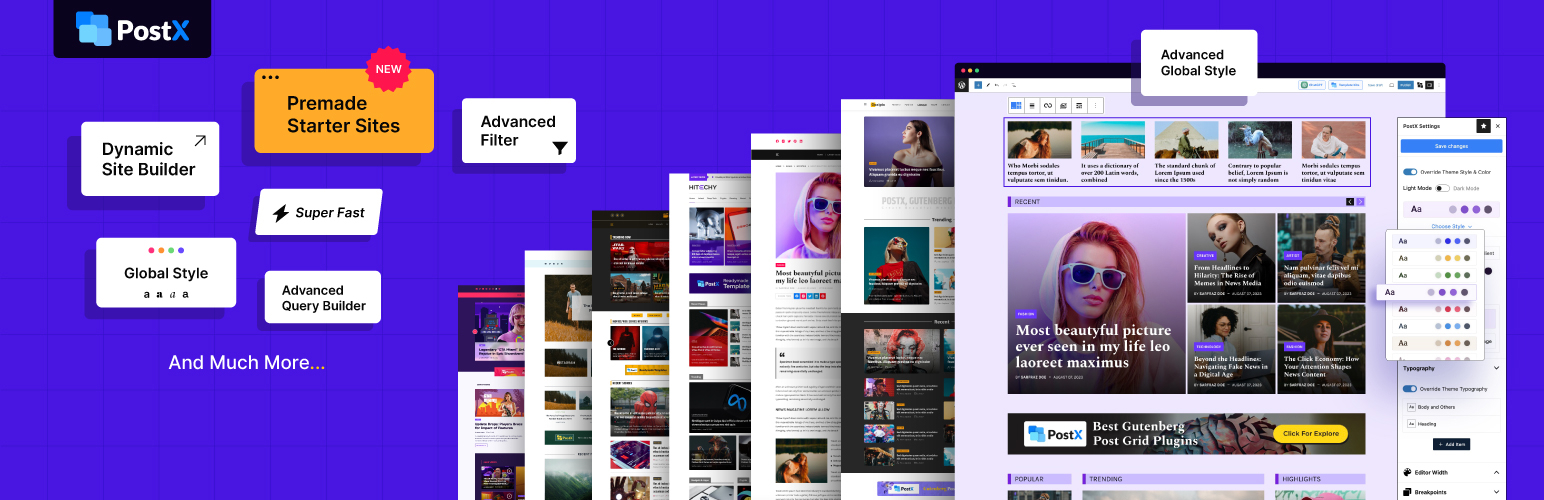
Design professional blogs with advanced Gutenberg blocks, premade templates, dynamic post grids, and smart fil...

Take control of your WordPress core XML Sitemap and add a Google News Sitemap.
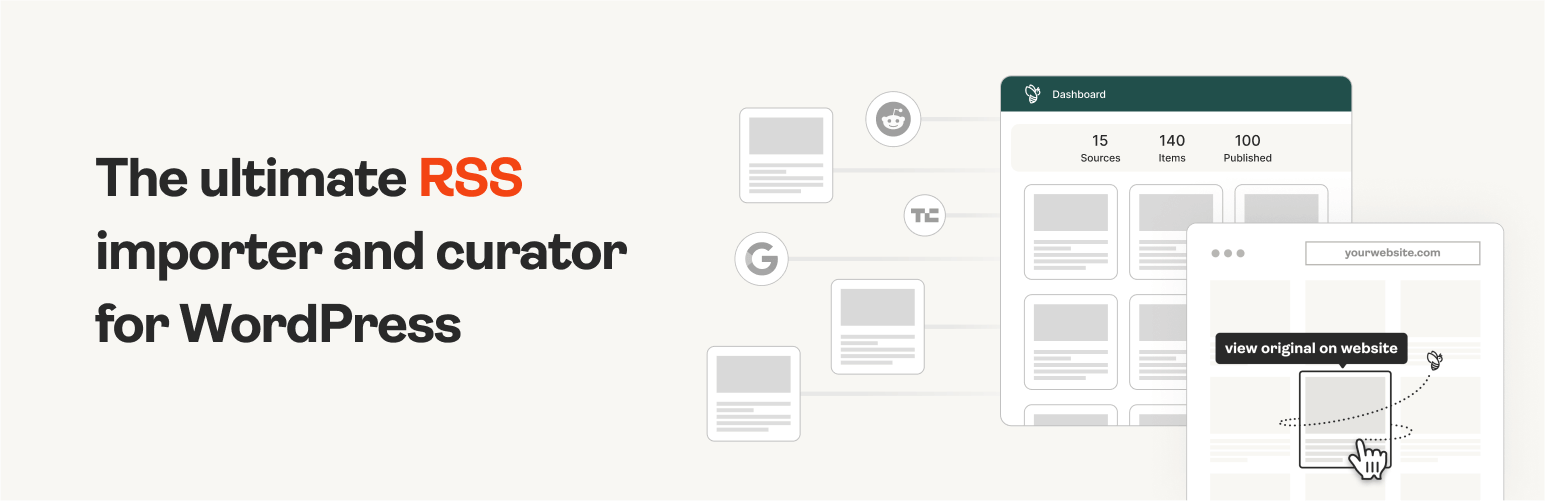
The #1 WordPress RSS aggregator to quickly import RSS feeds, build a news aggregator, and for easy autobloggin...
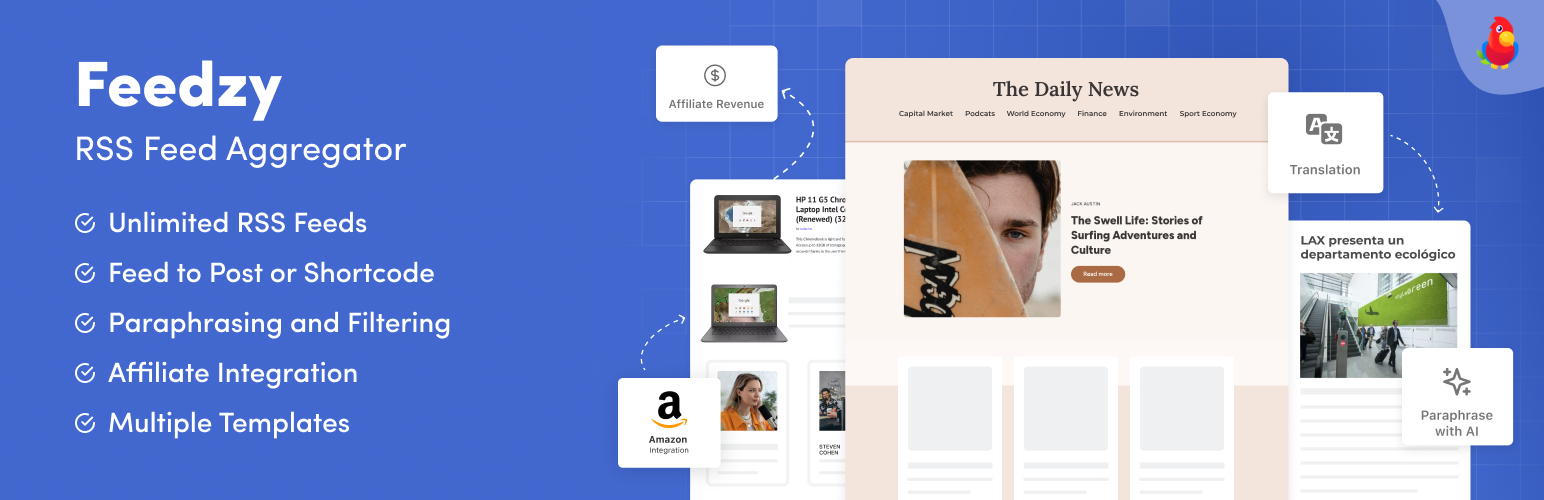
The most powerful WordPress RSS aggregator, helping you curate content, autoblog, import RSS & display unl...

Ditty offers a range of content display options, including its signature news ticker and customizable layouts.