Pushover Integration for WooCommerce
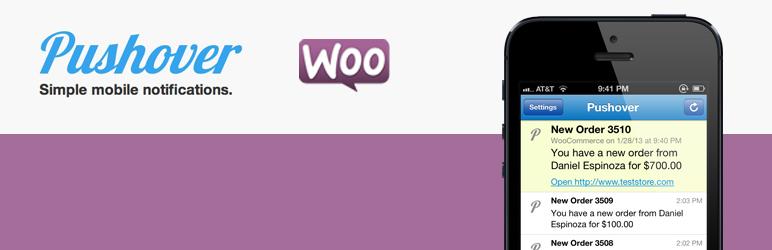
Pushover for WooCommerce integrates WooCommerce with the Pushover notifications app for Android and iOS.
The facts
- Rating
- 4.4★ from 14
- Active installs
- 800+
- Price
- Free
- Last updated
- 12 Sep 2024
- Added
- Jan 2013
- Requires WP
- 3.5
- Tested up to
- WP 6.6.7
- Requires PHP
- 7.2
- Downloads
- 37,180
Our analysis
AI-assistedPushover Integration for WooCommerce is a WordPress plugin that connects WooCommerce with the Pushover notifications app, available for Android and iOS. Once installed and set up, it automatically sends notifications to your device regarding new orders, low stock, backorders, and out-of-stock items.
This plugin is suitable for WooCommerce store owners who want to receive timely updates about their inventory and orders directly on their mobile devices.
Best for: WooCommerce store owners looking for mobile notifications about their orders and stock levels.
What it does well
- ✓Integrates WooCommerce with Pushover notifications app
- ✓Sends automatic notifications for new orders and stock statuses
- ✓Compatible with both Android and iOS devices
- ✓Free to use from the WordPress.org directory
- ✓Regularly updated, with the latest version released in September 2024
Where it falls short
- •Limited feature details provided
- •No information on support or documentation
Verdict
This plugin offers a straightforward solution for receiving notifications from your WooCommerce store. It may be beneficial for users who prefer mobile updates on their order and inventory status.
From the developer
Shop Plugins's own description of Pushover Integration for WooCommerce, lightly tidied.
Pushover for WooCommerce integrates WooCommerce with the Pushover notifications app for Android and iOS.
After installation and setup automatic notifications can be sent to your device for new orders, low stock, backorder and out of stock notifications.
Follow this plugin on GitHub.
Translations and pull requests are welcome!