
Comprehensive image optimization with WebP, AVIF, Lazy Load, and more. Optimize images automatically for Faste...
Free
1M+ installs 4.8★ (1,838)
The QODE Optimizer plugin is developed to allow you to convert, compress and adjust file sizes for all the images found on your website.
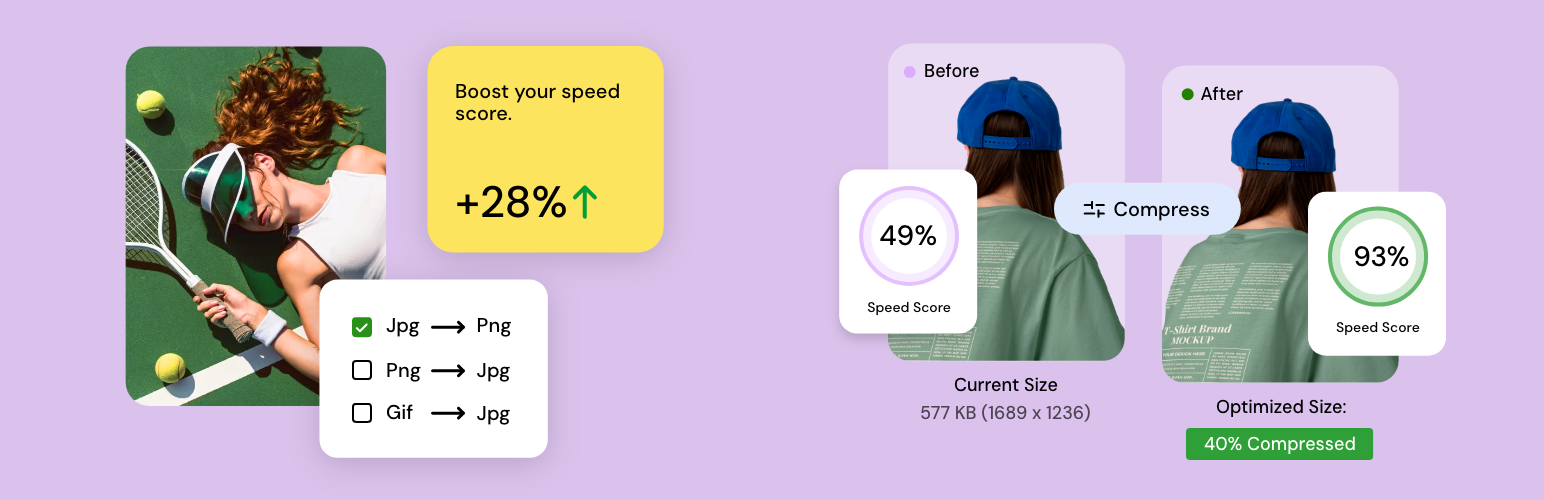
QODE Optimizer is a WordPress plugin designed to enhance website performance by optimizing images. It allows you to compress, convert, and resize JPG, PNG, and GIF images easily, either individually or in bulk. The plugin also supports WebP conversion and provides options to adjust image quality and remove metadata, helping to reduce file sizes further.
This plugin is suitable for website owners looking to improve loading times and drive conversions through better image management. With features for both free and premium users, it caters to various needs depending on the level of optimization required.
Best for: Website owners seeking to optimize images for better performance and conversions.
What it does well
Where it falls short
QODE Optimizer provides a straightforward solution for image optimization on WordPress sites. It is particularly useful for those looking to improve site speed and manage image quality effectively.
Qode's own description of QODE Optimizer, lightly tidied.
Drive more conversions and enhance loading times on your site more quickly & easier than ever. Compress, convert, resize and fully optimize the images on your website in a completely simple and intuitive manner.
Check out the QODE Optimizer documentation
The QODE Optimizer plugin is developed to let you convert, compress and adjust file sizes for all the images on your website in a completely streamlined and quick manner.
The plugin allows you to easily perform bulk or individual image optimization.
You can convert JPG, PNG and GIF files, adjust default image width & height, as well as choose a compression method to be applied to images during the optimization.
For Lossy compression methods, you can fine-tune the amount of compression applied, which in turn results in different image qualities.
The QODE Optimizer provides you with a number of additional options related to images on your site.
You can easily remove metadata for all the images on your website, thus reducing their respective file sizes even further.
If you wish to convert your images to the supremely practical WebP format, the QODE Optimizer plugin has you covered.
You also have the option to control the WebP image compression quality, insert rewriting rules for delivering WebP images on Apache/LiteSpeed servers, and more.
By enabling the system log, you’ll be able to see all the steps that the system takes during the process of image optimization.
This helps you further refine the optimization as you’ll be able to see precisely how the optimization affected each individual image in the process.
The premium version of QODE Optimizer lets you improve things even further.
You have the option to enable automatic optimization for all images uploaded on your website. On top of that, you can also choose specific predetermined image sizes you do not wish to apply the optimization to.
Another useful feature that you get with the premium version lets you place watermarks over the regular images on your site and choose where you wish to position them.
One more practical functionality allows you to set a background fill color for JPGs – this is particularly useful when converting images with transparent backgrounds to the JPG format.
In addition to this, you can also have the original images deleted automatically after conversion, saving up even more in terms of memory.
Other plugins for optimising images.
Comprehensive image optimization with WebP, AVIF, Lazy Load, and more. Optimize images automatically for Faste...

Compress and optimize images, enable lazy load, serve WebP & AVIF, and speed up your site with a global im...

Speed up your website by using our WebP & AVIF Converter. Optimize images and serve WebP and AVIF images i...

Duplicate post, post order, image resize, email via SMTP, admin menu editor, custom css / code, disable gutenb...
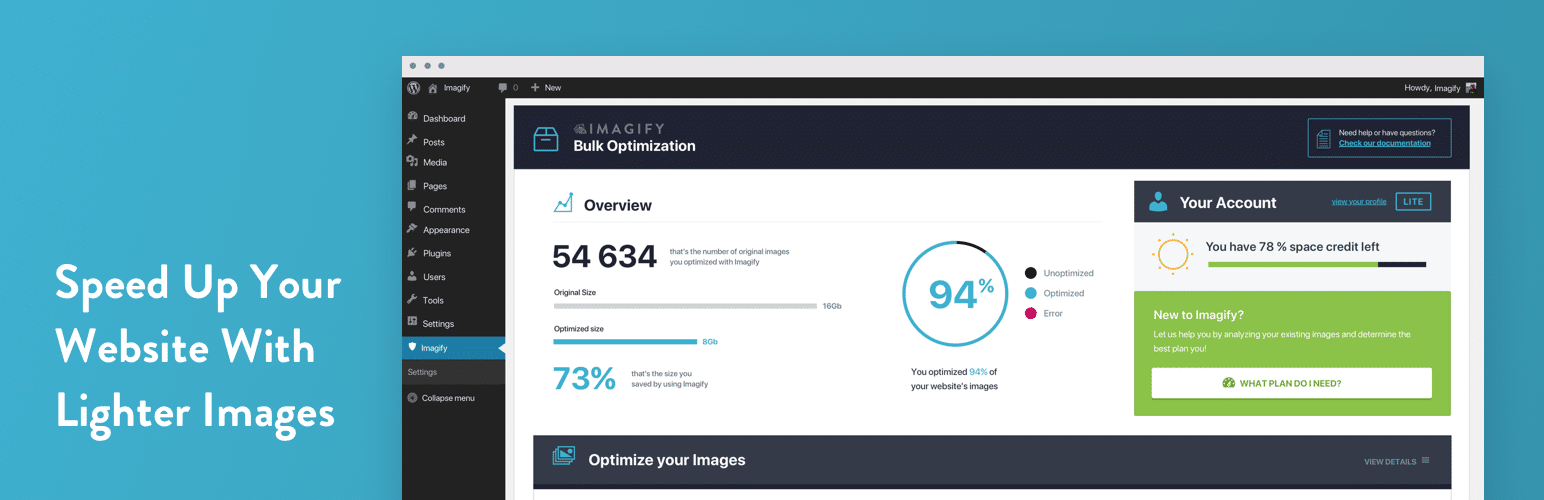
Image optimization in 1‑click: compress, resize & convert to WebP/AVIF – free up to 20MB/month. Enjoy the...

SpeedyCache is a WordPress cache plugin that helps you improve performance of your WordPress site by caching,...