
Join millions who empower their websites with ElementsKit Elementor Addons. Get templates, & 100+ widgets...
Free
1M+ installs 4.9★ (2,036)
Create a Mega Menu in Divi.
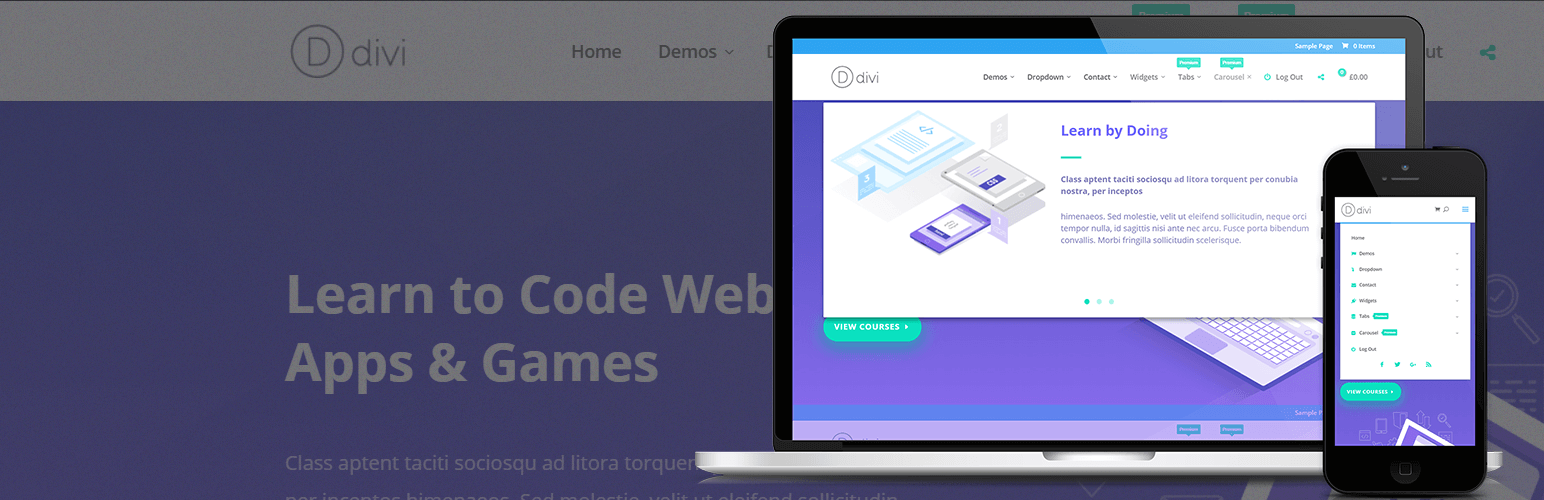
QuadMenu – Divi Mega Menu is a WordPress plugin that allows you to integrate a Mega Menu into Divi themes. It features a user-friendly interface within the Divi customizer dashboard, enabling users to create and customise multiple mega menus and tabs without needing programming skills.
The plugin is suitable for both regular users and developers, offering advanced options for customisation, including hooks and a custom CSS field. It supports drag-and-drop functionality for managing content and adding elements to your mega menu from the native menu administration panel.
Best for: This plugin is suitable for users of Divi themes looking to enhance their site's navigation.
What it does well
Where it falls short
QuadMenu – Divi Mega Menu provides a straightforward solution for adding mega menus in Divi. However, its lower directory score and limited testing may be points to consider before use.
QuadMenu's own description of QuadMenu, lightly tidied.
Demo | Premium | Documentation | QuadMenu
Divi Mega Menu by QuadMenu is the best plugin to easily integrate a Mega Menu into your themes.
This plugin has been designed for both regular users and developers. The menu has a simple and intuitive interface, integrated into the Divi customizer dashboard, allowing you to create and customize an unlimited amount of mega menus and tabs menus without any programming skills.
For developers who want to fully customize the plugin, QuadMenu offers additional tools to integrate the menu into your theme, like advanced configuration options and hooks or custom CSS field.
Divi Mega Menu by QuadMenu has been integrated in a way that you will hardly notice that you are coming out of the native WordPress operation.
From the native menu administration panel, you can manage all the content of your megamenu, add new elements, create columns and add widgets or any other type of element available in metaboxes.
The premium version of QuadMenu includes a native support for the Divi customizer dashboard, allowing you to customize the menu style from the native Divi settings.
You can give it a try to the mega menu customize settings. Once you open the link, go to Header & Navigation > Primary Menu Bar.
Here you’ll find a new setting called “Activate QuadMenu“. If you select this checkbox the Divi menu will be replaced with the Divi Mega Menu and a lot of new settings will be included at the bottom of the customizer panel.
You can purchase the premium version of this mega menu for Divi on http://quadmenu.com/#pricing.
Other plugins for site navigation.
Join millions who empower their websites with ElementsKit Elementor Addons. Get templates, & 100+ widgets...

Elementor Carousel, Mega Menu, Posts List/Slider, WooCommerce Widgets, Display Conditions, AI Abilities, Prema...

Elementor templates, Header footer builder, Elementor Post Grid, Woocommerce Grid builder, Slider, Forms, Gall...

Adds breadcrumb navigation showing the visitor's path to their current location.
Add icons to WordPress navigation menus easily — pick from Font Awesome, Dashicons, image icons & more. St...

Create a welcome notification bar for your website. Also, My Sticky Bar plugin can make your menu or header st...