Query Loop Post Selector
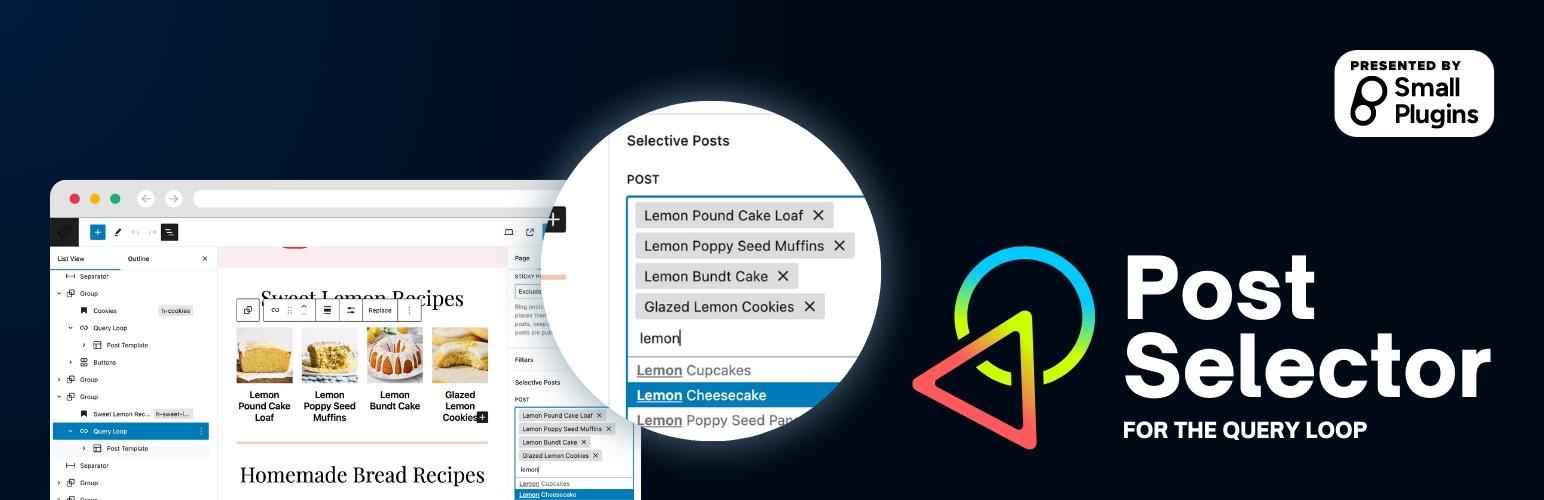
A native query loop extension that adds a new option in the filter that allows user to specifically pick certain posts to display
The facts
- Rating
- 5★ from 5
- Active installs
- 600+
- Price
- Free
- Last updated
- 28 Apr 2026
- Added
- Nov 2023
- Requires WP
- 5.8
- Tested up to
- WP 7.0.0
- Requires PHP
- 7.0
- Downloads
- 6,247
Our analysis
AI-assistedQuery Loop Post Selector is a WordPress plugin that enhances the native Query Loop block by allowing users to select specific posts from a dropdown menu. This feature aims to make content selection more intuitive and user-friendly.
You can add or edit a Query Loop block, access the post dropdown in the block settings, and choose the desired posts. The order of the selected posts will override the default order when displayed on the front end.
Best for: This plugin is suitable for users looking to customise post selection in their WordPress Query Loop.
What it does well
- ✓Enhances the native WordPress Query Loop block
- ✓Allows specific post selection from a dropdown
- ✓User-friendly content selection
- ✓Overrides default post order with selected order
Where it falls short
- •Limited information on additional features or settings
Verdict
Query Loop Post Selector provides a straightforward way to enhance post selection in WordPress, making it a useful tool for content creators.
From the developer
Small Plugins's own description of Query Loop Post Selector, lightly tidied.
Query Loop Post Selector is a powerful extension to the native WordPress Query Loop block. With this plugin, users can now have the flexibility to specifically select posts from a dropdown and display them within the query loop, making content selection more intuitive and user-friendly.
Usage
- Add or edit a Query Loop block.
- From the block settings panel, locate the “post” dropdown.
- Select the desired post(s) from the dropdown.
- Save or update your post/page, and view the changes on the front end.
Note: When you’re specifically selecting posts using this plugin, the posts order is overriden to match the order of posts selected via the dropdown.