Qyrr
Create, manage and track fully customizable QR Codes without any Third-Party-APIs.
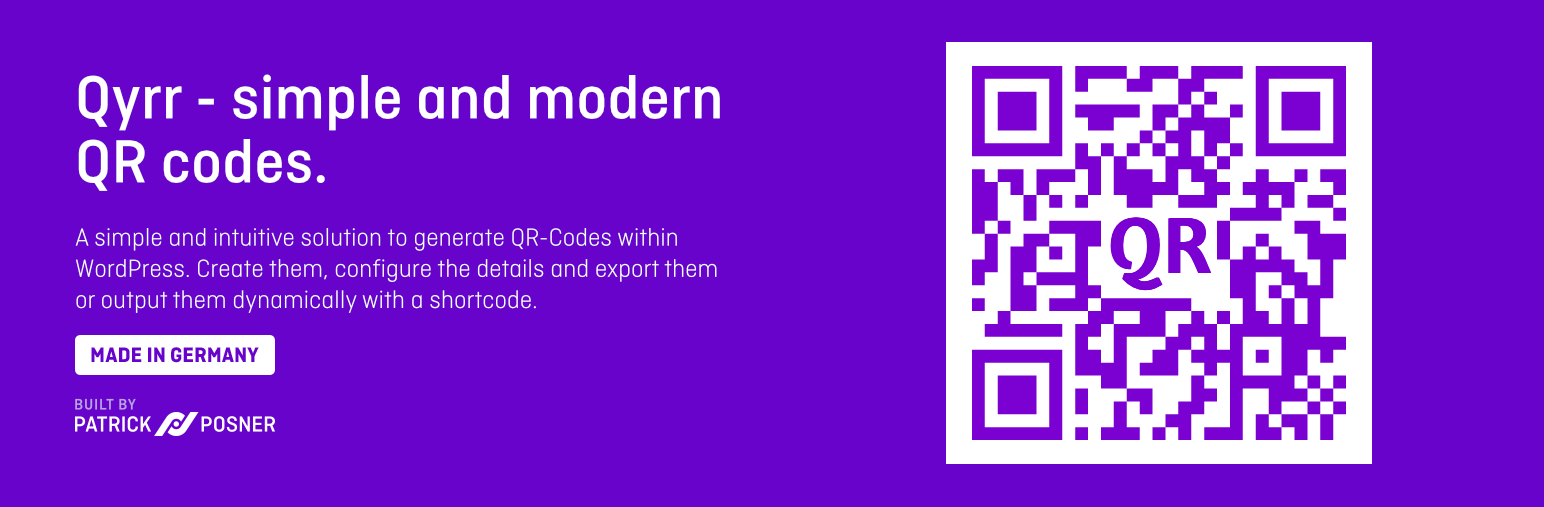
The facts
- Rating
- 3.8★ from 21
- Active installs
- 2k+
- Price
- Free
- Last updated
- 14 Aug 2026
- Added
- Jan 2020
- Requires WP
- 6.5
- Tested up to
- WP 7.1
- Requires PHP
- 7.4
- Downloads
- 61,656
Our analysis
AI-assistedQyrr is a WordPress plugin that allows you to create, manage, and track QR codes directly within your website. It provides a customizable QR code editor that does not rely on third-party APIs, allowing you to generate codes for posts, pages, and various external sources such as texts and emails.
With Qyrr, you can embed QR codes using a custom block or shortcode, style them with different colours and sizes, and even add your logo. The plugin is suitable for anyone looking to integrate QR codes into their WordPress site for marketing or informational purposes.
Best for: This plugin suits website owners who want to incorporate QR codes for various uses.
What it does well
- ✓Create and manage QR codes without third-party APIs
- ✓Customizable styling options for QR codes
- ✓Easily embed QR codes using blocks or shortcodes
- ✓Option to add logos and custom text to QR codes
- ✓Download QR codes in PNG format
Where it falls short
- •Limited to PNG format in the free version
- •Some features require Qyrr Pro
Verdict
Qyrr offers a straightforward solution for generating and managing QR codes in WordPress, though some advanced features are only available in the Pro version.
From the developer
WP Chill's own description of Qyrr, lightly tidied.
Create, manage and track QR Codes in WordPress with Qyrr.
Use the power of the QR Code editor to create a fully customizable QR Code without any Third-Party-APIs.
Features
Sources
Create a QR Code for all your posts and pages or use an external URL.
We also support various other sources (texts, WhatsApp and SMS messages, E-Mails, Phone numbers, vCards) within Qyrr Pro.
Embed QR Codes
Easily embed QR codes into your website. Use the custom block or the integrated shortcode.
Forget about copying IDs into clunky shortcodes, we handle that automatically for you.
The only thing you have to do is copy and paste the QR Code or select the code within the block.
Style your QR Code
Qyrr offers an entire toolkit for styling your QR Code.
Adjust the size, background color, fill color, the minimum readable version, the quiet zone, add rounded corners and improve the error handling level for better results.
Add your logo
Qyrr enables you to add your own logo inside of the QR Code. Want to use some custom text instead? Qyrr can handle that too.
Adjust the size and position of the logo and use Google Fonts to match text on your QR Code with your website design.
Download QR Codes
You can easily download your QR code from the QR Code editor. Choose a format (PNG within the free version, SVG and PNG within Qyrr Pro).