
Comprehensive image optimization with WebP, AVIF, Lazy Load, and more. Optimize images automatically for Faste...
Free
1M+ installs 4.8★ (1,838)
Smart automatic image optimization and compression for faster WordPress sites.

Raina Image Compression is a WordPress plugin that automatically optimizes images during upload, helping to ensure fast-loading pages and SEO-friendly images. It provides full control over compression settings, output formats, and metadata, making it suitable for site owners who want to manage image uploads effectively.
The plugin supports JPG, PNG, and WebP formats and includes features like maximum width control and smart JPG size reduction. It is particularly beneficial for multi-author sites or blogs managed by non-technical users, as it operates automatically in the background and can send notifications via Telegram.
Best for: This plugin is ideal for site owners looking to optimize images without technical involvement.
What it does well
Where it falls short
Raina Image Compression offers a range of features for automatic image optimisation, making it a practical choice for WordPress users focused on performance and SEO.
rainafarai's own description of Raina Image Compression, lightly tidied.
Raina Image Compression is a powerful WordPress plugin that automatically optimizes images during upload while giving full control over compression, output format, and metadata. It is designed for site owners who want fast-loading pages, SEO-friendly images, and a reliable system that prevents users from uploading huge, unoptimized files.
The plugin works with the built-in GD library and intelligently handles JPG, PNG, and WebP formats. It can also convert non-transparent PNGs to JPG, achieving better compression without visible quality loss.
Ideal for multi-author sites or blogs managed by non-technical users, Raina Image Compression operates automatically in the background, optionally sends Telegram notifications, and keeps your image sizes under control.
Smart Image Optimization
– Automatically compresses JPG and PNG images.
– Converts non-transparent PNGs to JPG for better performance.
Output Mode Selection (4 available modes)
Choose how your images are generated after upload:
– 1. JPG/PNG ONLY Compresses only JPG and PNG files.
– 2. WEBP ONLY Creates only a WebP version.
– 3. JPG/PNG PRIMARY + WEBP COPY Keeps the original JPG/PNG as the main file and creates a WebP copy in the media library.
– 4. WEBP PRIMARY + JPG/PNG COPY Sets the WebP image as the primary file while retaining a JPG/PNG copy for compatibility.
Maximum Width Control
Set a maximum pixel width for uploaded images to automatically resize large photos from cameras or smartphones.
Smart JPG Size Reduction (by KB Limit)
When enabled, the plugin will try to reduce a JPG’s file size to stay below a specific kilobyte (KB) limit by dynamically lowering the quality level until the target is reached. ( ONLY FOR JPG and No transparent PNG )
Compress Only from Post Editor (Optional)
Option to limit compression to images uploaded directly from the WordPress post editor, excluding other uploads from plugins or themes or media library.
Post Type Filter
Added a new option to select which post types the plugin should apply to. If none are selected, all post types will be processed.
Keep Original File Copy
Option to create a full-size copy of the original uploaded image in the media library for backup or archival purposes.
Disable WP Auto-Generated Thumbnails
Option to disable WP Auto-Generated Thumbnails. Save disk space by preventing WordPress from creating unnecessary image files.
Automatic Metadata Filling
Automatically fills ALT, Description, and Caption (Excerpt) fields using the parent post information — ideal for improving SEO with no extra effort.
Admin Bar Toggle
Easily enable or disable compression from the WordPress admin bar without entering the settings page, handy when you want to upload images related to the theme or the builder, basically content not associated with any post type.
Telegram Notifications (Optional)
If the “Notifications for Telegram” plugin is installed, you will receive a message for each processed image containing:
– File name
– Format
– Compression ratio
Logging
Can Records all compression events to the WordPress debug log (wp-content/debug.log) for debugging or performance tracking.
Lightweight & Compatible
– Works entirely on your server with no external API, CDN or remote requests.
– Fully compatible with shared hosting environments.
– No third-party dependencies.
Other plugins for optimising images.
Comprehensive image optimization with WebP, AVIF, Lazy Load, and more. Optimize images automatically for Faste...

Compress and optimize images, enable lazy load, serve WebP & AVIF, and speed up your site with a global im...

Speed up your website by using our WebP & AVIF Converter. Optimize images and serve WebP and AVIF images i...

Duplicate post, post order, image resize, email via SMTP, admin menu editor, custom css / code, disable gutenb...
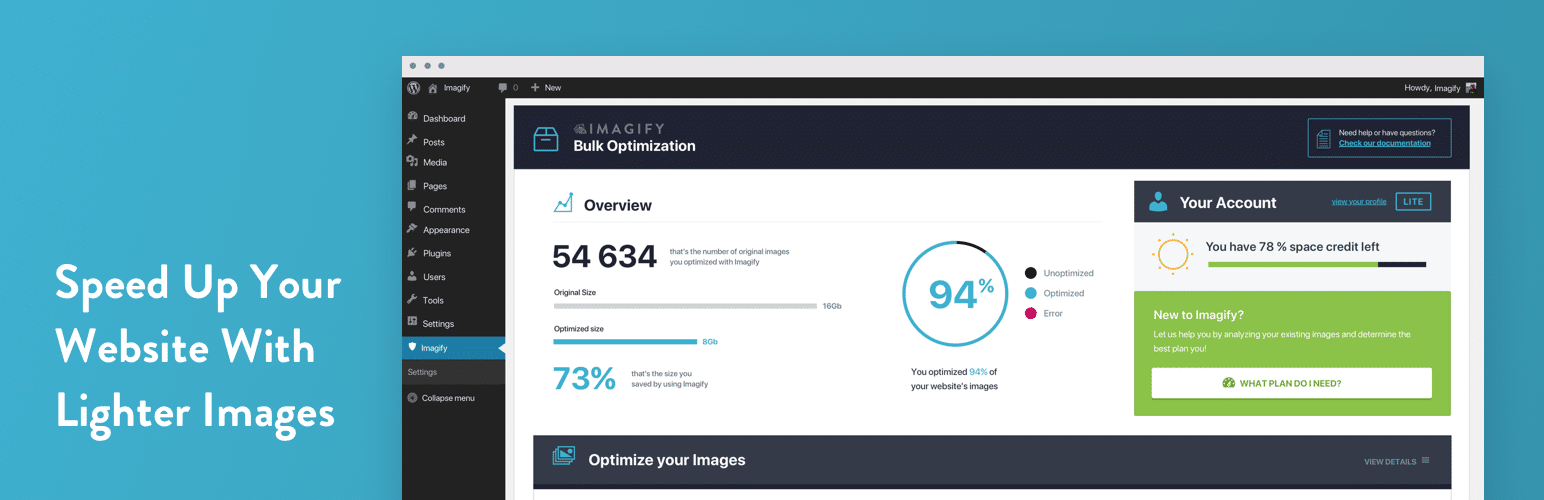
Image optimization in 1‑click: compress, resize & convert to WebP/AVIF – free up to 20MB/month. Enjoy the...

SpeedyCache is a WordPress cache plugin that helps you improve performance of your WordPress site by caching,...