
The best anti-spam protection to block spam comments and spam in a contact form. The most trusted antispam sol...
Free
5M+ installs 4.7★ (1,186)
Really Simple CAPTCHA is a CAPTCHA module intended to be called from other plugins. It is originally created for my Contact Form 7 plugin.

Really Simple CAPTCHA is a WordPress plugin designed to integrate with other plugins, primarily Contact Form 7. It generates CAPTCHA images and stores the correct answers as temporary files, which helps avoid conflicts with PHP sessions.
This plugin is suitable for developers looking to add a basic CAPTCHA solution to their forms. However, it is noted for its simplicity and may not provide strong security against spam.
Best for: This plugin suits developers needing a simple CAPTCHA solution for their WordPress forms.
What it does well
Where it falls short
Really Simple CAPTCHA offers a straightforward method for adding CAPTCHA to forms, but its simplicity may limit its effectiveness against more sophisticated spam attacks.
Rock Lobster Inc.'s own description of Really Simple CAPTCHA, lightly tidied.
Really Simple CAPTCHA does not work alone and is intended to work with other plugins. It is originally created for Contact Form 7, however, you can use it with your own plugin.
Note: This product is “really simple” as its name suggests, i.e., it is not strongly secure. If you need perfect security, you should try other solutions.
Really Simple CAPTCHA does not use PHP “Sessions” for storing states, unlike many other PHP CAPTCHA solutions, but stores them as temporary files. This allows you to embed it into WordPress without worrying about conflicts.
When you generate a CAPTCHA, Really Simple CAPTCHA creates two files for it; one is an image file of CAPTCHA, and the other is a text file which stores the correct answer to the CAPTCHA.
The two files have the same (random) prefix in their file names, for example, “a7hk3ux8p.png” and “a7hk3ux8p.txt.” In this case, for example, when the respondent answers “K5GF” as an answer to the “a7hk3ux8p.png” image, then Really Simple CAPTCHA calculates hash of “K5GF” and tests it against the hash stored in the “a7hk3ux8p.txt” file. If the two match, the answer is confirmed as correct.
Note: Below are instructions for plugin developers.
First, create an instance of ReallySimpleCaptcha class:
$captcha_instance = new ReallySimpleCaptcha();
You can change the instance variables as you wish.
// Change the background color of CAPTCHA image to black
$captcha_instance->bg = array( 0, 0, 0 );
See really-simple-captcha.php if you are interested in other variables.
Generate a random word for CAPTCHA.
$word = $captcha_instance->generate_random_word();
Generate an image file and a corresponding text file in the temporary directory.
Other plugins for stopping spam.
The best anti-spam protection to block spam comments and spam in a contact form. The most trusted antispam sol...

Allows administrators to globally disable comments on their site. Comments can be disabled according to post t...

Sophisticated antispam plugin for effective daily comment and trackback spam-fighting. Built with data protect...

Top-rated antispam for contact forms, comments, WooCommerce, eCommerce, and login. No CAPTCHAs, no friction, j...

Adds reCaptcha v2 from Contact Form 7 5.0.5 that was dropped on Contact Form 7 5.1
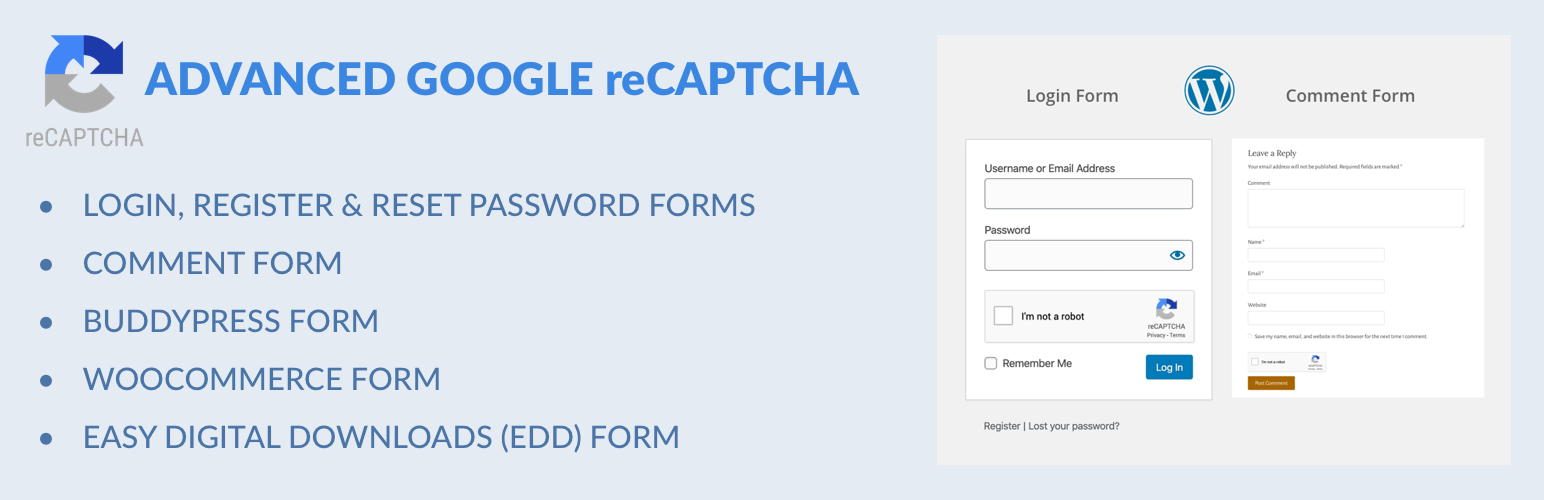
Captcha protection against spam comments & brute force login attacks using Google reCAPTCHA.