
The best anti-spam protection to block spam comments and spam in a contact form. The most trusted antispam sol...
Free
5M+ installs 4.7★ (1,186)
reCAPTCHA in WP comments form is an ANTISPAM tool that adds a Google reCAPTCHA to the comments form and protects your site from the spam robots threat …

The reCAPTCHA in WP comments form plugin is designed to enhance the security of the comments section on WordPress sites by adding a Google reCAPTCHA field. This helps prevent spam and fraudulent comments, especially from users who are not logged in. The plugin includes various configuration options and modes of operation to manage spam effectively.
It is suitable for WordPress users looking to protect their comments section from spam bots and improve comment quality. The plugin supports multiple reCAPTCHA variants and offers visual configuration settings for easy setup.
Best for: This plugin is best for WordPress site owners who want to reduce spam in their comments section.
What it does well
Where it falls short
The plugin provides essential anti-spam features for WordPress comments but may require caution due to its age and potential compatibility issues with newer themes.
jmviade's own description of reCAPTCHA in WP comments form, lightly tidied.
reCAPTCHA in WP comments form plugin is an ANTISPAM tool that adds the visible Google reCAPTCHA field inside the comments form of your WP theme when the user is not logged in preventing fraudulent or deceptive comments.
The plugin also introduces a second verification process that detects the unauthorized direct accesses by spam robots to the WP comments system and allows you to decide what do you want to do with those comments.
Finally, the plugin has got an optional forced javascript output mode that lets you to add a reCAPTCHA field also in old WP themes that didn’t use the new WP form comments functions but they make a direct output of its own comments form.
Basic Features
Middle features
[type=submit] inside form in case of a theme customized comments formAdvanced features
comment_form()To learn more about the plugin, visit the Plugin page.
Other plugins for stopping spam.
The best anti-spam protection to block spam comments and spam in a contact form. The most trusted antispam sol...

Allows administrators to globally disable comments on their site. Comments can be disabled according to post t...

Sophisticated antispam plugin for effective daily comment and trackback spam-fighting. Built with data protect...

Top-rated antispam for contact forms, comments, WooCommerce, eCommerce, and login. No CAPTCHAs, no friction, j...

Adds reCaptcha v2 from Contact Form 7 5.0.5 that was dropped on Contact Form 7 5.1
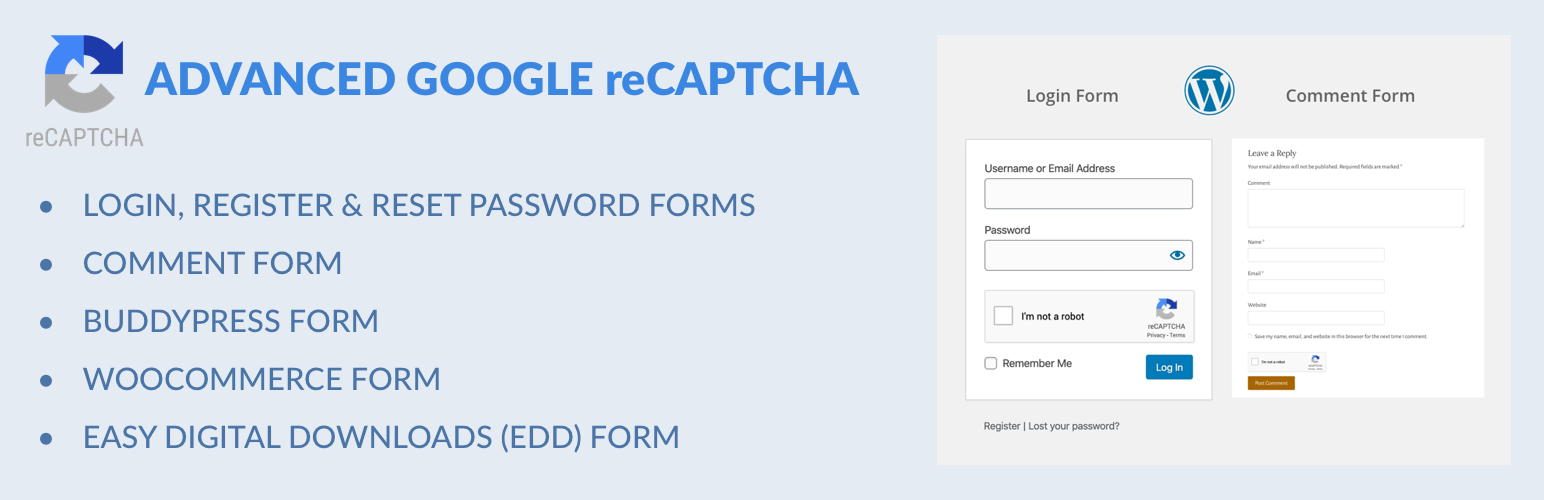
Captcha protection against spam comments & brute force login attacks using Google reCAPTCHA.