
The best anti-spam protection to block spam comments and spam in a contact form. The most trusted antispam sol...
Free
5M+ installs 4.7★ (1,186)
Add Google reCAPTCHA to your WooCommerce Checkout, Login, and Registration Forms. 100% free!

reCAPTCHA for WooCommerce is a WordPress plugin designed to integrate Google reCAPTCHA into WooCommerce checkout and various forms. It helps prevent spam by adding a reCAPTCHA field to the checkout process, login forms, registration forms, and password reset forms.
To use the plugin, you need to generate a Google reCAPTCHA v2 site key and secret, then configure the settings to select which forms to protect. The plugin automatically sets the language based on your site's default language.
Best for: This plugin is suitable for WooCommerce store owners looking to reduce spam in their forms.
What it does well
Where it falls short
reCAPTCHA for WooCommerce provides a straightforward solution for adding spam protection to WooCommerce forms. It is a useful tool for those wanting to enhance security without cost.
Elliot Sowersby / RelyWP's own description of reCAPTCHA for WooCommerce, lightly tidied.
Easily add Google reCAPTCHA to WooCommerce checkout and forms to help prevent spam.
You can currently enable the reCAPTCHA on the following forms:
WooCommerce
WordPress
Simply generate your Google reCAPTCHA v2 site “key” and “secret” and add these to the settings.
Choose which forms you want it to show on, and set the theme to either dark or light.
A new reCAPTCHA WooCommerce field will then be displayed on your checkout, and other selected forms to protect them from spam!
The language for the WooCommerce reCAPTCHA will be automatically set based on your sites default language.
Yes, this plugin is completely free with no paid version.
Google reCAPTCHA is also a completely free service. You can view their privacy policy here and terms and conditions here.
Other plugins for stopping spam.
The best anti-spam protection to block spam comments and spam in a contact form. The most trusted antispam sol...

Allows administrators to globally disable comments on their site. Comments can be disabled according to post t...

Sophisticated antispam plugin for effective daily comment and trackback spam-fighting. Built with data protect...

Top-rated antispam for contact forms, comments, WooCommerce, eCommerce, and login. No CAPTCHAs, no friction, j...

Adds reCaptcha v2 from Contact Form 7 5.0.5 that was dropped on Contact Form 7 5.1
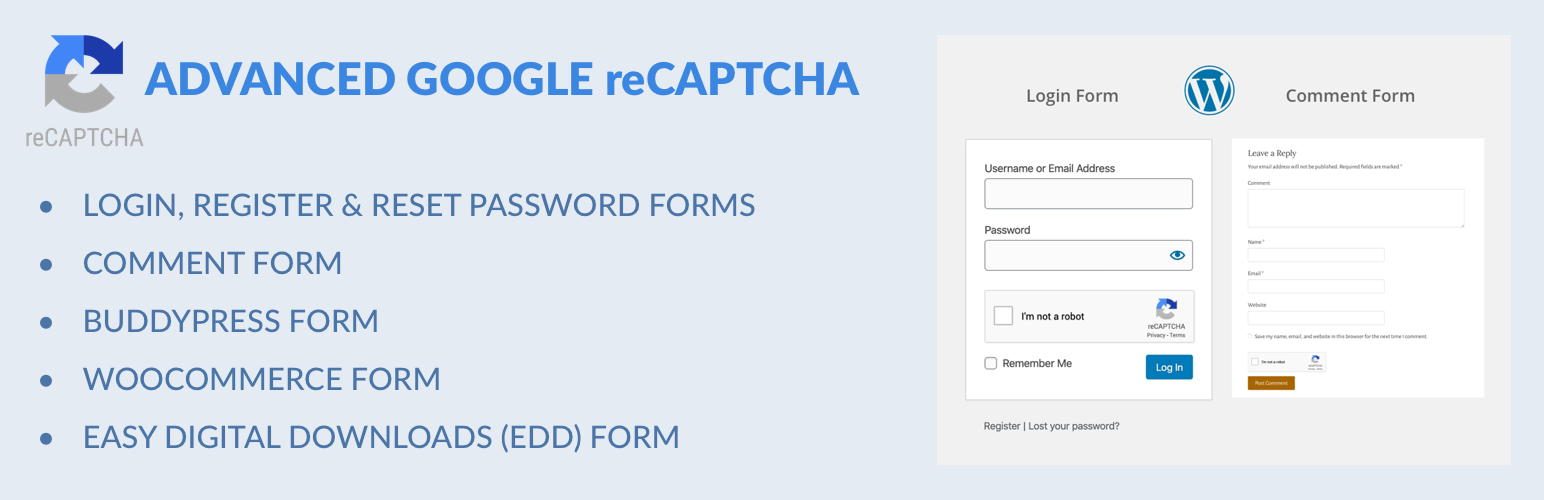
Captcha protection against spam comments & brute force login attacks using Google reCAPTCHA.