Responsive Tabs For Elementor
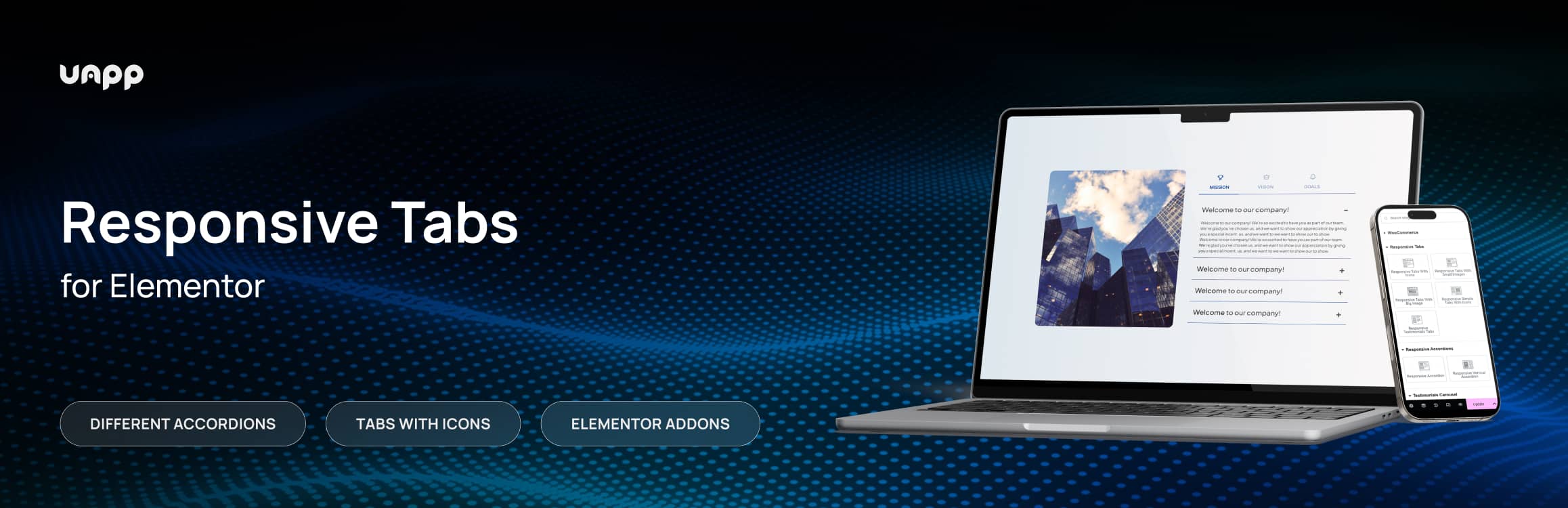
Responsive Tab Plugin for Elementor allows you to show multiple levels of tabs in accordion with text, images, ets.
The facts
- Rating
- 5★ from 1
- Active installs
- 1k+
- Price
- Free
- Last updated
- 16 Jun 2026
- Added
- Aug 2022
- Requires WP
- 5.9
- Tested up to
- WP 7.0.4
- Requires PHP
- 7.4.1
- Downloads
- 18,320
Our analysis
AI-assistedResponsive Tabs For Elementor is a WordPress plugin that allows you to create tabbed content for your site. It offers a compact way to display information across multiple levels of tabs, helping to categorise content without overwhelming users with lengthy text.
The plugin includes various options for customising the appearance and behaviour of tabs, such as styles, sizes, colours, and advanced settings. It is suitable for users looking to enhance their WordPress pages with organised and visually appealing tabbed content.
Best for: This plugin is best for WordPress users who want to organise content effectively using tabs.
What it does well
- ✓Allows creation of multi-level tabbed content
- ✓Customisable styles and settings for tabs
- ✓User-friendly interface
- ✓Expert support available
Where it falls short
- •No information on specific features beyond the description
- •Upgrade to PRO required for additional possibilities
Verdict
Responsive Tabs For Elementor provides a straightforward solution for displaying information in a tabbed format, making it a useful tool for enhancing site navigation.
From the developer
UAPP's own description of Responsive Tabs For Elementor, lightly tidied.
The compact Responsive Tabs For Elementor lets you show information in several levels of tabs. Now you can easily show text using several types of tabs at the same time for better categorizing your information. But without overloading the site with long texts.
The plugin has many features and settings to customize the reviews to suit your needs. Upgrade to PRO and unlock new possibilities with Pro Kit for Elementor!
Features
Create tabbed blocks that can hold much more information than regular tabs.
The block with tabs can be divided into two levels: the main tabs, which, in addition to the main information, can contain secondary tabs with text.
Manage tab options:
– general styles such as background type, tab size, tab spacing, tab color, border width, border color.
– text style settings such as title color, title typography, content edit color, content typography.
– advanced tab settings with the ability to change the layout, motion effects, transformation, background, frame, mask, attributes, custom CSS.
Reasons For choosing Responsive Tabs For Elementor
An easy-to-use interface with multiple settings and unique main widgets will make your next WordPress page and post design easier than ever before. Responsive Tabs For Elementor takes your WordPress website to the next level by making your page more engaging.
Expert support
We have an extraordinary support team ready to help you. You can ask your questions in the support forum