ResponsiveVoice Text To Speech
ResponsiveVoice the leading HTML5 text to speech synthesis solution, is now available for WordPress. Over 51 languages through 158 voices.
The facts
- Rating
- 3.9★ from 34
- Active installs
- 7k+
- Price
- Free
- Last updated
- 17 Aug 2026
- Added
- Jul 2015
- Requires WP
- 6.3
- Tested up to
- WP 7.1
- Requires PHP
- 7.4
- Downloads
- 274,559
Our analysis
AI-assistedResponsiveVoice Text To Speech is a WordPress plugin that enables text-to-speech functionality for your posts and pages. It allows readers to listen to content by adding a Listen button through the Gutenberg block or using a shortcode. The plugin supports 51 languages and 158 voices, making it accessible for a diverse audience, including those who are visually impaired or elderly.
The plugin integrates easily with both the block editor and classic editor, offering features such as a customizable WebPlayer for reading entire posts aloud. It is suitable for website owners looking to enhance accessibility and provide an audio option for their content.
Best for: Website owners aiming to improve accessibility and provide audio content for their visitors.
What it does well
- ✓Supports 51 languages and 158 voices
- ✓Easy integration with Gutenberg and classic editor
- ✓Customizable WebPlayer for full post audio
- ✓Enhances accessibility for visually impaired users
- ✓Free to use from the WordPress.org directory
Where it falls short
- •Limited information on premium features
- •No details on specific voice quality or options available
Verdict
ResponsiveVoice Text To Speech offers a straightforward solution for adding audio capabilities to your WordPress site, particularly beneficial for enhancing accessibility.
From the developer
ResponsiveVoice's own description of ResponsiveVoice Text To Speech, lightly tidied.
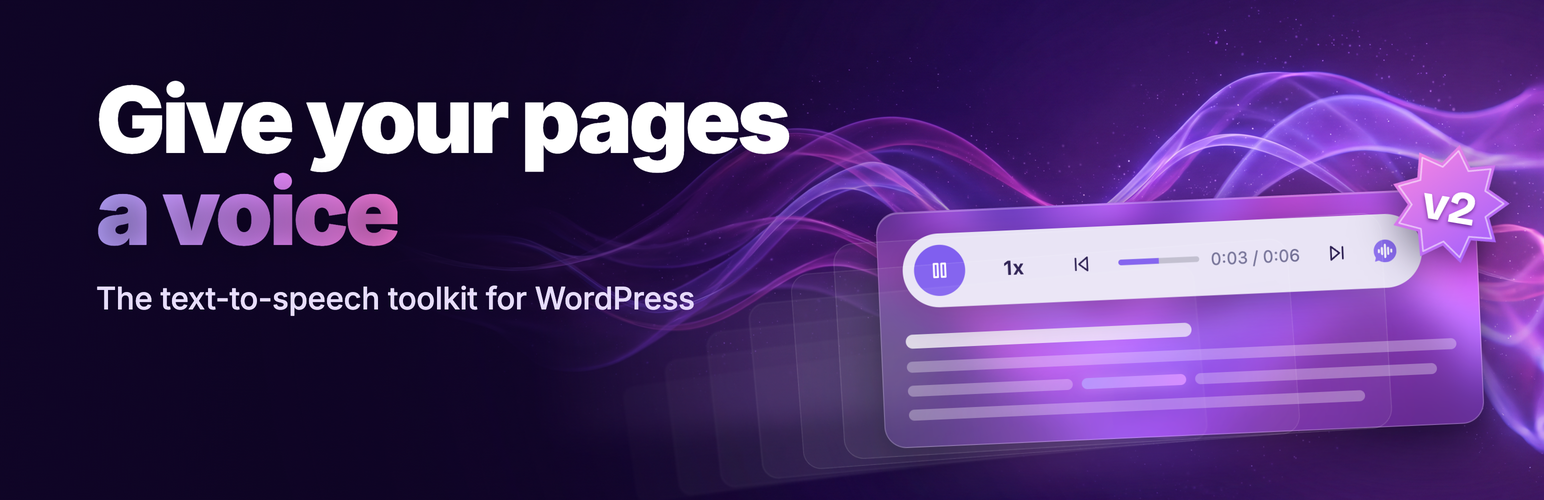
ResponsiveVoice adds HTML5 text-to-speech to your WordPress posts and pages — with nothing extra to install, across all smartphone, tablet and desktop devices. Your readers can listen with a tap: add a Listen button through the Gutenberg block or a shortcode, or turn on the WebPlayer to read a whole post aloud.
It supports 51 languages through 158 voices out of the box — plus thousands of premium neural voices from major cloud providers (Google Cloud, Microsoft Azure, OpenAI and more) via bring-your-own-key on v2 accounts.
Languages include UK English, US English, Spanish, French, German, Italian, Greek, Hungarian, Turkish, Russian, Dutch, Swedish, Norwegian, Japanese, Korean, Chinese, Chinese (Hong Kong), Chinese Taiwan, Hindi, Serbian, Croatian, Bosnian, Romanian, Catalan, Australian, Finnish, Afrikaans, Albanian, Arabic, Armenian, Czech, Danish, Esperanto, Hatian Creole, Icelandic, Indonesian, Latin, Latvian, Macedonian, Moldavian, Montenegrin, Polish, Brazilian Portuguese, Portuguese, Serbo-Croatian, Slovak, Spanish Latin American, Swahili, Tamil, Thai, Vietnamese and Welsh.
Support and Questions visit here first:
Useful Links:
Features:
- Listen to any post or page with the tap of a button
- A Gutenberg “Listen” block with a live voice picker — plus shortcodes for the classic editor
- The WebPlayer: a customizable player that reads a whole post aloud (v2 accounts)
- 51 languages through 158 voices, plus thousands of premium neural voices via bring-your-own-key (v2)
- Easy access to your content for every visitor — tap to listen to any page or post
- A more accessible website for a range of users, including the visually impaired and the elderly
- Web Content Accessibility Guidelines (WCAG) 2.0, ADA and BS 8878:2010 features
Usage:
Add a Listen button with the block
In the block editor, insert the ResponsiveVoice Listen Button block wherever you want a Listen button. Pick a voice from the live list, adjust rate, pitch and volume, and preview it — all in the editor.
Turn on the WebPlayer (v2)
The WebPlayer is a ResponsiveVoice v2 feature that reads the whole post aloud — and the one ResponsiveVoice website feature you control right from WordPress. On a v2 account, open the ResponsiveVoice menu in your WordPress admin to enable or disable it and customise its appearance, position and behaviour, choose which content types show it, and override it per post. Your other ResponsiveVoice website features (such as the Welcome message that plays when a page loads) are configured in your ResponsiveVoice account dashboard.
Shortcodes (classic editor and back-compatible)
Add a Listen button anywhere in a post or page:
[responsivevoice_button]