
WPCafe
83Restaurant management solution for restaurant menus, online food ordering, delivery, pickup, QR ordering, and...
Free
5k+ installs 4.6★ (108)
Quickly set up and display a restaurant menu on your website, fully responsive and easy to use. Create food items, add them to your restaurant menu an …
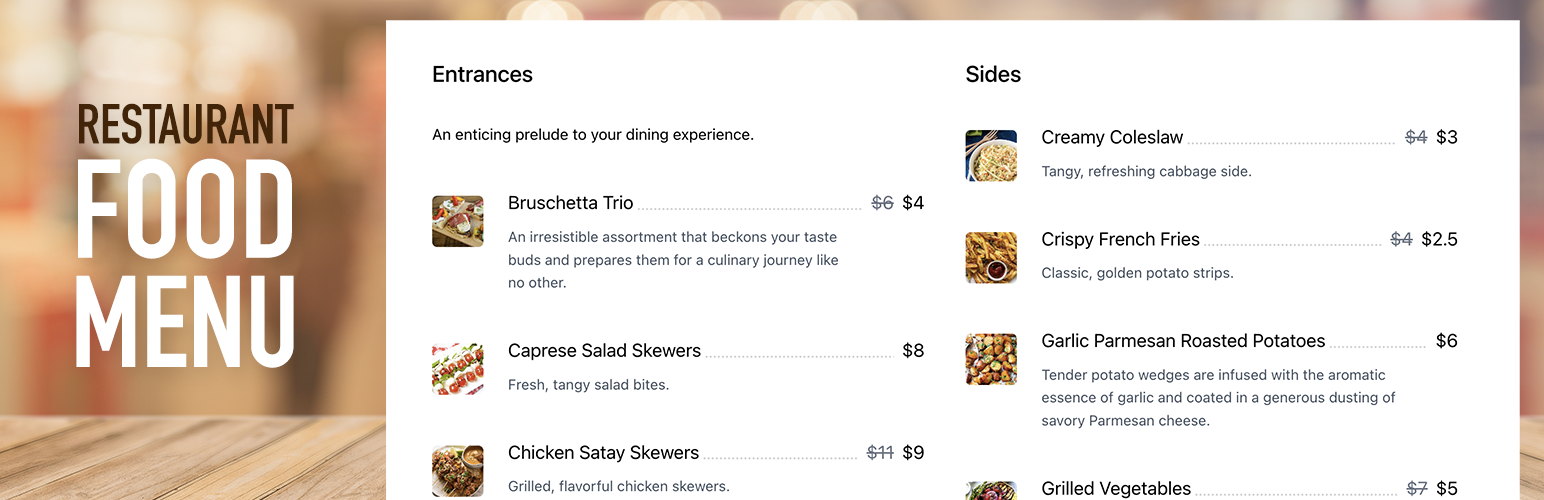
Restaurant Food Menu by WP Darko is a WordPress plugin designed to help you create and display restaurant menus on your website. It features a drag-and-drop interface that allows you to easily add food items, descriptions, and prices, and then arrange them into menus. You can use shortcodes to display your menus on any posts or pages.
This plugin is aimed at beginners and those who want a straightforward way to showcase their restaurant offerings. It is fully responsive, ensuring that your menu looks good on various devices, and it includes options for adding images and additional information about each food item.
Best for: This plugin suits restaurant owners looking to create an online menu easily.
What it does well
Where it falls short
Restaurant Food Menu by WP Darko offers a simple solution for building restaurant menus on WordPress sites. It is particularly beneficial for those with limited technical skills.
WP Darko's own description of Restaurant Food Menu by WP Darko, lightly tidied.
Quickly set up and display a restaurant menu on your website, fully responsive and easy to use. Create food items, add them to your restaurant menu and copy-paste the shortcode into any posts/pages.
Introducing WP Darko’s new restaurant menu builder. We’ve designed this WordPress plugin to be as user-friendly as possible, making it ideal for beginners. You can begin building captivating food lists within minutes.
When activated, WP Darko’s restaurant menu builder will add two new sections to your WordPress admin panel: “Food Items” and “Food Menus.” These sections will enable you to effortlessly create restaurant menus by adding food items (complete with food descriptions, regular and sale prices, food images, and more), add them to one or multiple menus and display them anywhere on your website using your restaurant menu shortcodes.
Restaurant Food Menu is an intuitive drag & drop food menu builder plugin for WordPress. After you’ve added your food items in the admin panel, it only takes a few minutes to display your restaurant menu beautifully on your page. Simply create a new menu, then drag & drop your food items from the food list into your menu sections. Adjust the menu’s layout, add headings, and paragraphs to make it look like an authentic restaurant menu, and you’re good to go!
With this WordPress plugin, WP Darko ensures that you can focus on what matters most: your restaurant business. Creating a restaurant menu for your WordPress site is easy with our menu builder, and you should be able to have yours ready in minutes.
When creating food items in the admin panel, you’ll be able to use the following fields:
Restaurant Food Menu is a 100% mobile-friendly and fully responsive restaurant menu builder plugin for WordPress that has been tested with a wide range of devices and browsers.
The menu’s food sections will gracefully transition from 3-2 columns to a single column on smaller devices, ensuring they remain perfectly readable and visually appealing.
Our WordPress restaurant menu plugin is also fully compatible with the latest versions of WordPress and PHP.
Other plugins for online ordering.
Restaurant management solution for restaurant menus, online food ordering, delivery, pickup, QR ordering, and...
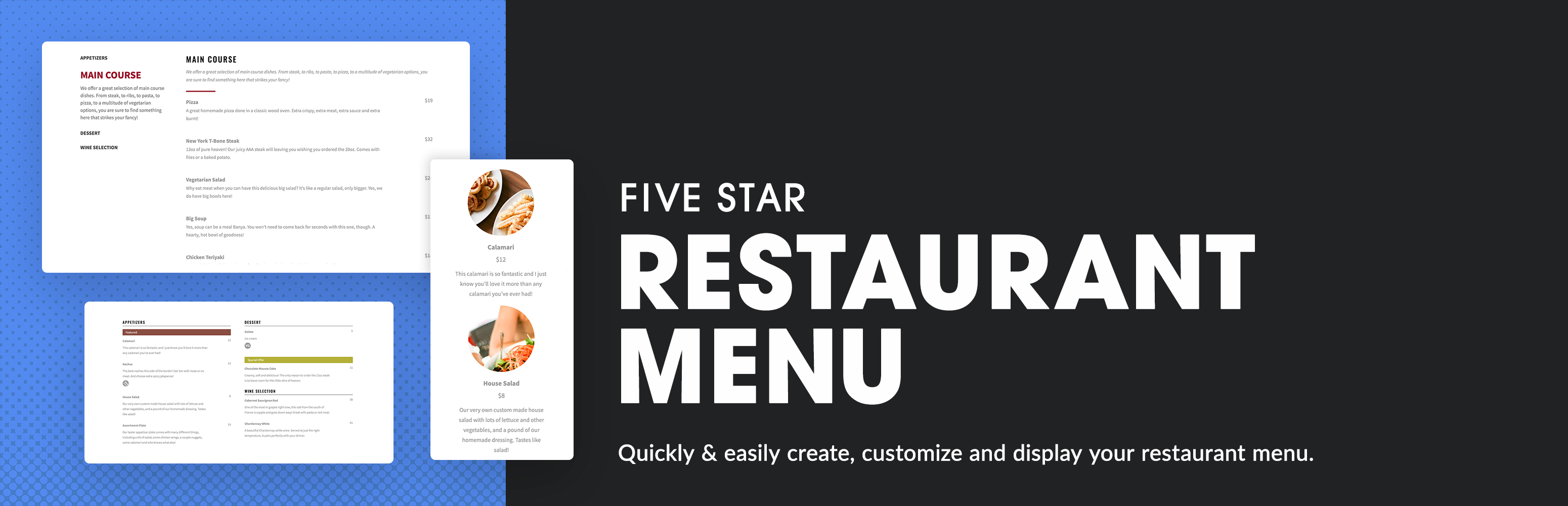
Restaurant menu and food ordering system that is easy to set up and integrates with any theme. Includes restau...

Stop Losing Customers Due to Confusing Pricing - Transform confused visitors into paying customers with crysta...

Restaurant menu plugin for WordPress with food menu display, online food ordering, free table reservation, tip...

A Restaurant Plugin (not only for Pizza). Maintain your Menu (sizes, prices, categories). Accept COD orders. M...

Food Store is complete online food ordering platform with all your favourite WooCommerce functionalities.