PublishPress Revisions: Duplicate Posts, Submit, Approve and...
Control how published content is updated. Users can duplicate posts and submit changes. Then editors can approve, reject or schedule those changes.
The facts
- Rating
- 4.6★ from 64
- Active installs
- 10k+
- Price
- Free
- Last updated
- 19 Aug 2026
- Added
- Dec 2009
- Requires WP
- 5.5
- Tested up to
- WP 7.1
- Requires PHP
- 7.2.5
- Downloads
- 799,831
Our analysis
AI-assistedPublishPress Revisions is a WordPress plugin designed for managing content changes efficiently. It allows users to submit change requests for published posts, which are stored in a 'Revision Queue' until approved or rejected by administrators. Users can also schedule these changes to be published at a future date.
The plugin integrates with the standard WordPress editor, including Gutenberg and the Classic Editor, making it accessible for users familiar with the platform. It is suitable for sites that require a structured process for content updates and approvals.
Best for: This plugin is best for WordPress sites that need a controlled process for content updates and approvals.
What it does well
- ✓Allows users to submit change requests for posts
- ✓Stores changes in a 'Revision Queue' for moderation
- ✓Enables scheduling of future updates
- ✓Compatible with Gutenberg and Classic Editor
- ✓Includes a frontend moderation feature
Where it falls short
- •Limited to the features described; no additional information provided
Verdict
PublishPress Revisions offers a straightforward solution for managing content changes, making it useful for teams or individuals who require oversight on updates.
From the developer
PublishPress's own description of PublishPress Revisions: Duplicate Posts, Submit, Approve and..., lightly tidied.
PublishPress Revisions is the ultimate tool for making content changes. Users get a safe space to work on content updates. When the changes are ready, they can ask for approval to publish the update. Administrators can approve or reject the changes. They can also schedule them to go live in the future.
Your users can update posts using the normal WordPress editor, but their changes will not be published automatically. Instead, the changes are stored in a “Revision Queue”. The changes can be approved, rejected or scheduled. PublishPress Revisions works with the familiar WordPress interface, including Gutenberg and the Classic Editor.
PublishPress Revisions Pro
Upgrade to Revisions Pro
This plugin is the free version of the Revisions Pro plugin. The Free version of PublishPress Revisions supports the WordPress core. The Pro version of PublishPress Revisions supports ACF, Yoast SEO, PODS, WooCommerce, WPML, Elementor, Beaver Builder, and many more plugins and themes. Click here to purchase the best premium WordPress content update plugin now!
Submit Change Requests for Posts
PublishPress Revisions allows your users to submit change requests for published posts. Your users can update posts using the normal WordPress editor, but their changes will not be published automatically. Instead, the changes are stored as a “pending revision” that can be approved or rejected.
Schedule Future Updates to Posts
PublishPress Revisions allows you to schedule WordPress revisions to be published in the future. When you’re editing a published post, all you need to do is select a future date and click “Schedule Revision”. Your changes will be published at the specified time.
Manage and Moderate Changes to Content
After you create a revision with PublishPress Revisions, you can find that revision on the Revision Queue screen. This screen shows you all the revisions that have been submitted for approval. Underneath each duplicate post you can choose from several moderation tools: Edit, Delete, Preview and Compare.
Click here to see how to manage and moderate revisions.
Compare Current and Former Versions
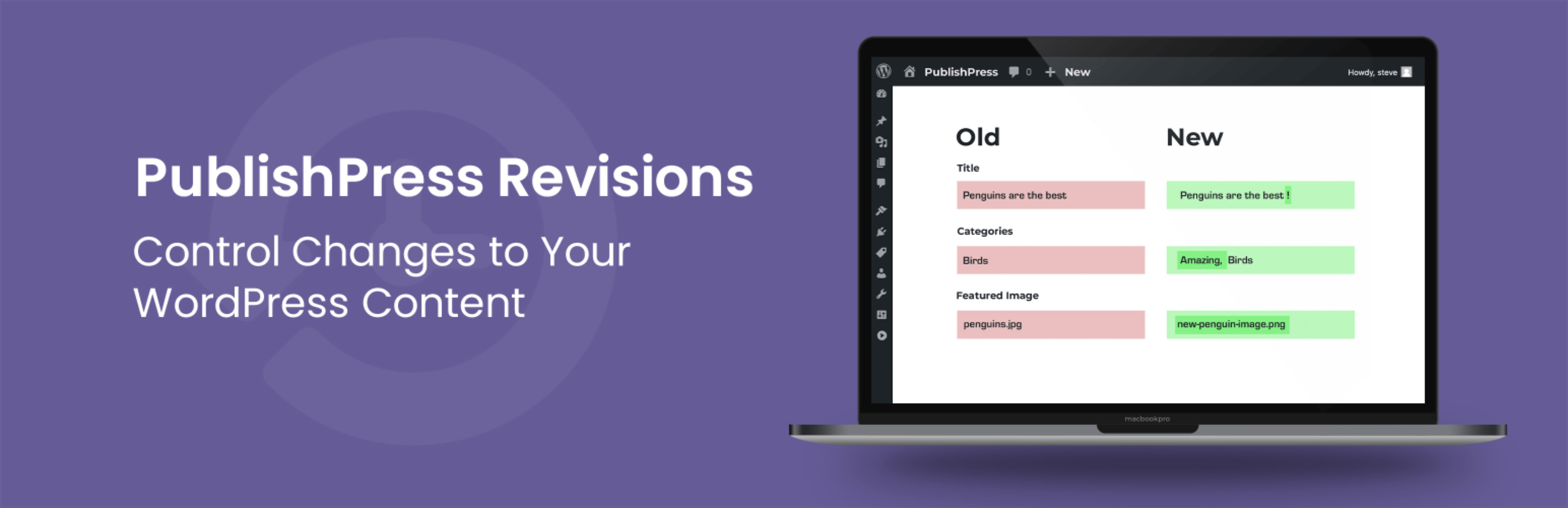
Pending and Scheduled Revisions can include changes to post content, categories, tags, featured image, page parent and other options. Each of these changes can be reviewed in the familiar Compare Revisions interface.
Frontend Moderation of Content Changes
It is possible to preview and moderate revisions via the frontend of your WordPress site. If you click Preview for a pending revision, you’ll see a toolbar across the frontend of the site. This toolbar will change color so you can easily know the status of the revision. For example, if you’re looking at a pending revision, the toolbar will be green. For scheduled revisions, the toolbar will be grey.
Click here to see how to manage from the frontend of your site.