
WPCode
93Easily add code snippets in WordPress. Insert header & footer scripts, add PHP code snippets with conditio...
Free
3M+ installs 4.9★ (1,873)
Disable right click to protect your content. Blocks text copying, image dragging, keyboard shortcuts, F12 and developer tools access.
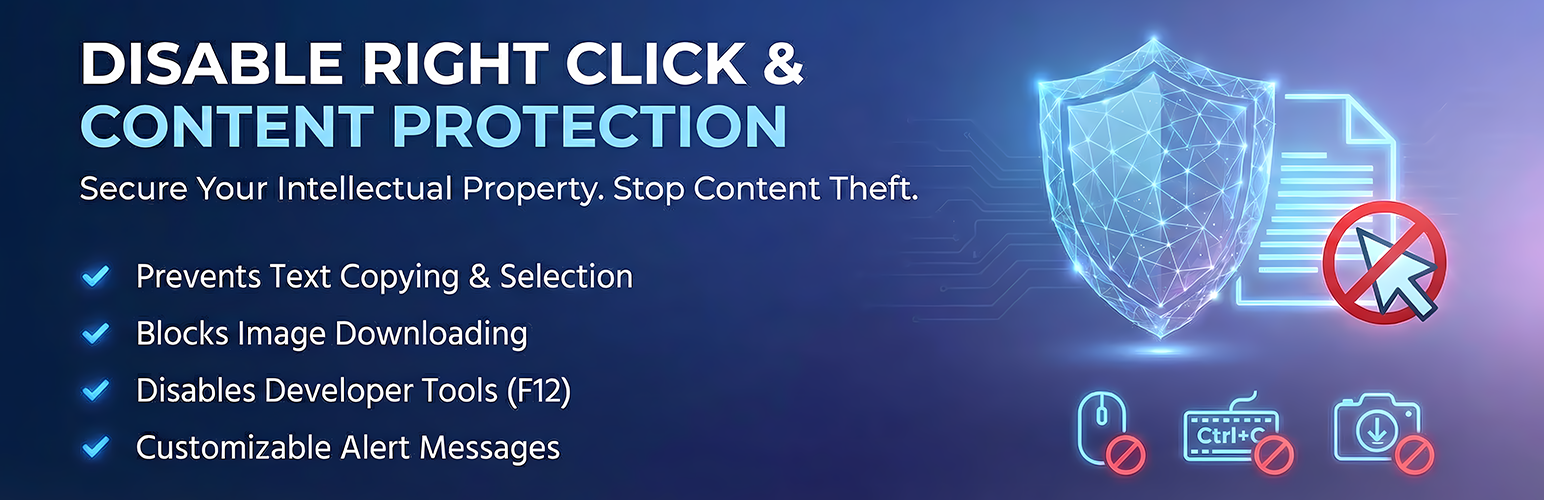
Right Click Ban is a WordPress plugin designed to protect website content from casual copying and theft. It disables right-click context menus, blocks text selection, prevents image dragging, and stops common keyboard shortcuts. The plugin aims to deter individuals from copying content using standard browser actions.
This plugin is suitable for photographers, artists, bloggers, online course creators, and business owners who wish to safeguard their original content. It offers a straightforward installation process, allowing users to activate protection features immediately without impacting site performance.
Best for: Website owners looking for a simple solution to protect their content from being copied.
What it does well
Where it falls short
Right Click Ban provides an effective way to deter content theft for various types of website owners. It is a straightforward tool for those prioritising content protection.
A WP Life's own description of Right Click Ban, lightly tidied.
Right Click Ban is a lightweight WordPress plugin that helps you protect your website content from casual copying and theft. It disables the right-click context menu, blocks text selection, prevents image dragging, and stops common keyboard shortcuts — all without slowing down your site.
If you have ever found your blog posts, photos, or product descriptions copied onto another website, you know how frustrating content theft can be. Right Click Ban gives you a simple way to fight back. Once activated, it adds a layer of protection that deters the vast majority of people who try to copy your content using everyday browser actions.
Buy Pro – Right Click Ban Content Protection Pro →
Just install it, toggle the features you want, and your content starts being protected immediately.
Here is what makes it different:
Right Click Ban includes a generous set of features in the free version — enough for most websites to feel confident their content is being actively protected.
🛡️ Right Click Protection
Blocks the browser context menu so visitors cannot use “Save Image As,” “Copy,” “View Page Source,” or other right-click options. You can show a custom message when someone tries, or block it silently.
🔒 Text Selection Blocking
Prevents visitors from highlighting and copying your text using click-and-drag selection. Great for protecting long-form content like blog posts and articles.
🖼️ Image Drag Prevention
Stops users from dragging your images to their desktop, another tab, or into a file manager to save them.
🔗 Link Drag Prevention
Prevents hyperlinks from being dragged to bookmarks, browser tabs, or external applications.
Other plugins for developer tooling.
Easily add code snippets in WordPress. Insert header & footer scripts, add PHP code snippets with conditio...

Easily add tracking code snippets, conversion pixels, or other scripts required by third party services for an...

Duplicate post, post order, image resize, email via SMTP, admin menu editor, custom css / code, disable gutenb...

Create custom "Shortcodes" easily for HTML, JavaScript, CSS code snippets and use the shortcodes wit...

Add PHP code to your pages and posts easily using shortcodes.

An easy, clean, and simple way to enhance your site with code snippets.