
Responsive slider plugin to create sliders in visual editor easily. Build beautiful image slider, layer slider...
Free
800k+ installs 4.9★ (1,123)
Robo Gallery is a powerful image gallery and photo gallery plugin with advanced features to create responsive galleries with a beautiful lightbox
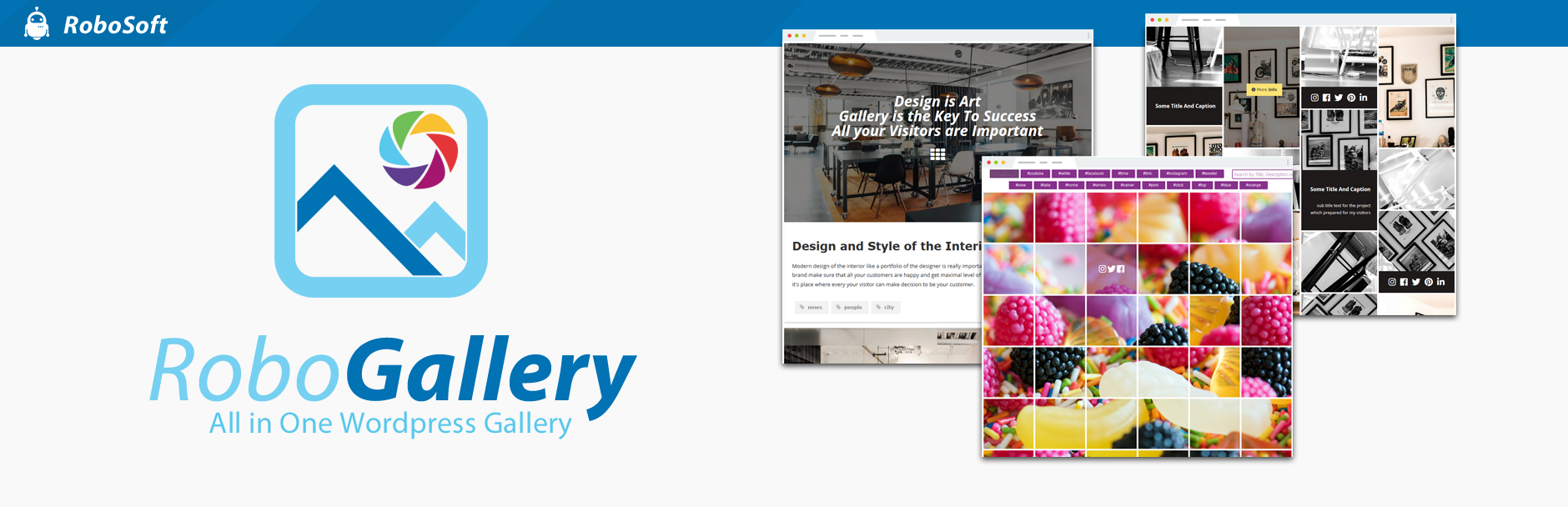
Robo Gallery is a WordPress plugin designed to create image galleries that are visually appealing and responsive across devices. It offers various layout options, including flexible grids and advanced navigation features, allowing you to customise how images are displayed and interacted with on your site.
The plugin supports unlimited albums and integrates social sharing options, making it suitable for users looking to enhance their websites with engaging photo and video galleries. It is particularly useful for those in the music and band niche, or anyone who wants to showcase images and videos effectively.
Best for: This plugin suits websites that require visually engaging galleries, particularly in the music and band sector.
What it does well
Where it falls short
Robo Gallery provides a range of features for creating custom image and video galleries, making it a practical choice for users looking to enhance their site's visual content.
robosoft's own description of Robo Gallery, lightly tidied.
A gallery on your website is more than just a visual element – it plays an important role in how images are presented and how users interact with your content. If you are looking for a fast, lightweight, and easy-to-use image gallery plugin with a clean, modern, and customizable design, this plugin provides a practical solution. It allows you to create image galleries that adapt to different layouts, integrate smoothly with your website’s style, and maintain stable performance across devices.
Work with flexible grid layouts using the Fusion Grid, designed to support different gallery structures and visual styles. Choose from horizontal masonry and vertical masonry for dynamic image placement, a redesigned mosaic layout, or a justify gallery for consistent image alignment. The enhanced polaroid mode includes an extended content panel that supports image descriptions, action buttons, and social sharing elements, allowing you to build a structured and visually engaging photo gallery.
The grid system includes dynamic layout modes that automatically adapt image galleries for a responsive experience across different devices, including desktops, tablets, and smartphones. Hover animations are adjusted to maintain smooth interaction and consistent behavior on various screen sizes. Layouts, hover effects, and the lightbox are configured to work reliably on mobile devices, supporting high-resolution images on Retina and Ultra HD displays, including large image sizes.
Use flexible navigation and linking options to control how users browse your gallery. Choose between “Load More” pagination, classic multi-page pagination, or infinite lazy loading for progressive image loading. Improve navigation with breadcrumbs, search, and tag-based filtering. You can create albums and cover galleries, combine linked images, lightbox images, and videos within a single gallery, and assign custom links to individual images to direct visitors to specific pages or external resources.
The lightbox includes fullscreen and slideshow modes to support comfortable image viewing. It provides options for social sharing, zoom, and download, and can display image titles and descriptions, helping users interact more effectively with photo and image galleries.
Create albums with multiple nesting levels to organize galleries in a structured way. You can build cover galleries that contain only albums, organize content using nested albums, and include photos, linked images, and videos. This allows you to combine different media types within image galleries while keeping content clearly organized.
Add hover-based social sharing across more than 20 platforms, including Facebook, Telegram, LinkedIn, Reddit, WhatsApp, Pinterest, Twitter, and others. Social sharing options can be used within hover effects, polaroid layouts, and lightbox views, helping visitors share images and videos across popular social networks.
Display videos from multiple sources, including YouTube playlists and channels. The video gallery supports platforms such as Facebook, Twitch, Vimeo, SoundCloud, and Wistia, allowing you to include video content alongside image galleries.
The plugin uses optimized code and caching options to support efficient loading and consistent performance. Customizable links can be used within the gallery to connect images with relevant pages or resources. Support for image alt text helps improve accessibility and contributes to clearer image descriptions for search engines.
With a wide range of gallery configuration options, this photo gallery plugin allows you to control how images, photos, and albums are displayed. You can choose from multiple gallery types, including grid, masonry, justify, mosaic, polaroid, and slider, to present your photo gallery or image gallery in different layouts. Available features include the fusion grid, horizontal masonry, vertical masonry, advanced polaroid styles, configurable hover effects, and a lightbox with fullscreen, slideshow, and download options, giving you flexible ways to customize your galleries.
Enhance your gallery with a built-in image lightbox designed to display images, photos, and videos in a responsive interface. The photo lightbox supports external sources such as YouTube, Facebook, Twitch, Streamable, Vimeo, Wistia, Mixcloud, and DailyMotion, allowing you to include different media types within your image gallery. You can configure titles and descriptions, enable slideshow mode with play and stop controls, and use zoom, fullscreen, and image download options. Social sharing features allow visitors to share images directly from the lightbox.
Enhance your photo gallery with a set of hover animations that add interactive behavior to images. Hover effects support transitions, layout customization, and options to display titles, descriptions, zoom controls, and link buttons. Some hover modes include social sharing functionality, helping users share images from the gallery. The hover template mode allows you to extend hover layouts using custom HTML and CSS, providing additional control over how galleries are presented.
Showcase images using a portfolio-style gallery with several layout options, including regular grid, masonry, mosaic, and justified views. The classic polaroid gallery displays image descriptions below thumbnails, providing a distinctive presentation for photo galleries. The enhanced polaroid mode extends customization options by allowing content panels to be placed on any side of the thumbnail top, left, right, or bottom. These panels can include titles, descriptions, lightbox controls, social sharing icons, zoom options, and custom links, giving you flexible ways to structure an image gallery.
The gallery layouts are designed to adapt to different screen sizes, including smartphones, tablets, and desktop devices. Photo gallery views such as grids, masonry, and mosaic layouts adjust automatically for responsive display. Support for high-resolution images on Retina and Ultra HD displays allows images to remain clear on modern screens. Hover animations are adjusted for mobile interaction, and the lightbox, navigation, and user interface are structured to support browsing on both mobile and desktop devices.
Organize photo galleries using albums with multiple nesting levels to structure images, albums, and videos. You can build cover galleries that contain only albums or combine albums with photos, linked images, and embedded videos. This makes it possible to create multi-level image galleries with clear navigation and structured access to content. Layout options can be adjusted to fit different use cases, from compact album structures to larger album collections, supporting a wide range of gallery organization needs.
Other plugins for photo galleries.
Responsive slider plugin to create sliders in visual editor easily. Build beautiful image slider, layer slider...

Slider, gallery, carousel plugin for WordPress. Build your image slider, video slider, post slider, YouTube sl...

FooGallery is a fast, responsive photo gallery and image gallery plugin with 7 gallery layouts, built-in light...

Formerly Easy Fancybox. The most popular WordPress lightbox plugin. Simple, fast, and responsive. Opens images...

The most popular lightbox plugin and responsive gallery builder for WordPress.

The Feeds for YouTube plugin allows you to display customizable YouTube feeds from any YouTube channel.