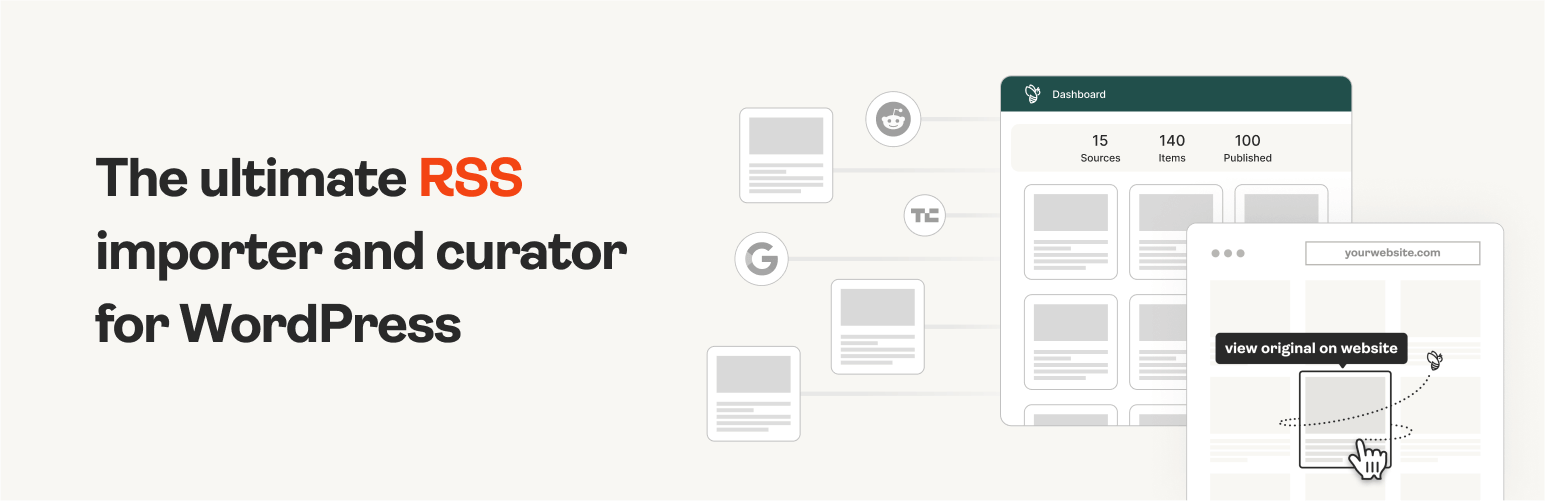
The #1 WordPress RSS aggregator to quickly import RSS feeds, build a news aggregator, and for easy autobloggin...
Free
40k+ installs 4.5★ (562)
Show RSS Feed on your posts and pages with shortcode to show and display single and multiple RSS feeds blocks like Popurls, Alltop, Netvibes.

RSS Feeds News Blocks is a WordPress plugin that allows you to fetch and display multiple RSS feeds in a column format using shortcodes. You can control various display options, such as showing the full content or excerpts, the number of words in excerpts, and whether links open in a new window.
This plugin is suitable for users looking to aggregate news or content from various sources on their WordPress site. It offers flexibility in how feeds are presented, making it a useful tool for news, magazine, or content-heavy websites.
Best for: This plugin suits users who want to display aggregated news or content from various RSS feeds on their WordPress site.
What it does well
Where it falls short
RSS Feeds News Blocks provides basic functionality for displaying RSS feeds, but its outdated status may limit compatibility with newer WordPress versions.
onigetoc's own description of RSS Feeds News Blocks, lightly tidied.
This plugin fetchs RSS feed, or multiple feeds, and displays them in columns blocks list using shortcode.
Features:
- Fetch as many RSS feeds as you want
- Display the RSS feed wherever you want using shortcode, including text widgets
- Control whether to display the entire RSS feeds content or just an excerpt
- Control how many words display in the excerpt
- Control whether it has a Read more link or not
- Control whether links open in a new window or not
- Simple, lightweight, and fast
- Easy to setup
- Set cache time (in seconds)
- Control order of items
- Responsive for mobiles and tablets. Choose between 1 to 6 columns width
- Translation ready (Anglish, Français). Please share your own translation here
- Show NEW items of the day with a cool orange dot at the right of each daily NEW items
PRO version
- Show more or show less items link Popurl
- Fetch thumbnail or first image
- Control thumbnail’s size
- Show/Hide descriptions with the +/- Minimize and Maximize button
- Find and show RSS Favicons and Icons
Altnews.top was created with the RSS Feeds News Blocks pro version plugin (RFNB) : AltNews.top
Pro version Newspaper (Huffington post style): AltNews.top *shortcode newspaper=”1″*
[newsblocks url="https://fr.sputniknews.com/export/rss2/archive/index.xml,http://feeds.feedburner.com/elise/simplyrecipes,http://feeds.feedburner.com/boingboing/ibag,feeds.bbci.co.uk/sport/0/football/rss.xml,http://feeds.feedburner.com/readwriteweb,http://feeds.reuters.com/reuters/topNews" items="10" excerpt="50" new_window="true" cache="10800" source="true" columns="3"]
Properties:
- url – The url of the feed you wish to fetch from. For multiple urls simply use a comma between them.
- items – Number of items from the feed you wish to fetch (Default is 10)
- orderby – Order the items by date or reverse date (date or date_reverse)
- title – Whether to display the title or not (true or false, defaults is true)
- excerpt – How many words you want to display for each item (Default is 0 or infinite, use ‘none’ to remove the excerpt)
- read_more – Whether to display a read more link or not (true or false, defaults is true)
- new_window – Whether to open the title link and read more link in a new window (true or false, defaults is true)
- source – Whether to display the source or not (true or false, defaults is true)
- date – Whether to display the publish date or not (true or false, defaults i true)
- cache – How long you want the feed to cache the results in seconds (Default is 43200, (12 hours)). The first loading will be slow but it will be cached for the time you setup
- merge – merge all RSS Feeds in show feed by date by default (true or false, defaults is false)
- blocktitle – use this to enter your own title at the beginning of the feed like: News Press
PRO version
- tooltip – Show description in tooltip like Popurls, Alltop, Netvibes (true or false, defaults is false)
- max_items – Use this options for the show more items link. EX: items=”10″ max_items=”15″ It will show 10 items and will reveal 5 more items when the user will click ↓ Show more.
- thumbnail – Whether or not you want to display a thumbnail, and if so, what size you want it to be(true or false, defaults is true. Inserting a number will change the size, default is 150)
- newspaper – Choose between News papers styles (1 or 2) Huffington style Demo | Huffington Merged style Demo | Drudge Repport Demo
- splash – Splash news on top. Give a Unique name / ID in this options to show the right Splash News on top of all Newsfeeds block. First news appear on top with a big title and big image like the Huffington Post or Drudge Repport (true or false, defaults is false) In merge mode option, You should add the splash option only to the first feeds inside the [newsblocks-merge] shortcode (see below)
- imgtop – Show image before or after title, if true, the image will be before the feed item title (true or false, defaults is false)
- lazyload – Use RSS Feeds News blocks with a lazy load plugin like Lazy Load XT (the best one to me) (true or false, defaults is false) Or use any lazy load plugin who use the data-src tag to work with RFNB like data-src=”img/image.jpg”
[newsblocks-merge]
[newsblocks url="http://feeds.feedburner.com/breitbart,http://tempsreel.nouvelobs.com/rss.xml,http://www.veteranstoday.com/feed/,https://sputniknews.com/export/rss2/archive/index.xml,https://www.rt.com/rss/,http://www.lifezette.com/feed/,http://rss.radio-canada.ca/fils/nouvelles/nouvelles.xml,https://conservativedailypost.com/feed/" items="10" max_items="15" excerpt="22" new_window="true" thumbnail="true" cache="10800" source="false" columns="3" newspaper="1" merge="true" blocktitle="Alternative news" splash="latest"]
[newsblocks url="https://feeds.feedburner.com/zerohedge/feed,http://www.independent.co.uk,http://russia-insider.com/en/taxonomy/term/191/all/feed/,http://wearechange.org/feed/,http://theantimedia.org/feed/" items="10" max_items="15" excerpt="22" new_window="true" thumbnail="true" cache="10800" source="false" columns="3" newspaper="1" merge="true" blocktitle="politic"]
[newsblocks url="http://feeds.feedburner.com/wmexperts,https://www.cnet.com/rss/news/,http://feeds.gawker.com/lifehacker/full,https://www.smashingmagazine.com/feed/,http://www.androidpolice.com/feed/" items="10" max_items="15" excerpt="22" new_window="true" thumbnail="true" cache="10800" source="false" columns="3" newspaper="1" merge="true" blocktitle="technology"]
[/newsblocks-merge]
Please post any issues under the support tab. If you use and like this plugin, please don’t forget to rate it! Additionally, if you would like to see more features for the plugin, please let me know.
Other plugins for aggregating content.
The #1 WordPress RSS aggregator to quickly import RSS feeds, build a news aggregator, and for easy autobloggin...
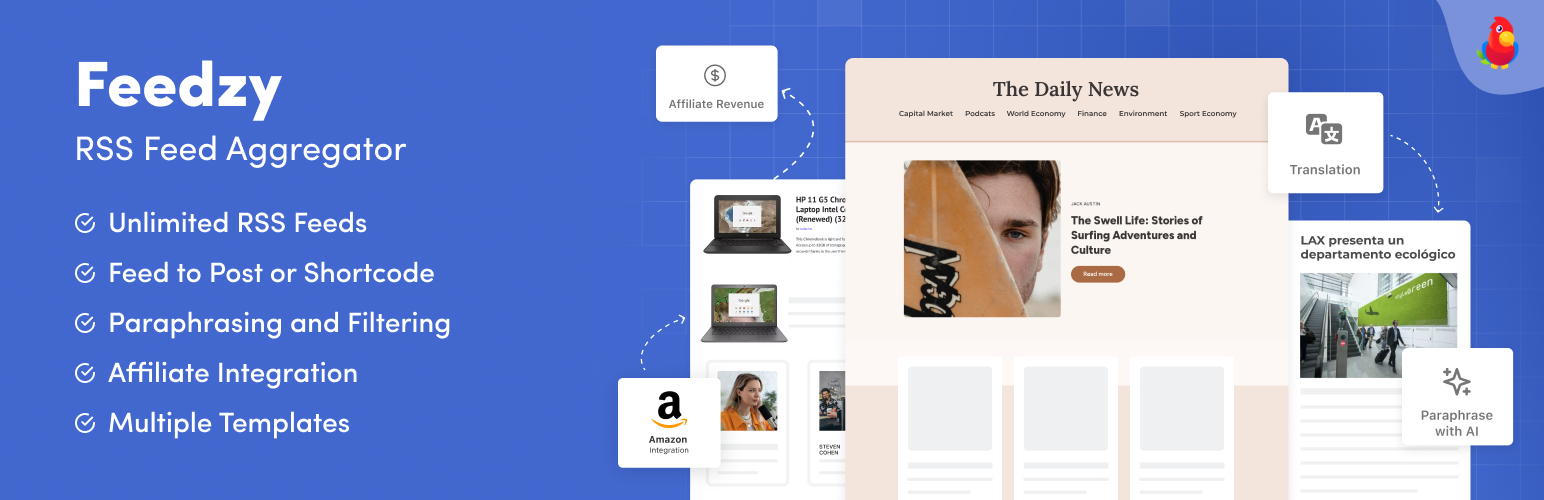
The most powerful WordPress RSS aggregator, helping you curate content, autoblog, import RSS & display unl...

Ditty offers a range of content display options, including its signature news ticker and customizable layouts.

Podcasting the way it's meant to be. No mess, no fuss - just you and your content taking over the world.

GN Publisher makes RSS feeds that comply with the Google News RSS Feed Technical Requirements for including yo...

Hide posts or WooCommerce products from the homepage, archives, search, RSS, REST API, sitemaps and SEO tools...