
WPThumbs
Themes Plugins By purpose By industry Best-of lists Fix it guides
Free Plugin by CleanTalk Inc v2.186

Security Plugin, Firewall & Malware Scanner with Auto Remova...

Protect WordPress from malware, hackers, brute-force attacks & suspicious traffic. Includes firewall, login security, 2FA & vulnerability checks.
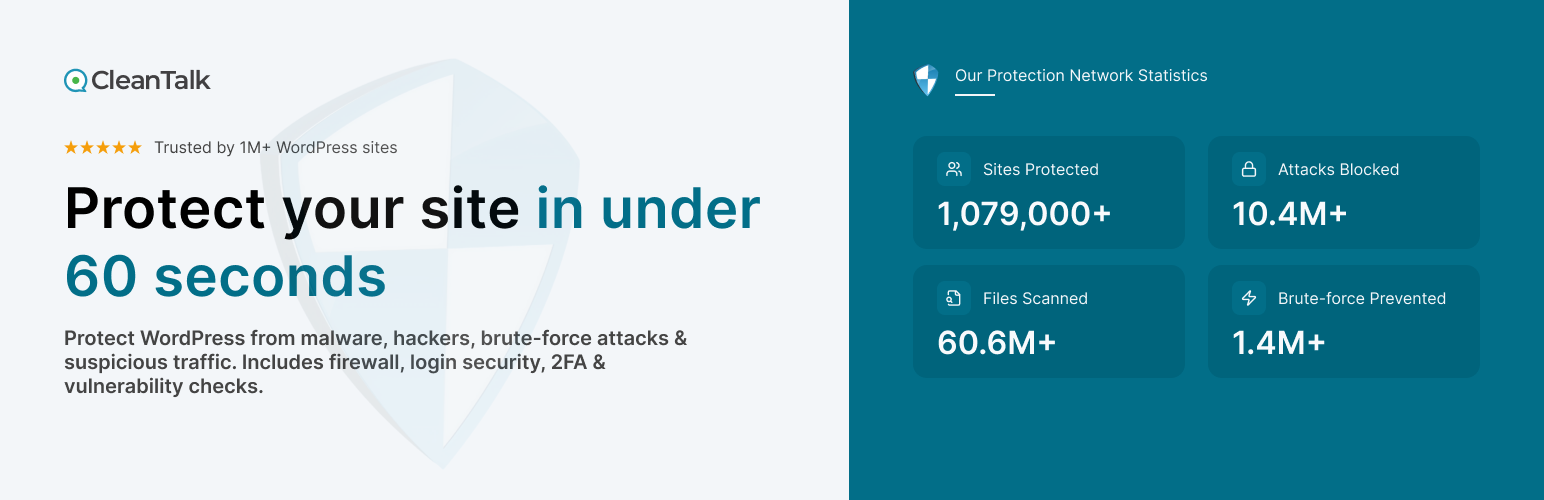
Security Plugin, Firewall & Malware Scanner with Auto Remova...

The facts

Rating
4.8★ from 389
Active installs
40k+
Price
Free
Last updated
17 Aug 2026
Added
Aug 2016
Requires WP
5.0
Tested up to
WP 7.1
Requires PHP
7.2
Downloads
2,943,237

Our analysis

AI-assisted

The Security Plugin, Firewall & Malware Scanner with Auto Removal is a WordPress plugin designed to enhance the security of your website. It provides features such as brute force protection, login security, two-factor authentication, and a malware scanner that includes an auto-removal function. The plugin aims to protect against common security threats while maintaining site performance.

This plugin is suitable for WordPress users looking for a comprehensive security solution without the need for a premium version. It offers various security features, including limiting login attempts, custom login URLs, and real-time traffic monitoring, making it a robust choice for users concerned about website security.

Best for: This plugin is best for WordPress site owners seeking a free and comprehensive security solution.

What it does well

  • Includes brute force protection and login security features
  • Offers two-factor authentication for added security
  • Provides a malware scanner with auto-removal capabilities
  • Real-time traffic monitoring and security audit log available
  • Completely free to use with no premium version

Where it falls short

  • No detailed information on user experience or support
  • Limited information on performance impact

Verdict

The Security Plugin offers a wide range of features for protecting WordPress sites. It is a solid option for users looking for effective security measures without any cost.

From the developer

CleanTalk Inc's own description of Security Plugin, Firewall & Malware Scanner with Auto Remova..., lightly tidied.

Brute force, Login security & Two Factor Auth (2FA). Limit login. Malware & Vulnerabilities scan. FireWall. Enterprise ready security plugin.

Security Plugin by cleantalk (spbct)

We focus on eliminating the most common security threats for WordPress. At the same time, we strive to ensure that site performance remains unaffected. To achieve this, each release goes through automated and expert-driven testing pipelines. We also verify performance using Google PageSpeed Insights and GTMetrix. Typically, we release a new version twice a month to keep features up to date and protection strong.

Security features

  • Limit Login Attempts and rate limits for logins.
  • Two Factor Authentication (2FA)
  • Custom wp-login URL (wp-login.php)
  • Hide Login Default Login Page
  • Disable or Stop User Enumeration
  • Brute force protection for WordPress accounts and passwords
  • Security Protection for WordPress login form
  • Security FireWall by IP, Networks, or Countries
  • Web Application Firewall (WAF)
  • Real-time traffic monitor (Visitors per pages, IPs, Countires and hits counts per page)
  • Malware scanner with auto-cure function
  • Daily auto malware scan
  • Vulnerabilities scanner among installed plugins and themes
  • Security weekly reports to email
  • Notifications of login events to your website

Free trial then $9 per year

CleanTalk is a Cloud security service that protects your website from online threats and provides you great security instruments to control your website security. We provide detailed security stats for all of our security features to have a full control of security.

We believe the most honest approach is when every user pays a small fee for using the service, rather than relying on a freemium model where some users subsidize others. The fee is as low as price of a good cup of coffee! So, the security plugin does not have a PRO version-it is completely free and works in combination with our premium Cloud security service at cleantalk.org. Every user has full access to all features of both the service and the plugin. Also, please take a note about WordPress.org policy

Brute force protection

Our default anti–brute-force policy works as follows,

  • For any failed login attempt to the WordPress admin area, the plugin introduces a brief delay of a few seconds.
  • The plugin reviews the security audit log every hour. If any IP address records 10 or more login attempts in that period, it will be blocked for 24 hours.

All brute force protection functions

  • Maximum failed attemtps to login before ban (default is 5). A failed attempt happens when either the login or password is incorrect.
  • Time frame to count login attempts (default is 15 minutes).
  • Ban to login time frame from 2 minutes to 24 hours (default is 1 hour).
  • Two-factor authentication (2FA) with abillity to apply policy to specific users roles.
  • Prevent collecting of login on password reset error. The option exclude the info about the login existing on password change error. Error message will be replaced with followed text: “If the user with the specified credentials exists, check your email for the password reset confirmation link. Then visit login page.”
  • Security Audit Log. Keeps track of actions in the WP Dashboard to let you know what is happening on your blog. With the Security Audit Log is very easy to see user activity in order to understand what changes have done and who made them. Security Audit Log shows who logged in and when and how much time they spent on each page.
  • Two Factor Authentication (2FA). It requires a bit of your time but Two Factor (2 Step) Authentication immediately gives a much higher level of security.With your first authorization, the CleanTalk Security plugin remembers your browser and you won’t have to input your authorization code every time anymore. However, if you started to use a new device or a new browser then you are required to input your security authorization code. CleanTalk security plugin will remember your browser for 30 days.
  • Change the URL of the wp-login page. This option helps you change the default wp-login URL (wp-login.php). Hackers use scripts for massive brute-force attacks, and since most sites use a default login page URL, hackers configure scripts for such URLs. When you change the URL of the authorization page, hackers will not have the opportunity to perform brute-force attacks in scripts in automatic mode. This option does not change files and does not rewrite URLs in system files. To return the address of the default authorization page, it is enough to disable the option in the plugin settings or set a new value. If you are using caching plugins, then you need to add a new authorization page in the caching exceptions.
  • Leaked password check. This feature enhances your website’s security by continuously monitoring users’ passwords for potential exposure in known data breaches and on the dark web. It works in the background and requires no action from users unless a leak is detected.

Security Firewall

To enhance the security of your site, you can use the CleanTalk Security FireWall, which will allow you to block access by HTTP/HTTPS to your website for individual IP addresses, IP networks and block access to users from specific countries. Use personal BlackList to block IP addresses with a suspicious activity to enhance the WordPress security.

Security FireWall may significantly reduce the risk of hacking and reduces the load on your web server. CleanTalk Security is fully compatible with the most popular VPN services. Also, CleanTalk security supports all search engines Google, Bing, Yahoo, Baidu, MSN, Yandex, and etc.

Read the full description on the official page →

Tagged as

Alternatives

Other plugins for securing a site.

Really Simple Security

Easily improve site security with WordPress Hardening, Two-Factor Authentication (2FA), Login Protection, Vuln...

Free 3M+ installs 4.9★ (8,862)
Wordfence Security

Firewall, Malware Scanner, Two Factor Auth, and Comprehensive Security Features, powered by our 24-hour team....

Free 5M+ installs 4.7★ (4,983)
Akismet Anti-spam: Spam Protection

The best anti-spam protection to block spam comments and spam in a contact form. The most trusted antispam sol...

Free 5M+ installs 4.7★ (1,186)
Loginizer

Loginizer is a WordPress security plugin which helps you fight against bruteforce attacks.

Free 1M+ installs 4.8★ (1,030)
Safe SVG

Enable SVG uploads and sanitize them to stop XML/SVG vulnerabilities in your WordPress website.

Free 1M+ installs 4.9★ (79)
All-In-One Security

Protect your website investment with All-In-One Security (AIOS) – a comprehensive and easy to use security plu...

Free 1M+ installs 4.7★ (1,715)