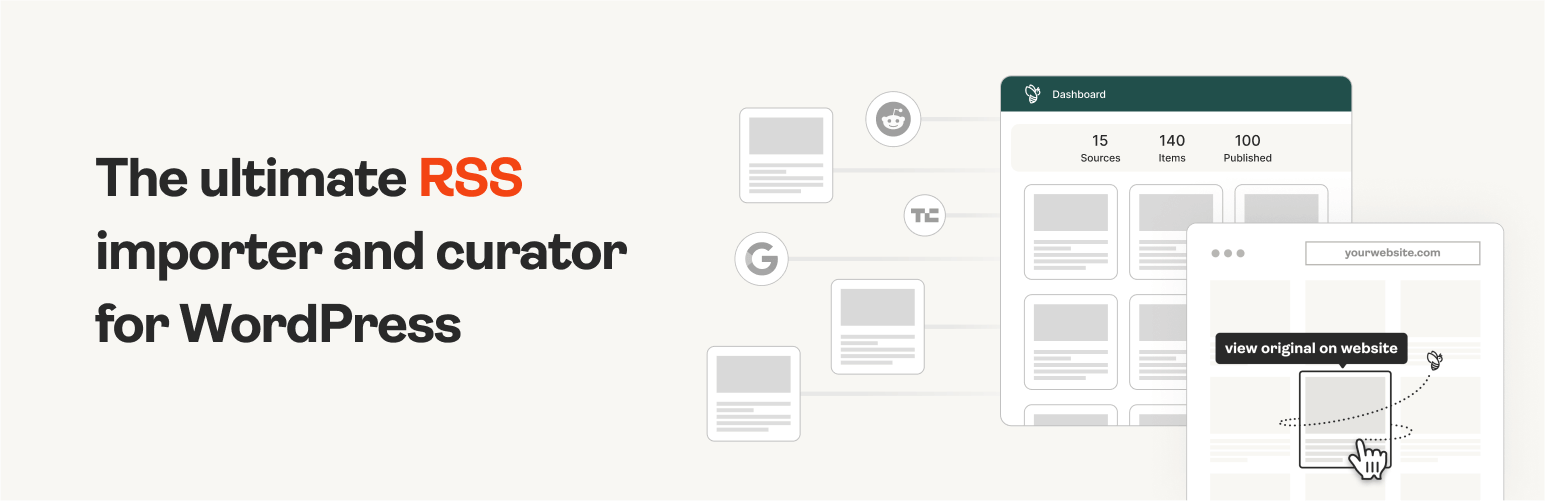
The #1 WordPress RSS aggregator to quickly import RSS feeds, build a news aggregator, and for easy autobloggin...
Free
40k+ installs 4.5★ (562)
Improve your RSS: for full text feeds, replace large site images with email friendly images. Customize summaries with images and beautiful excerpts.

Send Images to RSS is a WordPress plugin designed to optimise images in RSS feeds for email compatibility. It replaces large images with smaller, email-friendly versions and adds appropriate markup to enhance display across various email clients.
The plugin caters to both full text and summary RSS feeds, allowing users to customize featured images, set excerpt lengths, and add 'read more' links. It is suitable for website owners looking to improve the presentation of their RSS content in email campaigns.
Best for: Website owners who want to enhance their RSS feeds for email marketing.
What it does well
Where it falls short
Send Images to RSS provides useful features for optimising RSS feeds for email, but users should ensure compatibility with their specific setup.
Robin Cornett's own description of Send Images to RSS, lightly tidied.
Send Images to RSS bridges the gap between large websites and small emails, by replacing images in your feed with smaller, email friendly images, and attempting to add markup which email clients can handle.
Between larger monitors, retina screens, and better image optimization, the images we serve up on our websites are larger than they’ve ever been. RSS to email services such as MailChimp, however, are constrained to what email clients can display, which is small, small, small. And although it’s possible to try to style images with a max-width in your emails, not all clients will honor it (I’m looking at you, Outlook).
Send Images to RSS makes it easy to create beautiful, email friendly RSS campaigns, with minimal setup required, regardless of your feed setup.
If your site’s RSS feed is set to Full Text, this plugin makes sure your emails look more like your website:
If you’ve used Summaries as your RSS feed settings, this plugin has not been for you. Until now. As of 3.0.0, Send Images to RSS brings the awesome to you, too. Here’s the magic for your Summary feed:
This plugin should work with any theme. Some themes and plugins do modify the feed for their own purposes. Where possible, I’ve tried to account for them:
NOTE: it is up to you to check that your feed output is still working, especially in your email system of choice, once it’s installed. I’ve attempted to set it up to handle XHTML or HTML5, and function even if your feed is wonky, but please double check, and let me know if you have issues, and if so, what specifically they are.
Special thanks to Gretchen Louise for her summary feed contributions.
Spanish translation offered by Web Hosting Hub
Other plugins for aggregating content.
The #1 WordPress RSS aggregator to quickly import RSS feeds, build a news aggregator, and for easy autobloggin...
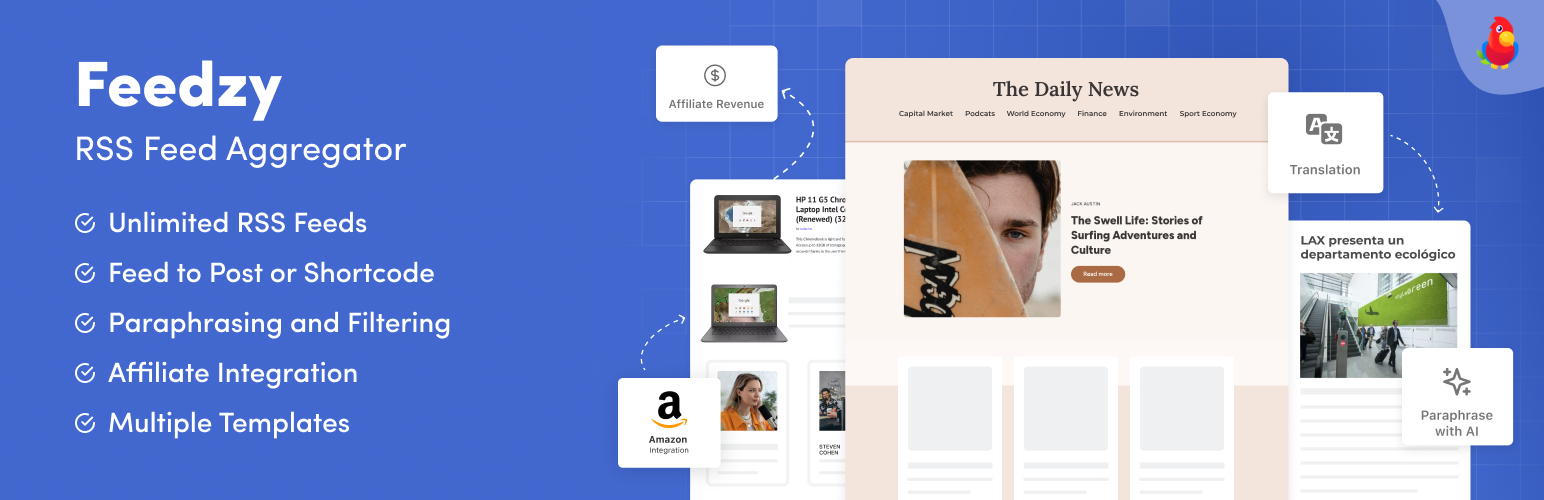
The most powerful WordPress RSS aggregator, helping you curate content, autoblog, import RSS & display unl...

Ditty offers a range of content display options, including its signature news ticker and customizable layouts.

Podcasting the way it's meant to be. No mess, no fuss - just you and your content taking over the world.

GN Publisher makes RSS feeds that comply with the Google News RSS Feed Technical Requirements for including yo...

Hide posts or WooCommerce products from the homepage, archives, search, RSS, REST API, sitemaps and SEO tools...