Sequential Order Numbers for WooCommerce
Sequential Order Numbers for WooCommerce – Plugin for change woocommerce orders number. Create your own order number type.
The facts
- Rating
- 4.9★ from 15
- Active installs
- 1k+
- Price
- Free
- Last updated
- 25 Aug 2026
- Added
- Jun 2018
- Requires WP
- 5.0
- Tested up to
- WP 7.1
- Requires PHP
- 7.4
- Downloads
- 29,523
Our analysis
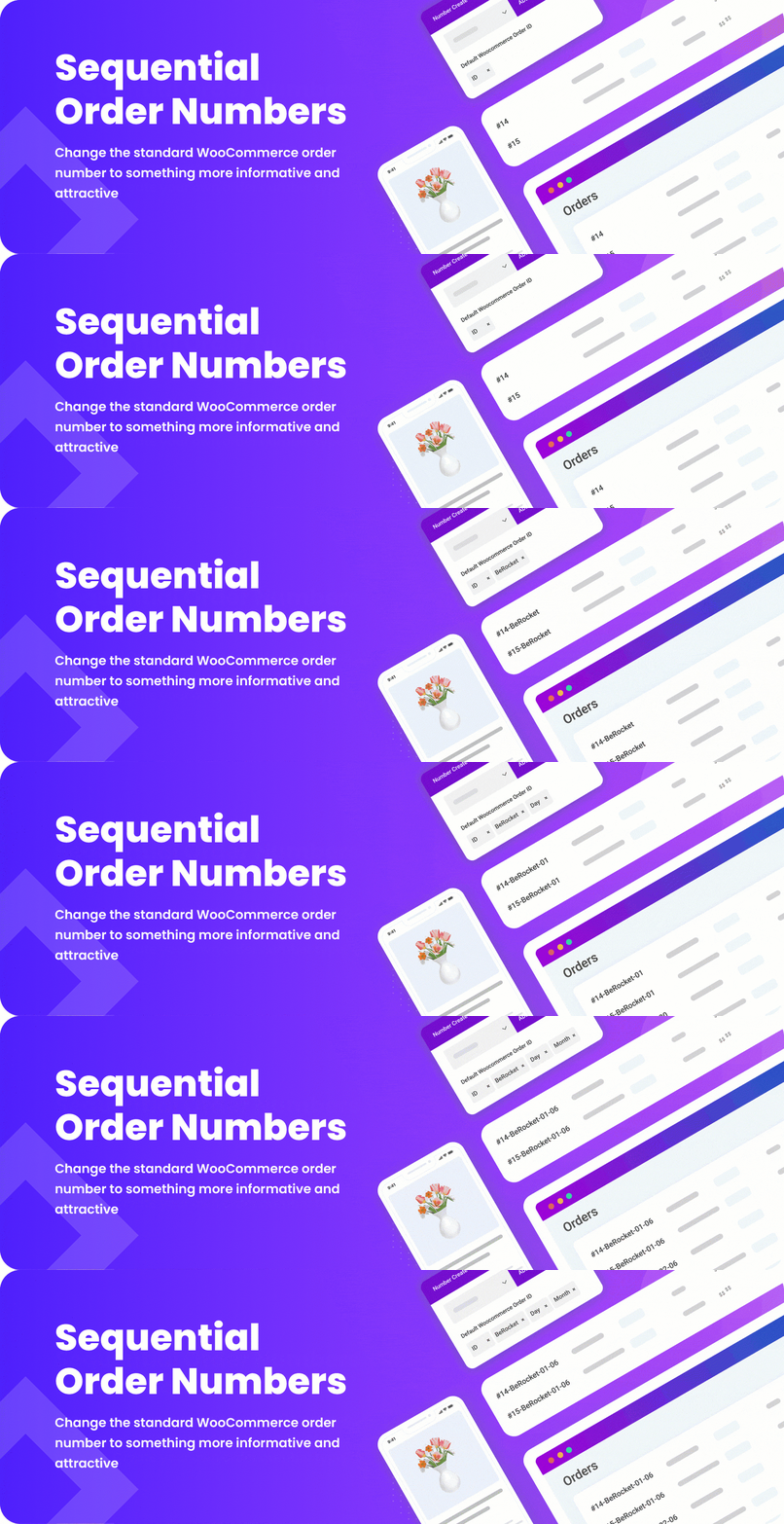
AI-assistedSequential Order Numbers for WooCommerce is a WordPress plugin that allows you to customise the order numbers generated by WooCommerce. You can create your own order number format using various data points such as custom IDs, WooCommerce IDs, timestamps, user roles, total prices, product counts, and post meta. The settings can be accessed in the WooCommerce admin area.
This plugin is suitable for WooCommerce store owners who want to implement a specific order numbering system that meets their business needs or preferences. It provides flexibility in how order numbers are displayed and formatted.
Best for: WooCommerce store owners looking to personalise their order numbering system.
What it does well
- ✓Customisable order number formats
- ✓Uses various data points for order numbers
- ✓Accessible settings in WooCommerce admin area
- ✓Free to use from WordPress.org
- ✓High rating of 4.9 out of 5
Where it falls short
- •Limited information on specific features or user experiences
Verdict
This plugin offers a straightforward solution for customising order numbers in WooCommerce, making it a useful tool for those needing specific formatting options.
From the developer
BeRocket's own description of Sequential Order Numbers for WooCommerce, lightly tidied.
Sequential Order Numbers for WooCommerce – Plugin for change woocommerce orders number. Create your own order number type.
Features:
✅ Custom order number text
✅ Possibility to use a lot of data in order number text:
✅ ID – Custom ID, start number can setup in option
✅ ID WC – WooCommerce ID, order ID that WooCommerce provide by default
✅ Date Time – Day, Month, Year, Hour, Minute, Second from order date
✅ Input – any text that you need
✅ User Role – Name of role for user that order did
✅ Total price – order total price
✅ Product count – count of products in order
✅ Post meta – you can display any post meta from order
How It Works:
check installation
Advanced Settings (Plugin Settings):
- Plugin settings can be found in admin area, WooCommerce -> Sequential Order Numbers for WooCommerce