
Easily improve site security with WordPress Hardening, Two-Factor Authentication (2FA), Login Protection, Vuln...
Free
3M+ installs 4.9★ (8,862)
Secure your WordPress site from brute-force attacks, threats, malware, and bots. Free to use and easy to set up.
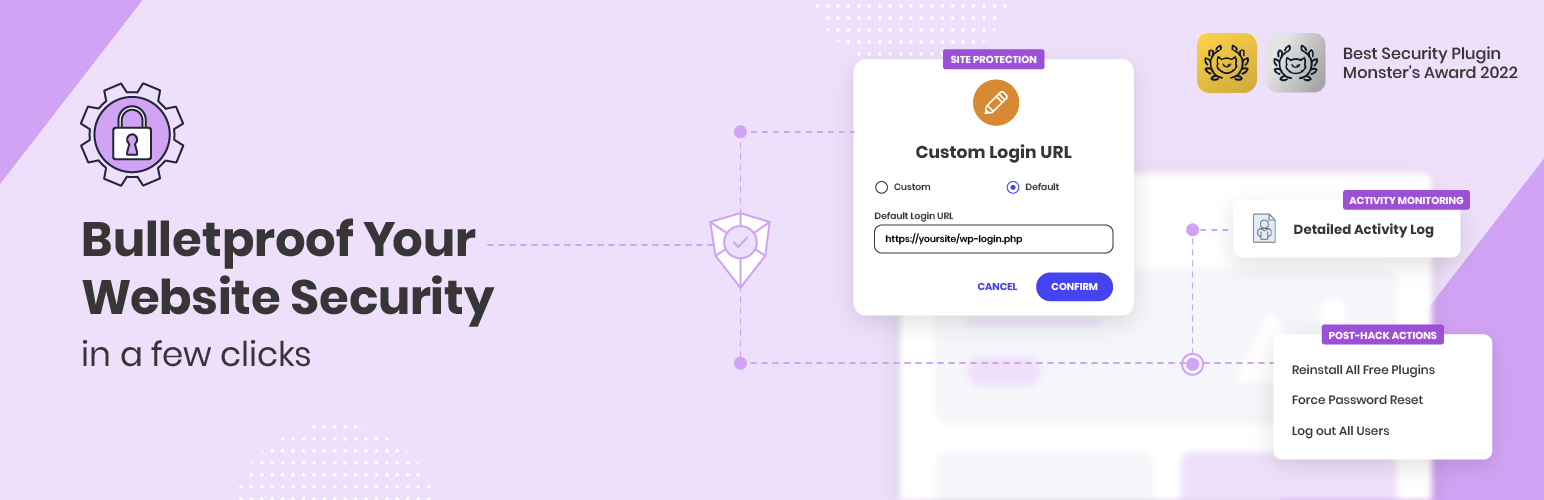
Security Optimizer is a WordPress plugin designed to enhance website security by protecting against various threats such as brute-force attacks and malware. It offers features like two-factor authentication, login attempt limits, and the ability to hide the WordPress version to improve security. This plugin is suitable for webmasters looking to safeguard their WordPress sites from potential vulnerabilities.
Developed by SiteGround, Security Optimizer is trusted by over a million users and provides tools to monitor site activity and take immediate action against suspicious behaviour. Its comprehensive approach makes it a valuable resource for those managing WordPress applications on any hosting platform.
Best for: This plugin suits webmasters seeking to improve the security of their WordPress sites.
What it does well
Where it falls short
Security Optimizer provides a solid set of features for enhancing WordPress security. It is particularly useful for those who want a straightforward solution to protect their sites from common threats.
SiteGround's own description of Security Optimizer, lightly tidied.
Bulletproof your website security in a few clicks against a range of security breaches, including brute-force attacks, malware threats and bots, with our free WordPress security plugin – Security Optimizer.
Proactively monitor your site’s security to detect any suspicious activity and take immediate actions to protect your site and prevent further damage with these essential features:
Developed by the website security experts at SiteGround and trusted by over 900,000 webmasters for its robust security shield and ease of use to safeguard WordPress applications from possible attacks on any hosting platform.
Monster Awards 2022: Best WordPress Security Plugin 🥇
Monster Awards 2021: Best WordPress Security Plugin 🥇
Unveil the vast array of features and unleash the full potential of our security plugin in our Security Optimizer Tutorial.
Safeguard your WordPress application using our powerful site security toolset. Our comprehensive features are specifically designed to strengthen your website’s defenses against malware, exploits, and various malicious activities. With these tools at your disposal, you can ensure the utmost bot, malware and brute force protection for your website:
Ensure the maximum security for your application’s system folders by preventing the execution of any unauthorized or malicious scripts. The Lock and Protect System Folders feature acts as a powerful shield against potential threats.
Protect your website from mass attacks by hiding the WordPress version, which helps to mitigate version-specific vulnerabilities.
Other plugins for securing a site.
Easily improve site security with WordPress Hardening, Two-Factor Authentication (2FA), Login Protection, Vuln...

Firewall, Malware Scanner, Two Factor Auth, and Comprehensive Security Features, powered by our 24-hour team....

The best anti-spam protection to block spam comments and spam in a contact form. The most trusted antispam sol...

Loginizer is a WordPress security plugin which helps you fight against bruteforce attacks.

Enable SVG uploads and sanitize them to stop XML/SVG vulnerabilities in your WordPress website.

Protect your website investment with All-In-One Security (AIOS) – a comprehensive and easy to use security plu...