
Elementor addon offering 120+ widgets and templates — Elementor Gallery, Slider, Form, Post Grid, Menu, Accord...
Free
1M+ installs 4.9★ (4,111)
This addon will helps you to easily represent Google Web stories in the Page/Post using Elementor Widget and shortcodes.
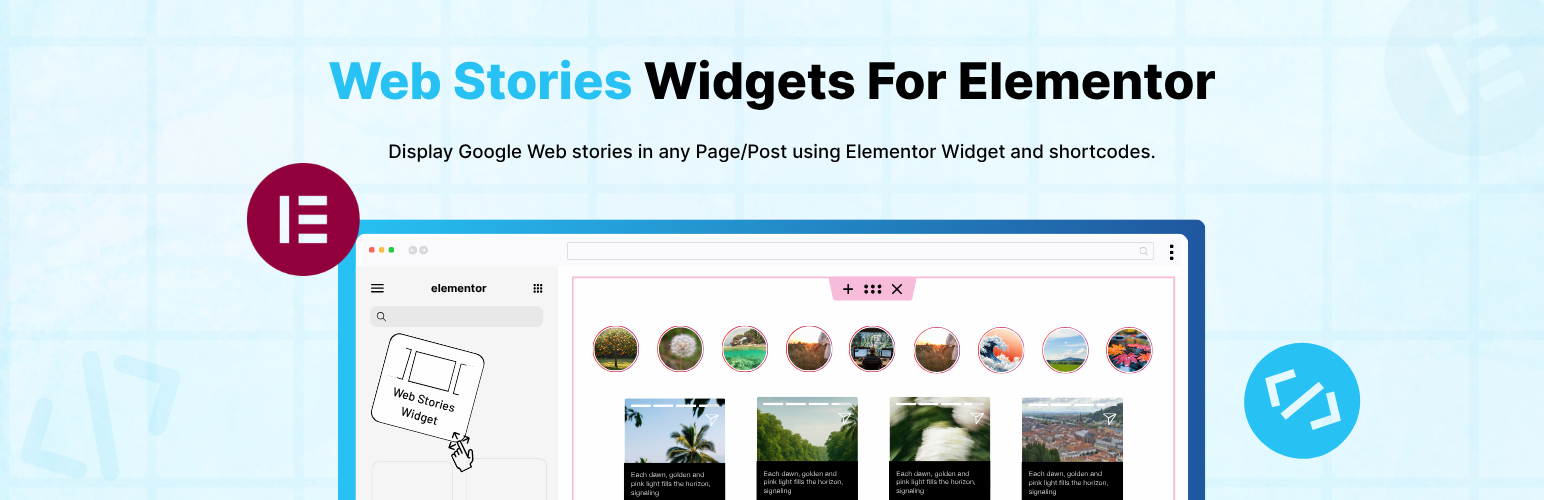
Web Stories Widgets for Elementor is a WordPress plugin that enhances the official Web Stories plugin by adding a dedicated widget for Elementor. This allows you to display Web Stories anywhere on your website using a simple drag-and-drop interface or shortcodes.
The plugin supports features such as displaying recent stories, customising story order, and adjusting typography and style settings directly within Elementor. It is suitable for users who want to integrate Web Stories into their Elementor-based sites without needing extensive technical knowledge.
Best for: This plugin is best for WordPress users who want to integrate Web Stories into their Elementor sites.
What it does well
Where it falls short
Web Stories Widgets for Elementor provides a straightforward way to enhance your site with Web Stories. It is particularly useful for those looking to easily manage and display stories without complex setup.
Cool Plugins's own description of Web Stories Widgets For Elementor, lightly tidied.
Web Stories Widgets for Elementor is a simple and powerful addon that extends the official Web Stories plugin and adds a Web Stories widget inside Elementor.
With this plugin, you can easily display your Web Stories anywhere on your website using Elementor or shortcodes.
Elementor Widget : Adds a dedicated Elementor widget so you can easily display Web Stories inside any Elementor. Just drag and drop the widget and choose your preferred story layout and options.
Shortcode Friendly: Whether you are working with Elementor, Gutenberg, or Classic Editor, simply paste the shortcode and display your web stories.
Recent Stories Display: Show your most recently created Web Stories anywhere on your website using a shortcode or the Elementor widget.
Use the shortcode below and replace the ID with your story’s ID:
Read Full Documentation:- Shortcodes & Docs
[webstory id=”{ add here story id}” button-text=”Default view” show-button=”yes”]
[Recent-stories column=”3″ show-button=”yes” show-no-of-story=”all” button-text=”Default view” order=”DESC” btn-color=”#8BCDA0″ btn-text-color=”#000″]
Choose Story Order: Sort your Web Stories in ascending (ASC) or descending (DESC) order.
Typography and Style Settings: Customize button fonts, size, spacing, and color directly from Elementor. This makes it easy to match your theme’s style.
Beginner-Friendly Setup.
Fully Responsive.
Use of 3rd Party Services: This plugin connects to the Cool Plugins feedback server only for optional usage data sharing and voluntary feedback submission (for example, during plugin deactivation). Data is transmitted solely after explicit user consent. No hidden tracking is performed, and no frontend visitor or site user data is collected. For more details, please review our Data Usage Policy, TOS, and Privacy Policy.
Other plugins for extending a page builder.
Elementor addon offering 120+ widgets and templates — Elementor Gallery, Slider, Form, Post Grid, Menu, Accord...

Join millions who empower their websites with ElementsKit Elementor Addons. Get templates, & 100+ widgets...

Elementor addons with 18+ free widgets, Header & Footer Builder, WooCommerce widgets & templates. Trus...

Elementor Carousel, Mega Menu, Posts List/Slider, WooCommerce Widgets, Display Conditions, AI Abilities, Prema...

Elementor templates, Header footer builder, Elementor Post Grid, Woocommerce Grid builder, Slider, Forms, Gall...

Disable Gutenberg Block Editor and restore the Classic Editor and original Edit Post screen (TinyMCE, meta box...