Show-Hide / Collapse-Expand
Save space on your pages, posts, sidebars. Hide the content before user clicks to see it. Collapse long lists, create FAQs & more.
The facts
- Rating
- 4.6★ from 20
- Active installs
- 10k+
- Price
- Free
- Last updated
- 19 Mar 2023
- Added
- Mar 2017
- Requires WP
- 4.2
- Tested up to
- WP 6.1.12
- Downloads
- 160,239
Our analysis
AI-assistedShow-Hide / Collapse-Expand is a WordPress plugin that enables you to manage content visibility on your website. It allows you to group content, create FAQs, and collapse or expand sections of text or widgets, helping to reduce clutter and enhance the site's appearance.
The plugin uses jQuery effects for animations and provides a TinyMCE button for easy shortcode insertion in the WordPress Editor. It is suitable for users looking to organise their content more effectively and create a clean, minimalistic design.
Best for: This plugin suits website owners who want to improve content organisation and aesthetics.
What it does well
- ✓Allows show/hide functionality for any content
- ✓Supports custom animation speeds and styles
- ✓Enables easy FAQ creation and content grouping
- ✓Includes a TinyMCE button for shortcode insertion
- ✓Regular updates and support available
Where it falls short
- •Limited information on specific use cases
- •No detailed performance metrics provided
Verdict
Show-Hide / Collapse-Expand offers practical features for managing content visibility, making it a useful tool for enhancing user experience on WordPress sites.
From the developer
buntegiraffe's own description of Show-Hide / Collapse-Expand, lightly tidied.
Live Demo:
See live demo of our plugin at showhide.bunte-giraffe.de. User: demo, password: demo.
Show-Hide / Collapse-Expand allows you to easily manage the amount of content shown to user upon entering your website. It will free your pages from clutter and give your website a stylish minimalistic look and feel. You will find it handy for grouping content, composing FAQs, collapsing long lists and expanding them on click, providing hidden answers to questions, organizing your widgets more efficiently, and lots more. Inserting a shortcode is done via a handy tinyMCE button in your WordPress Editor. You will configure the look of your button/hyperlink on the fly and will be able to change it later using the provided shortcode parameters. Why don’t you give it a try?
Please feel free to post your questions in the support threads of this plugin, we will be glad to help you with any issues.
Main features
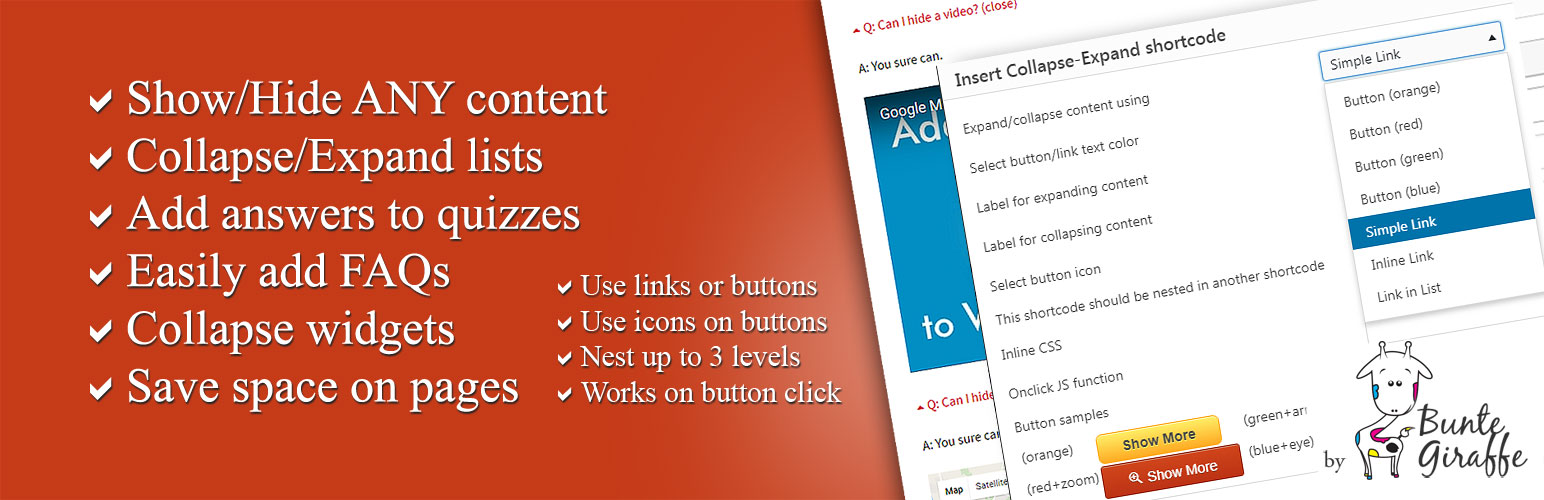
- Show/Hide ANY content*
- Collapse/Expand using jQuery Effects (blind, fold, highlight, slide)
- Set custom animation speed
- Add your custom JS functions to onclick events
- Collapse/Expand lists
- Easily add FAQs
- Add hidden answers to quizzes (answer opens on button click)
- Collapse widgets to declutter sidebars
- Save space on pages by grouping the content under expandable headings
- Use hyperlinks or stylish pure-css buttons
- Style every link/button individually
- Make button stick to the end of the expanded content
- Use icons for your buttons or in front of your links
- Nest up to 3 levels of collapsible content
- Easily customize the settings and insert the shortcode with a TinyMCE button
- Use in sidebars by inserting the shortcode with needed parameters
- Regular updates
- Great support
- We tested our plugin thoroughly, but if you have issues with any type of content, please let us know in the support thread.
Credits
We used Best CSS Button Generator http://www.bestcssbuttongenerator.com for our sleek pure-css buttons.