Show Page URL
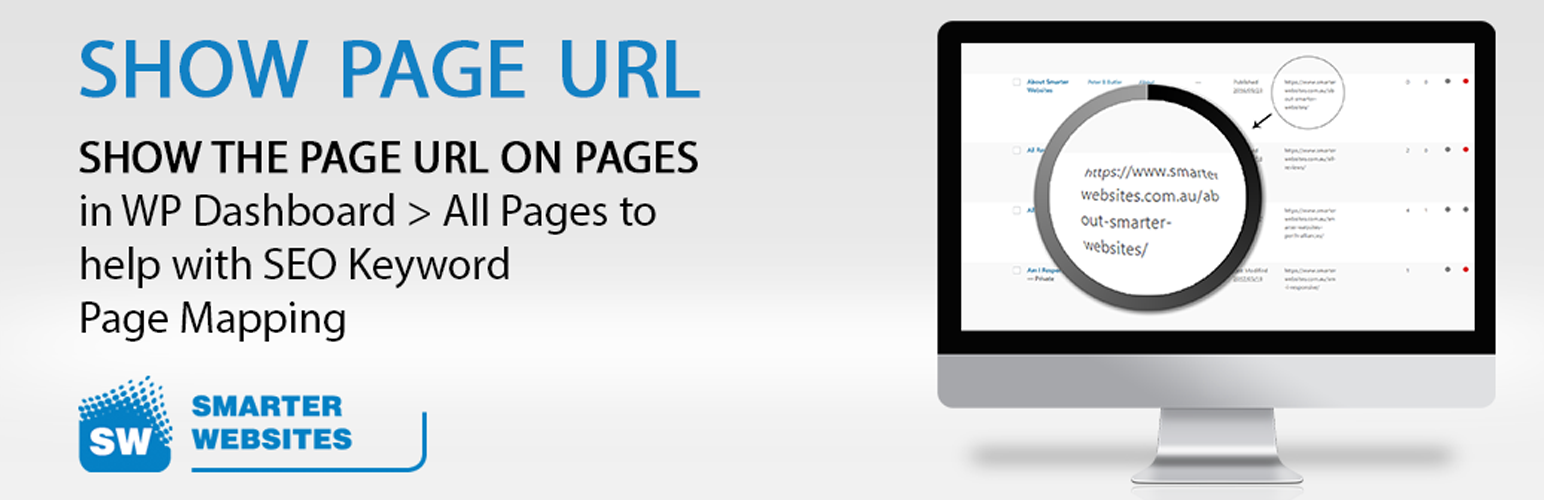
This plugin will show the URL column on Pages in WP Dashboard > All Pages/Posts
The facts
- Rating
- 5★ from 2
- Active installs
- 1k+
- Price
- Free
- Last updated
- 3 Apr 2025
- Added
- Nov 2017
- Requires WP
- 3.3
- Tested up to
- WP 6.7.7
- Downloads
- 10,469
Our analysis
AI-assistedShow Page URL is a WordPress plugin that adds a URL column to the Pages section in the WordPress Dashboard. This feature allows you to view the actual URLs of your pages directly in the 'All Pages' list, which can assist with SEO Keyword Page Mapping.
The plugin is lightweight and aims to simplify the process of managing page URLs without the need for manual scripting in the functions.php file, which can be overwritten during WordPress updates. It is suitable for users looking to enhance their SEO efforts by easily accessing page URLs.
Best for: This plugin is best for WordPress users focused on improving their SEO strategies.
What it does well
- ✓Adds a URL column to Pages in the WordPress Dashboard
- ✓Assists with SEO Keyword Page Mapping
- ✓Lightweight and easy to install
- ✓Avoids issues with overwritten scripts during updates
Where it falls short
- •Limited feature information available
- •No advanced URL management options
Verdict
Show Page URL provides a straightforward solution for viewing page URLs in the WordPress Dashboard, making it a useful tool for SEO-focused users.
From the developer
SmarterWebsites's own description of Show Page URL, lightly tidied.
This plugin will show the URL column on Pages in WP Dashboard > All Pages/Posts
This will help you with SEO Keyword Page Mapping.
If you go to ‘Pages’ > ‘All Pages’, you will see a URL column showing the actual URL of the page.
This helps with SEO. It can be done via a script in the functions.php file BUT every time you do a WP version update it overwrites the script.
Add this lightweight plugin and page mapping is a breeze.