
Meta Box
91Meta Box plugin is a powerful, professional developer toolkit to create custom meta boxes and custom fields fo...
Free
500k+ installs 4.8★ (165)
A simple shortcode for embedding Google Maps in any WordPress post, page or widget.
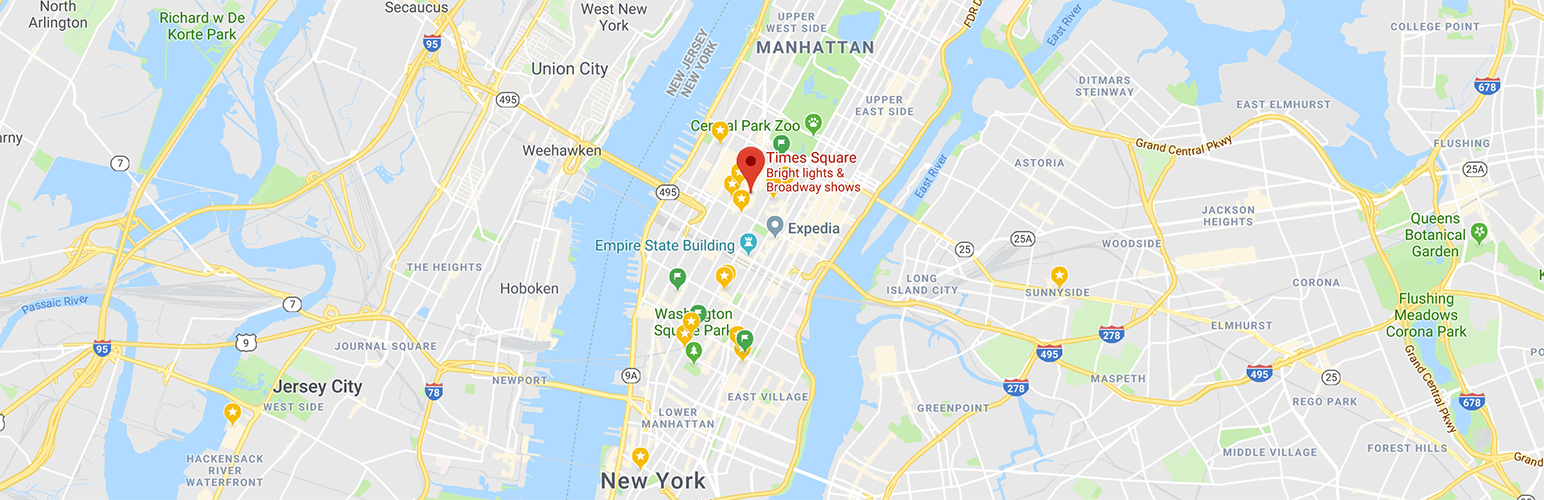
Simple Shortcode for Google Maps is a WordPress plugin that allows you to embed Google Maps in your posts and pages using a shortcode. It is designed for ease of use, enabling you to display maps for various purposes, such as contact pages or delivery areas.
The plugin requires an API key from Google for functionality and supports multiple map pins by allowing you to input several addresses. It offers options for map types and user interaction, making it suitable for users who want to integrate maps into their WordPress sites without extensive technical knowledge.
Best for: This plugin is suitable for WordPress users who need to add Google Maps to their sites easily.
What it does well
Where it falls short
Simple Shortcode for Google Maps provides a straightforward solution for embedding maps, making it a practical choice for users seeking basic mapping functionality.
fullworks's own description of Simple Shortcode for Google Maps, lightly tidied.
Simple to use, yet powerful, Google Maps plugin! Reviews say this is “Best Google Map Shortcode plugin”.
Put a Google map on your WordPress posts and pages simply and easily with a shortcode. Straight forward and easy to use! Ideal for contact page maps, maps showing delivery areas and many other uses!
This plugin will enable a simple shortcode that you can use for embedding Google Maps in any WordPress post or page. The shortcode uses the WordPress HTTPS API and the Transients API for delivering cached Google maps with little to no impact on your site’s performance.
Maps are displayed with the [pw_map] shortcode:
[pw_map address="New York City" key="YOUR Map JS API KEY" geokey="YOUR Geo API KEY"]
Google now requires that new accounts use an API key. You can register a free API key here.
You can have multiple map pins, simply add multiple addresses separated by semi-colon ;
[pw_map address="Statue of Liberty National Monument NYC;Empire State Building, New York, NY, USA" key="YOUR Map JS API KEY" geokey="YOUR Geo API KEY"]
Mandatory
Why two key? You should restrict your API keys to avoid abuse. You need to use the geokey to allow the geocoding to work, enabled on the GeoCoding API, restricted to your server IP, and key
enabled on the Maps JavaScript API restricted to your website domain(s).
Optional ( with default values)
Other plugins for maps and locations.
Meta Box plugin is a powerful, professional developer toolkit to create custom meta boxes and custom fields fo...

The easiest to use WordPress map plugin! Create a custom map, map block, store locator or map widget with high...

Real-time WordPress analytics that stay on your own server: pageviews, outbound links, WooCommerce funnels, al...

Create custom interactive maps with free Leaflet-based styles, no Google Maps API key, frontend marker submiss...

An easy to use location management system that enables users to search for nearby physical stores.

Interactive maps and markers on your posts and pages with simple shortcodes.