
Customer Reviews for WooCommerce plugin helps you get more sales with social proof. Set up automated review re...
Free
80k+ installs 4.8★ (1,529)
Easily manage testimonials and display them anywhere on your blog in seconds, via blocks, widgets or shortcodes.

Simple Testimonials is a WordPress plugin designed to help you manage and display customer testimonials on your site. It allows you to create and categorize testimonials in a manner similar to adding posts or pages. You can display a random testimonial on each page load using a widget or a shortcode.
This plugin is suitable for anyone looking to enhance their site’s credibility by showcasing client feedback without the hassle of maintaining a separate testimonials page. It also offers auto-formatting for a uniform appearance of testimonials.
Best for: This plugin suits businesses or individuals wanting to display client testimonials on their WordPress site.
What it does well
Where it falls short
Simple Testimonials provides a straightforward solution for managing testimonials, making it a practical choice for enhancing site credibility.
Kim's own description of Simple Testimonials, lightly tidied.
I created this plugin to make it easy peasy for my clients to manage all the nice things that their customers and clients said about them. They’ve loved it so much, I’ve decided to make it available to the world.
When you install it, you will gain a new section in your wordpress admin where you can easily create and manage all your testimonials. It’s extremely similar to creating a new post or page. Just go to the testimonial section, click “Add new”, and follow the on-screen prompts. That’s it. When you’re done, you can get a random testimonial to display each time a page loads with the handy included widget, or the shortcode [testimonial]. Phew, easy peasy!
This plugin is perfect for you if:
Create and customize your testimonials as you would a post or a page. Just click “Testimonials” in the left hand admin menu, and then click “Add New”.
Enter the testimonial into the larger text area. Then in the slot labeled Attribution place the name, initials, or other more anonymous identifier (such as “happy customer from Atlanta”). You can also leave the attribution blank, if you prefer.
Remember to save, and you’ve created your first testimonial!
You can add your testimonials to categories of your choosing. While creating or editing a testimonial, find the box labelled “Testimonial Categories”. If this is your first time categorizing your testimonials, you’ll need to create some categories! Click the link “+Add New Category”, name your new category, and click the button “Add New Category”.
Put a check next to any categories you want this testimonial to be included in. Save your changes!
If you are using a “widgetized” theme – that is, one that allows you to drag widgets to a sidebar, footer, or other location – you can display any number of testimonials in the sidebar.
Just find the widget named “Random Testimonial,” and drag it to your widget area of choice. By default, this widget will show one testimonial. You may open its panel and select another number from the dropdown.
When using a widget, you may also enter a number of characters to limit how much of a testimonial to display. This will prevent extra-long testimonials from breaking your beautiful site design.
Want to give people a link to view the rest of a shortened testimonial, or just to see more of the nice things people have said about you? Just paste the URL to your testimonial page into the last slot on the widget, labeled “Add a read more link”. A “read more” link will automatically appear at the bottom of the widget.
Other plugins for showing testimonials.
Customer Reviews for WooCommerce plugin helps you get more sales with social proof. Set up automated review re...

A modern video and audio player for courses, landing pages, marketing, and testimonials — with captions, brand...

An easy-to-use testimonial plugin to collect and show customer feedback in WordPress
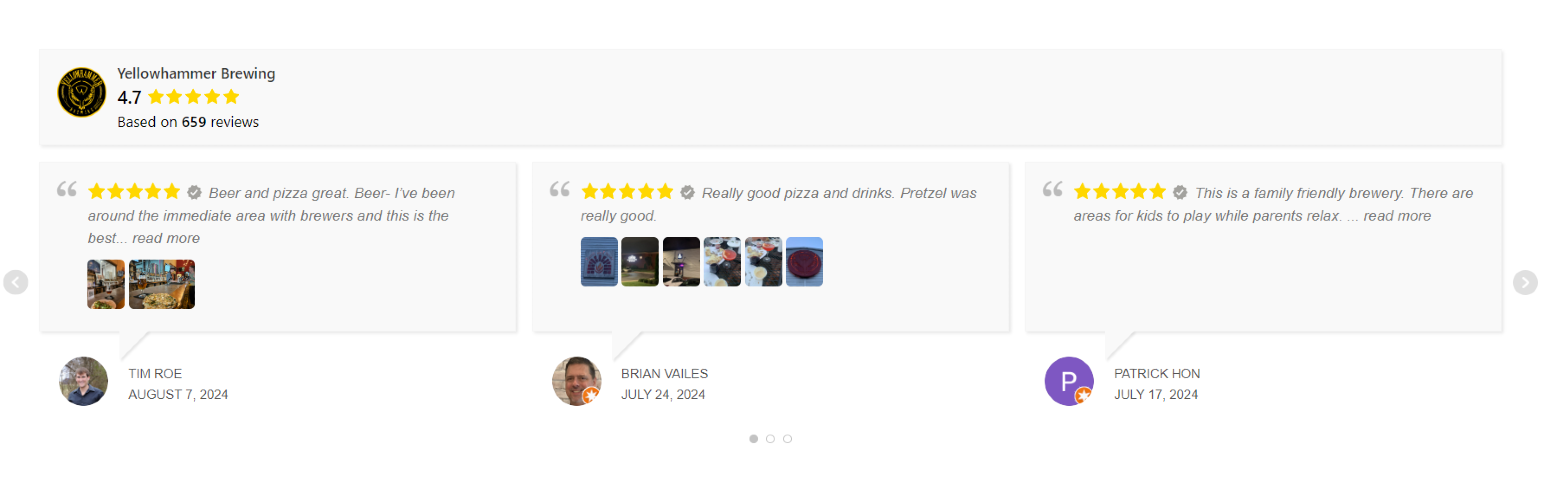
Display Google reviews on your site with a slider or grid. Reviews are saved locally on your server for fast l...

No API key required. Display Yelp and Google reviews for any business in a clean, customizable feed on your si...

A Customizable Testimonial plugin to Automate Collecting, Filtering, and Publishing Customer Reviews. Testimon...