
The growing library of 300+ ready-to-use templates that work with all WordPress themes including Astra, Hello,...
Free
1M+ installs 4.9★ (4,745)
Skyboot Custom Icons for Elementor expands your Elementor icons library with custom icons, perfect for website owners who use the Elementor plugin.
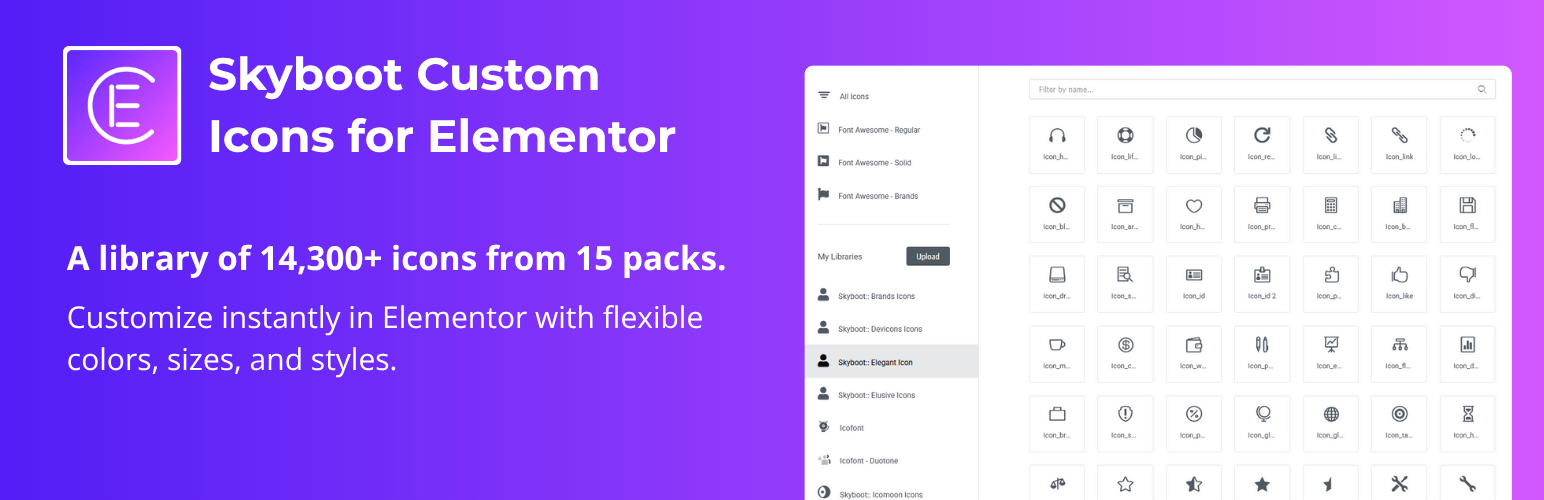
Skyboot Custom Icons for Elementor is a WordPress plugin designed to enhance the Elementor page builder by providing over 14,300 custom icons. This plugin allows website owners to easily integrate a wide variety of icons into their sites, including popular brand and social media icons, enhancing the visual appeal of their web pages.
The plugin is straightforward to use, enabling you to manage individual icon packs and customise icon size and colour directly from the Elementor editing screen. It is suitable for anyone looking to enrich their Elementor experience with a diverse selection of icons, making it particularly beneficial for web designers and developers.
Best for: This plugin suits website owners and developers using Elementor who want to enhance their site's iconography.
What it does well
Where it falls short
Skyboot Custom Icons for Elementor provides a large selection of icons for Elementor users, making it a useful addition for those looking to customise their websites visually.
SkyBootstrap's own description of Skyboot Custom Icons for Elementor, lightly tidied.
Skyboot custom icons for Elementor is a fantastic custom Elementor icons plugin for the Elementor page builder. If you’re looking to add custom icons to your site this is the perfect Elementor custom icons plugin for the website owners. Beautiful icons that can create a unique look for a website, the SkyBoot custom icons Elementor plugin is definitely worth the download. Increase Elementor icons library using the plugin. it’s a perfect Elementor custom icons plugin for Elementor based website owners.
This plugin offers a large number of icons ( more than 14300+ ) that will delightfully change the look of your website. Increase your Builtin Elementor icons library with the plugin. you can use icons anywhere on your website for fully free. We just extended the original Elementor icon library which is why it’s so easy to use. You can change the size, and color of the icon from the edit screen.
👉 Click for Live Demo
👉 Our Website: https://skybootstrap.com
👉 Our Blog: Click Here
👉 Our SaaS Product: 🔥 TLinky – The #1 Link Management Platform. TLinky’s Core Solutions: URL Shortener, QR Code Generator, & Link In Bio Builder.
👉 Subscribe Our YouTube Channel: Subscribe Now
👉 Like Facebbok Page: Like Now
👉 Love this plugin? Support our work by buying me a coffee! Your support keeps us motivated to create and improve. Thank you!
Most of the popular brand icons are available in every icon package like Google icons, YouTube icons, Instagram icons, Whatsapp icons, Facebook icons, Twitter icons, Linkedin icons, tiktok icon, and much more. There are huge numbers of social media icons included in the plugin. All are free icons in the plugin like website icons, maps icons, camera icons, UI icons, and other icons in one place.
✅ Brands icons (934)
✅ Devicons Icons (191)
✅ Elegant Icon (360)
✅ Elusive Icons (303)
✅ Icofont (2400+) including 300+ Duotone icons
✅ Ico Moon / icomoon (491)
✅ Iconic Icons (172)
✅ Ion icons / ionicons (696)
✅ Line Awesome (2004)
✅ Line Icon (511)
✅ Linear icons (170)
✅ Material Design Icons / material icons (5346)
✅ Simple Line Icon (189)
✅ Themify Icon (351)
✅ Open Iconic (22)
✅ 14,300+ Custom Elementor Icons.
✅ Individual ON/OFF switch.
✅ 15 icon font packs included.
✅ Easy to use.
✅ Use icons anywhere on your website.
✅ Extend Elementor icon library.
✅ Fast loading.
After installing the plugin you will get the option to manage individual icon packs separately so you will get the ON/OFF switch from the settings panel for each icon pack.
Just follow these 4 easy steps:
1. Download the plugin and install it.
2. Activate the plugin and go to the plugin settings.
3. Choose the icon packs you want to enable or disable from the settings panel.
4. Go to Elementor default Icon option.
👉 First Download the plugin.
👉 Unzip the Downloaded zip file.
👉 Login FTP account using Filezilla or an alternative application.
👉 Browse the folder “/wp-content/plugins/”
👉 Upload the unzip plugin folder.
👉 Go go plugin menu from your dashboard and activate the plugin.
👉 Now you will see a new admin menu for the setting panel.
👉 You will get all icons in Elementor’s built-in icon library
The Skyboot custom icons for the Elementor plugin are easy to use with any Elementor supported theme and plugin in the market. Custom icons are a great way to make your site stand out. If you already use the Elementor page builder, you can use the Skyboot custom Elementor icon plugin. It is an essential Elementor plugin for any Elementor site builder.
Other plugins for libraries and archives.
The growing library of 300+ ready-to-use templates that work with all WordPress themes including Astra, Hello,...

Securely upload SVG files to your media library, with built-in sanitization and advanced features for styling...

Easily replace any attached image/file by simply uploading a new file in the Media Library edit view - a real...

HappyAddons packs Header Footer Builder, Megamenu, Single Post, Archive Page, & 500+ Ready Templates into...

CMB2 is a metabox, custom fields, and forms library for WordPress that will blow your mind.

The best WordPress templates, pattern, and layout library with 1,000+ designs built for the Gutenberg block ed...