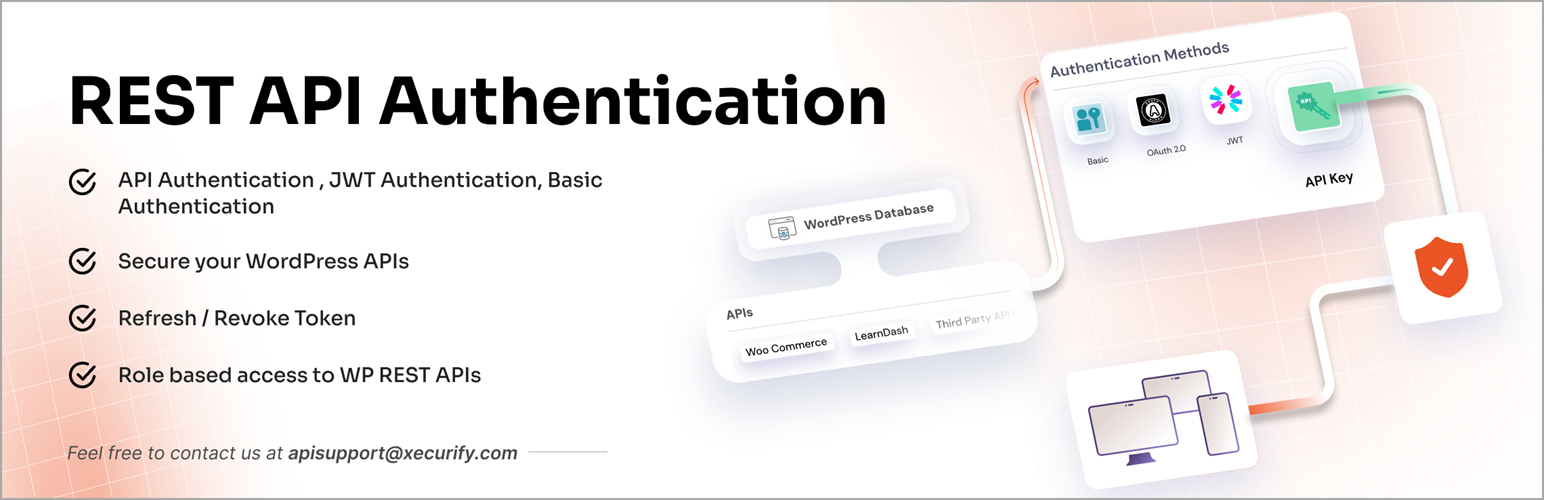
Secure and protect WordPress REST API from unauthorized access using JWT token, Basic Authentication, API Key,...
Free
20k+ installs 4.4★ (74)
This is a WordPress plugin that allows you to use Smart App Banners, introduced in iOS 6, with your WordPress blog.

Smart App Banner is a WordPress plugin that enables the display of Smart App Banners on your WordPress site. These banners improve user experience by providing a consistent and unobtrusive way to promote your app, allowing users to easily access the App Store without being interrupted by full-screen ads.
To use the plugin, you simply download and activate it, then enter the App ID of your application in the settings. There are additional options for affiliate data and app arguments, which can enhance the banner's functionality and tracking capabilities. This plugin is suitable for WordPress users who want to promote their iOS apps effectively.
Best for: This plugin is best for WordPress site owners looking to promote their iOS applications.
What it does well
Where it falls short
Smart App Banner offers a straightforward solution for app promotion on WordPress sites. It is a useful tool for those looking to enhance user engagement with their iOS apps.
stephend's own description of Smart App Banner, lightly tidied.
This is a WordPress plugin that allows you to use the Smart App Banners with your
WordPress blog.
According to Apple, Smart App Banners:
vastly improve users’ browsing experience compared to other promotional methods.
As banners are implemented in iOS 6, they will provide a consistent look and
feel across the web that users will come to recognize. Users will trust that tapping the
banner will take them to the App Store and not a third-party advertisement. They will
appreciate that banners are presented unobtrusively at the top of a webpage, instead of
as a full-screen ad interrupting the web content. And with a large and prominent
close button, a banner is easy for users to dismiss.
It’s really simple to use. In short, you download and activate the plugin. On pages and posts you should find a “Smart App Banner” settings box. If you want the Smart App Banner to appear on this page then enter the App ID of your application here. You can also enter affiliate data and an app argument here.
If you want to display a banner on the home page there’s a setting screen (Settings -> Smart App Banner) where you can enter the App ID.
You can find the App ID in iTunes Connect, using the
iTunes Link Maker or if the iTunes URL for your
app looks like this:
https://itunes.apple.com/us/app/rootn-tootn-baby-feed-timer/id530589336?ls=1&mt=8
Then your ID is “530589336”.
The other two fields are optional.
The affiliate data field varies depending on the affiliate. The most common is PHG, where the value looks like “at=AFFILIATE_TOKEN” or “at=AFFILIATE_TOKEN&ct=CAMPAIGN” (without the quotes). You can find the token when you sign into the PHG website. The campaign is just some text you use to identify a particular marketing campaign.
So I might have “at=11lmMT&ct=wordpress” on the product pages of my website. Check the documentation to find your affiliate token and confirm the format.
According to the documentation, the app argument value is:
A URL that provides context to your native app. If you include this, and the user has your
app installed, she can jump from your website to the corresponding position in your iOS app.
This plugin does not restrict or validate what you put here.
You can format it however you’d like, as long as it is a valid URL.
Other plugins for crypto and Web3 projects.
Secure and protect WordPress REST API from unauthorized access using JWT token, Basic Authentication, API Key,...

Crypto payment gateway for WooCommerce and Easy Digital Downloads. Accept 100+ coins: Bitcoin, Ethereum, BNB,...
ABC Crypto Checkout is a powerful cryptocurrency payment gateway for WooCommerce that lets you accept Bitcoin,...
Accept Bitcoin, Ethereum, and 300+ cryptocurrencies in WooCommerce using the official NOWPayments crypto payme...

Accept Bitcoin/USDT payments on your WooCommerce website. Crypto payments go directly to your wallet.

Instant Approval High Risk Merchant Gateway with instant payouts to your USDC POLYGON wallet using fiat to cry...