
WPThumbs
Themes Plugins By purpose By industry Best-of lists Fix it guides
Free Plugin by Huzaifa Al Mesbah v1.2.6

Password Protect

Password Protect entire site & create Temporary Login Without Password links. Simple & secure access for developers or maintenance.
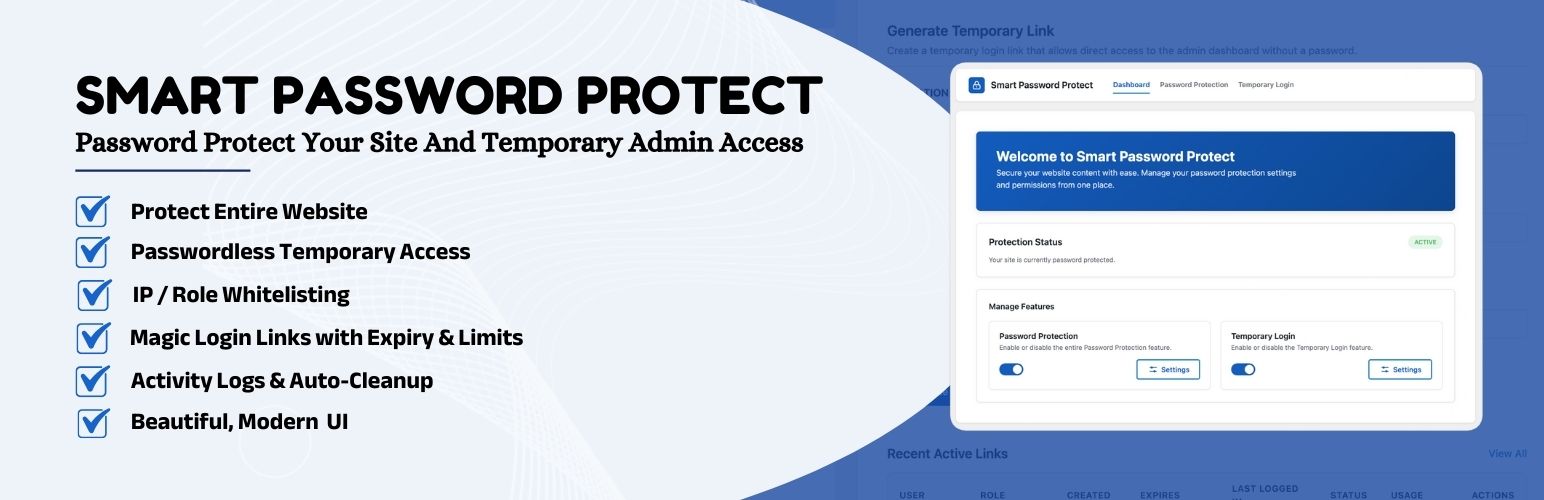
Password Protect

The facts

Rating
3.7★ from 3
Active installs
100+
Price
Free
Last updated
14 Aug 2026
Added
Oct 2024
Requires WP
6.6
Tested up to
WP 7.1
Requires PHP
7.4
Downloads
2,862

Our analysis

AI-assisted

Password Protect is a WordPress plugin designed to provide site-wide password protection and temporary login capabilities. It allows you to lock your site with a single password, making it suitable for staging environments, private portfolios, or maintenance periods. The plugin also offers a modern temporary login system, enabling you to grant developers or support agents secure access without sharing your credentials.

The plugin includes features like brute-force protection, IP whitelisting, and customizable password pages. Additionally, it allows for the creation of self-expiring login links, role management for temporary users, and activity logs to track user access. This plugin is aimed at website owners who need control over access while maintaining security.

Best for: Website owners needing secure access control and temporary login capabilities.

What it does well

  • Site-wide password protection
  • Temporary login links without credentials
  • Customizable password page design
  • Brute-force protection and IP whitelisting
  • Activity logs for tracking user access

Where it falls short

  • Limited information on user experience and support
  • No specific details on performance metrics

Verdict

Password Protect offers a comprehensive solution for managing site access and security. It is suitable for those who require both password protection and temporary login features.

From the developer

Huzaifa Al Mesbah's own description of Password Protect, lightly tidied.

Password Protect is the most powerful and versatile security plugin for WordPress. It combines robust site-wide password protection with a modern temporary login system, giving you complete control over who accesses your website.

Whether you are developing a site in a staging environment, putting your site in maintenance mode, or need to grant temporary admin access to a developer, Smart Password Protect has you covered.

We analyzed the top security plugins in the market and built a better, all-in-one solution. Stop installing multiple plugins for “Maintenance Mode”, “Password Protection”, and “Temporary Logins”. Get it all in one lightweight, high-performance package.

🔥 Key Features Overview

1. 🔐 Password Protect Entire Site (Maintenance Mode)

Lock your WordPress site instantly with a single password. This is perfect for staging sites, private portfolios, or maintenance mode.

  • One-Click Protection: Enable or disable protection instantly from the dashboard.
  • Brute-Force Protection: Prevent dictionary attacks with built-in rate limiting that temporarily locks out users after too many incorrect password guesses.
  • IP Whitelisting: Allow specific IP addresses (e.g., your office, home, or client) to bypass the password.
  • User Role Bypass: Allow Administrators or logged-in users to access the site without a password.
  • SEO Friendly: Automatically sends noindex headers to prevent Google from indexing your private/staging content.
  • Modern Password Form: A beautiful, responsive login page that looks great on all devices.
  • Remember Me: Users can choose to stay logged in for up to 7 days (configurable).
  • Customization: Easily customize the look and feel of the password page via CSS.

2. 🔗 Temporary Login Without Password (Magic Links)

Create secure, self-expiring login links to grant temporary admin access without sharing your real credentials.

  • Secure Developer Access: Give developers or support agents admin access safely.
  • Auto-Expiration: Set links to expire after 1 hour, 1 day, 7 days, or a custom date.
  • No Credentials Needed: Users log in simply by clicking the link. No username or password required.
  • Role Management: Assign any role (Admin, Editor, Subscriber) to the temporary user.
  • Advanced Options Toggle: Show/hide advanced settings (Login Limits, User Role) with a simple click.
  • Redirect After Login: Automatically redirect users to a specific page (e.g., Settings, Home, or Custom URL).
  • Activity Logs: Track exactly when a temporary user logs in, their IP address, and browser.
  • Login Limits: Restrict the number of times a link can be used.
  • Safe Content Reassignment: When a temporary user is deleted, any posts, pages, WooCommerce products, or other custom post types they created or modified are automatically reassigned to the admin — never trashed or lost.
  • Self-Preservation: Temporary users cannot deactivate or delete the Smart Password Protect plugin itself.
  • Profile Lockdown: Temporary users are blocked from editing their profile or creating/deleting other users.
  • Manual Status Control: Manually change Temporary Login status (Active, Inactive, Expired) directly from the dashboard.
  • Automatic Logout: Users are immediately logged out when their token becomes inactive or expired.
  • Plugin Deactivation Protection: All temporary users are automatically logged out when the plugin is deactivated.
  • Enhanced Security: Multi-layer authentication validation prevents access with invalid tokens.
  • Full Third-Party Compatibility: Temporary users with admin role can access WooCommerce (products, orders, setup wizard), Elementor, and all other third-party plugin pages without any access issues.

3. 🛡️ Advanced Security & Logs

Keep a close eye on who is accessing your site and ensure maximum security.

  • Detailed Audit Trail: View a history of every temporary login, including time, IP, and browser.
  • Bot Protection: Blocks search engine crawlers when protection is active.
  • Capability Controls: Restrict temporary admins from deleting plugins or themes.
  • Smart Validation: Automatically checks for token expiration and usage limits before allowing access.
  • Real-Time Authentication Control: Automatically logs out users when tokens are deactivated, expired, or deleted.
  • Request-Level Validation: Validates token status on every request to prevent unauthorized access.
  • Secure Cookie-Based Authentication: Sets secure, httponly cookies that expire automatically after 1 day.

4. 🌍 Multi-Language Support

Use the plugin in your native language with complete translation support.

  • 20+ Languages: German, French, Spanish, Italian, Portuguese, Russian, Chinese (Simplified & Traditional), Arabic, Hindi, Bengali, Dutch, Polish, Czech, Danish, Bulgarian, Catalan, Croatian, and more.
  • RTL Support Ready: Compatible with right-to-left languages.
  • Contribute: Help us translate! Submit translations via translate.wordpress.org.

Read the full description on the official page →

Tagged as

Alternatives

Other plugins for maintenance pages.

Under Construction

Easy to use Under Construction Page & Coming Soon Page. Enable Under Construction Mode in seconds & sh...

Free 600k+ installs 4.8★ (1,285)
Website Builder by SeedProd

Easy Drag & Drop Page Builder. A complete solution to create a WordPress Website, Custom Themes, Landing P...

Free 700k+ installs 4.9★ (4,699)
Maintenance

Great looking maintenance, coming soon & under construction pages. Put your site under maintenance in minu...
Free 1M+ installs 4.4★ (860)
Insert Headers And Footers

Include inline javascript, stylesheets, CSS code or anything you want in Header and Footer areas of your WordP...
Free 300k+ installs 5★ (134)
CMP

CMP

89

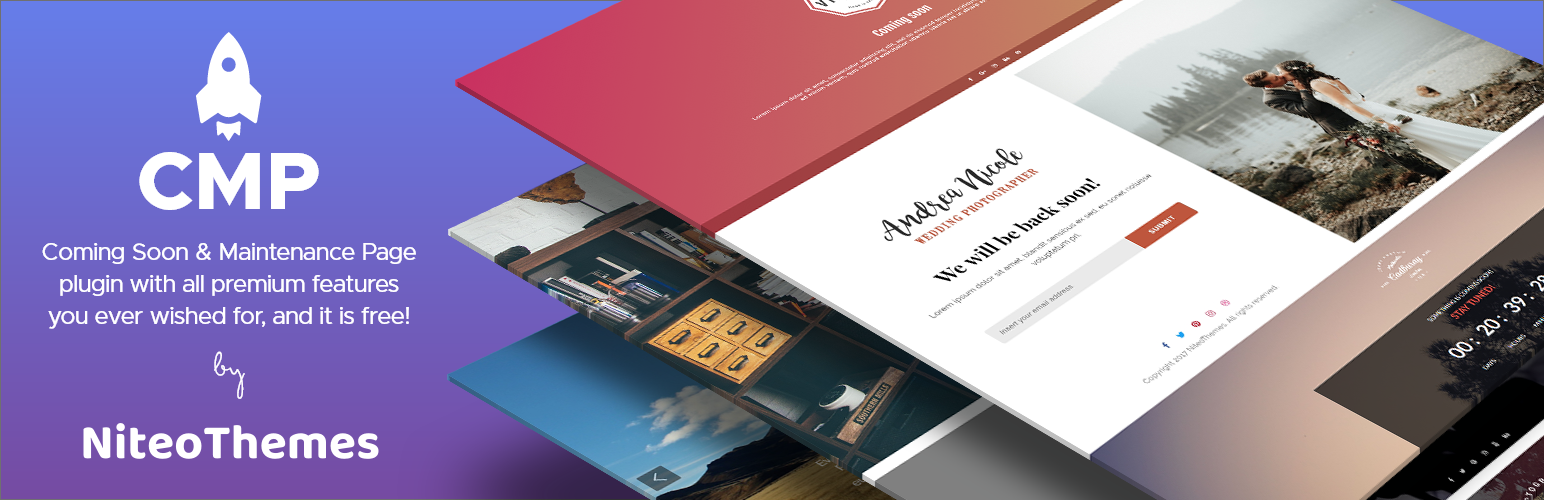
Beautiful Coming soon, Maintenance or Landing page on your website, packed with premium features for free.

Free 200k+ installs 4.7★ (326)
Hostinger Tools

Simplified WordPress management. Manage site info, maintenance, security, & redirects.

Free 3M+ installs 3.5★ (40)