
Formerly "Instagram Feed". Display clean, customizable, and responsive Instagram feeds from multiple...
Free
1M+ installs 4.9★ (4,350)
Social sharing plugin with share buttons for Facebook, X (Twitter), LinkedIn and more. Includes Click to Tweet feature.
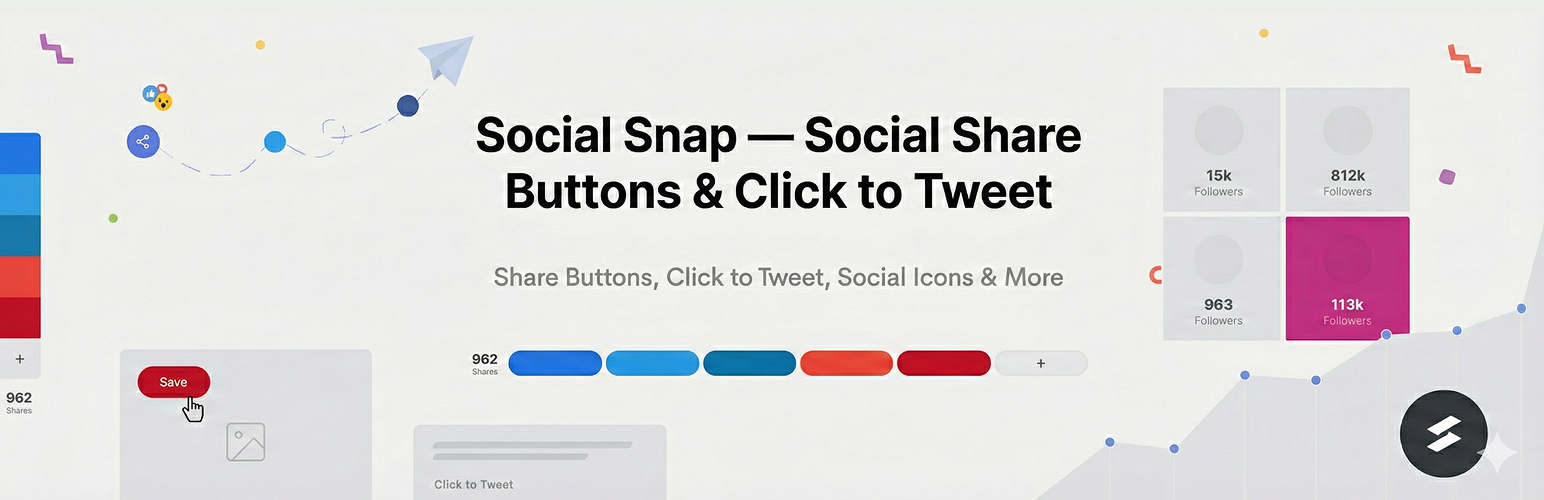
Social Snap is a WordPress plugin designed for social sharing, enabling users to add share buttons to their content. It offers a range of customizable options for displaying buttons from various social networks, making it suitable for both beginners and advanced users.
The plugin allows for easy integration of share buttons that can be placed in multiple locations on a website, including before or after content, in a floating sidebar, or directly on images. Users can also customize the appearance and functionality of the buttons to align with their site's design.
Best for: This plugin is suited for website owners looking to enhance social media engagement through share buttons.
What it does well
Where it falls short
Social Snap provides a straightforward solution for adding social sharing functionality to WordPress sites, with a focus on customization and performance.
Social Snap's own description of Social Snap, lightly tidied.
Social Snap is a WordPress social sharing plugin that helps you drive more traffic and increase engagement by leveraging the power of social media. Learn more at Social Snap.
Within minutes, you can have Social Snap up and running. Giving your new and repeat visitors the ability to share your content like wildfire!
We take pride in providing high-end UX/UI within our product. That’s why our easy to use interface and intuitive design make Social Snap a great choice for beginners and advanced users looking for a social sharing plugin.
Social Snap is loading asynchronously and it’s using vector icons that won’t slow down your website. We spent months making sure Social Snap performance was top-notch. Expect great performance when using it yourself and displaying Social Snap social share and follow options to your visitors.
Easily add beautiful and highly customizable social share buttons. Choose from most popular social networks and actions.
Unlock 30+ social share buttons and actions, share counters for all buttons, URL shortening via Bitly and more awesome features by upgrading today.
Grow your social following with social follow buttons and fan counters. Easily allow users to follow your brand across your preferred social media channel.
Choose where you would like to show your share buttons:
We understand all sites have their own style so we made it easy to customize your share buttons to match your site’s design.
Other plugins for social media.
Formerly "Instagram Feed". Display clean, customizable, and responsive Instagram feeds from multiple...

One click registration & login plugin for Facebook, Google, X (formerly Twitter) and more. Quick setup and...

Most popular WooCommerce product feed plugin supporting Google shopping feed, meta/facebook feed, bing product...

Formerly "Custom Facebook Feed". Display completely customizable Facebook feeds of a Facebook page....

Display X posts (Twitter tweets) from any public user account in a clean, attractive looking feed that updates...

Social icons, share buttons & a floating Click to Chat button for WhatsApp, Telegram, Messenger & Vibe...