
WP-Optimize
95Get caching and more with this powerful cache plugin. Cache, optimize images, clean your database and minify f...
Free
1M+ installs 4.8★ (2,606)
Specific Content For Mobile allows you to create pages and posts content designed for mobile devices.
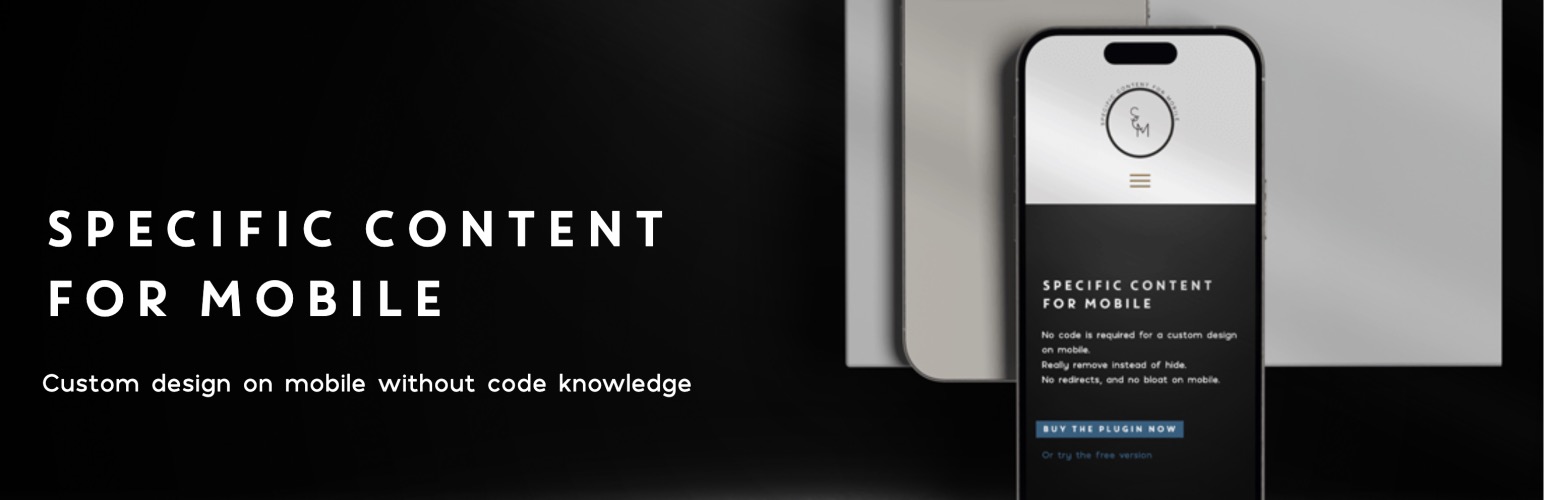
Specific Content For Mobile is a WordPress plugin that allows you to create tailored content for mobile devices without redirecting users from the desktop version. You can easily modify pages and posts specifically for mobile viewing, ensuring that mobile users see content designed for their device while maintaining the same URL as the desktop version.
This plugin is suitable for those who need to display different content on mobile devices without the complications of redirection. It is particularly useful for websites that require unique mobile content while still offering a fully responsive design as the primary option.
Best for: This plugin is best for website owners who want to customise mobile content without affecting desktop users.
What it does well
Where it falls short
Specific Content For Mobile provides a straightforward solution for customising mobile content, but users should be mindful of caching settings to avoid issues.
Jose Mortellaro's own description of Specific Content For Mobile, lightly tidied.
Specific Content For Mobile allows you to create pages and posts content designed for mobile devices.
This plugin DOES NOT redirect content from the desktop website: it creates brand new mobile-specific content.
It’s perfect if in some pages you need different content for the mobile version.
The best way to have a mobile version is always a fully responsive design, but in some cases you may need specific content for the mobile version.
If you want to create a mobile version for your blog posts, do as explained above, but going to the list of Posts.
On mobile devices, the plugin will load the mobile version you have created for that page or post.
If you create the mobile version for a page reachable at https://your-domain.com/page-example/, and you are logged-in, you will see also https://your-domain.com/page-example-mobile/.
But logged-out users will not see it, and the only URL that exists for the public is https://your-domain.com/page-example/.
The page reachable at https://your-domain.com/page-example/ will show the desktop content on desktop devices, and the mobile content on mobile devices The URL is always the same.
You have no redirections, and the plugin just replaces the desktop content with the related mobile version.
For more details read the Documentation.
If you have a server cache plugin, be sure to set a different server cache handling for mobile devices, in another case the mobile version of your pages could also be served on desktop devices.
E.g. W3 Total Cache, WP Fastest Cache, and Powered Cache are caching plugins that can handle the mobile cache.
Be careful if you are using W3 Total Cache or whatever other caching plugin that gives you the possibility to manage the mobile version, DO NOT set up any redirection for mobile devices.
If you have issues with the mobile and desktop versions with W3 Total Cache, read Mobile version showing in desktop view – W3 Total Cache Plugin
Specific Content For Mobile DOES NOT redirect the mobile users. The URL of a page visited on mobile is exactly the same as the desktop URL.
Specific Content For Mobile has nothing to do with AMP pages. It gives you the possibility to show specific content for mobile, but without any redirection, and without generating any AMP markup.
If you want to serve AMP pages, Specific Content For Mobile is not for you. In that case, you may be interested in a plugin like AMP, or AMP For WP.
You consider Specific Content For Mobile like an alternative to AMP plugins.
Other plugins for making sites fast.
Get caching and more with this powerful cache plugin. Cache, optimize images, clean your database and minify f...

All-in-one unbeatable acceleration & PageSpeed improvement: caching, image/CSS/JS optimization...

Comprehensive image optimization with WebP, AVIF, Lazy Load, and more. Optimize images automatically for Faste...

Easy to use Under Construction Page & Coming Soon Page. Enable Under Construction Mode in seconds & sh...

Compress and optimize images, enable lazy load, serve WebP & AVIF, and speed up your site with a global im...

Speed up your website by using our WebP & AVIF Converter. Optimize images and serve WebP and AVIF images i...