
Turn your data into WordPress apps with tables, forms, charts & maps — no code required, with optional hoo...
Free
10k+ installs 4.9★ (88)
Your one-stop solution for easy WordPress database management
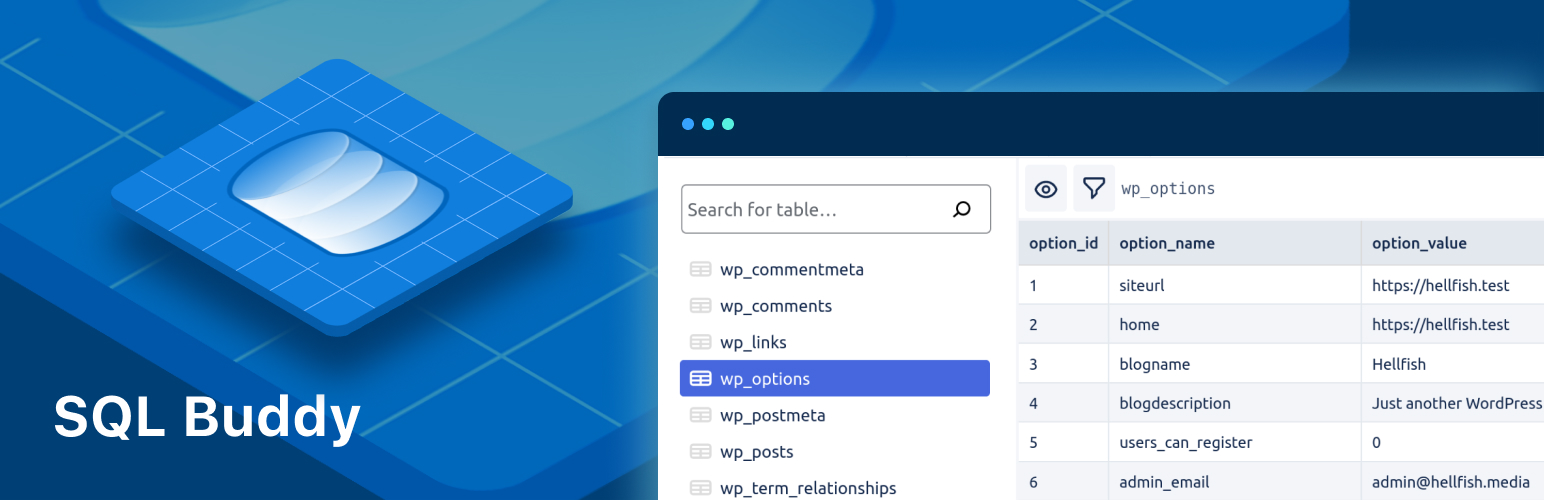
SQL Buddy is a WordPress plugin designed for managing database tables directly from your WordPress dashboard. It offers a user-friendly interface for viewing, editing, and deleting table records without needing to access database credentials or third-party applications.
This plugin is intended for users who need to make changes to their WordPress database, such as updating site URLs after migration or cleaning up leftover data from deleted plugins. However, it is important to note that SQL Buddy is no longer actively maintained.
Best for: This plugin suits WordPress site owners who need a simple solution for database management.
What it does well
Where it falls short
SQL Buddy provides a straightforward way to manage your WordPress database, but its lack of maintenance may be a concern for some users.
WP Engine's own description of SQL Buddy, lightly tidied.
⚠️ WARNING
SQL Buddy is no longer actively maintained.
This software is still free to use under the license provided, but users should be aware that it is not currently maintained. No additional releases, including security releases, will be made available.
Your one-stop solution for WordPress database management. Edit your table data with a clean and straightforward user interface.
SQL Buddy is a WordPress plugin that makes it easy to manage your database table contents right from your WordPress dashboard.
The Dashboard screen gives you a detailed overview of all your WordPress tables, along with useful data like the number of records, and the size of the table.
The Tables screen allows you to search for a specific table, or view the table rows. Clicking on a row presents options to edit and save the column values, or delete the row. You are also able to control which table columns to display, as well as options to filter the table data.
Each screen has pagination controls for navigating through a large number of tables or rows.
While not common, there are often situations where you might need to make changes to your WordPress database. Perhaps you’ve moved from a staging environment to live, and you need to update your site URL, or you need to clean up some data left behind by a deleted plugin. Whatever the reason, a solid solution for browsing and editing your WordPress database is a vital tool in any site owner’s belt.
You could use the database management tool your web host provides, which is typically based on PHPMyAdmin, but the user interface is clumsy and not all that intuitive. You could try an application like Navicat, SQLyog, or TablePlus, but these require you to know your database access credentials.
SQL Buddy is the WordPress plugin that gives you the ability to manage your database directly from your WordPress dashboard, without needing to worry about database credentials, installing third-party applications, or navigating a confusing user interface.
We’re Delicious Brains, the team behind WP Migrate DB and WP Migrate DB Pro. For the last 15 years, we’ve helped WordPress developers migrate their database, site files and themes, and plugins between multiple different environments. We pride ourselves on being WordPress database experts, so you don’t have to be.
Other plugins for displaying data.
Turn your data into WordPress apps with tables, forms, charts & maps — no code required, with optional hoo...

Best WordPress table builder plugin packed with versatile features to create fully responsive data tables of a...

The best WordPress table plugin. Create responsive, and searchable tables and charts from Excel (.xlsx, .xls o...

Display your WooCommerce products in a responsive Product Slider, Product Carousel, or Product Grid Gallery wi...

Create WooCommerce product tables that are searchable, sortable, filterable and mobile responsive. Help custom...
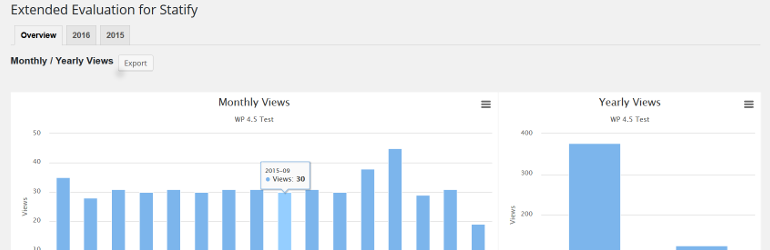
This plugin evaluates the data collected with the privacy-friendly Statify Plugin (data tables and diagrams)....