
Turn your data into WordPress apps with tables, forms, charts & maps — no code required, with optional hoo...
Free
10k+ installs 4.9★ (88)
Effortlessly create responsive, searchable, auto-refreshable data tables — now with built-in form submissions to receive orders or inquiries directly.
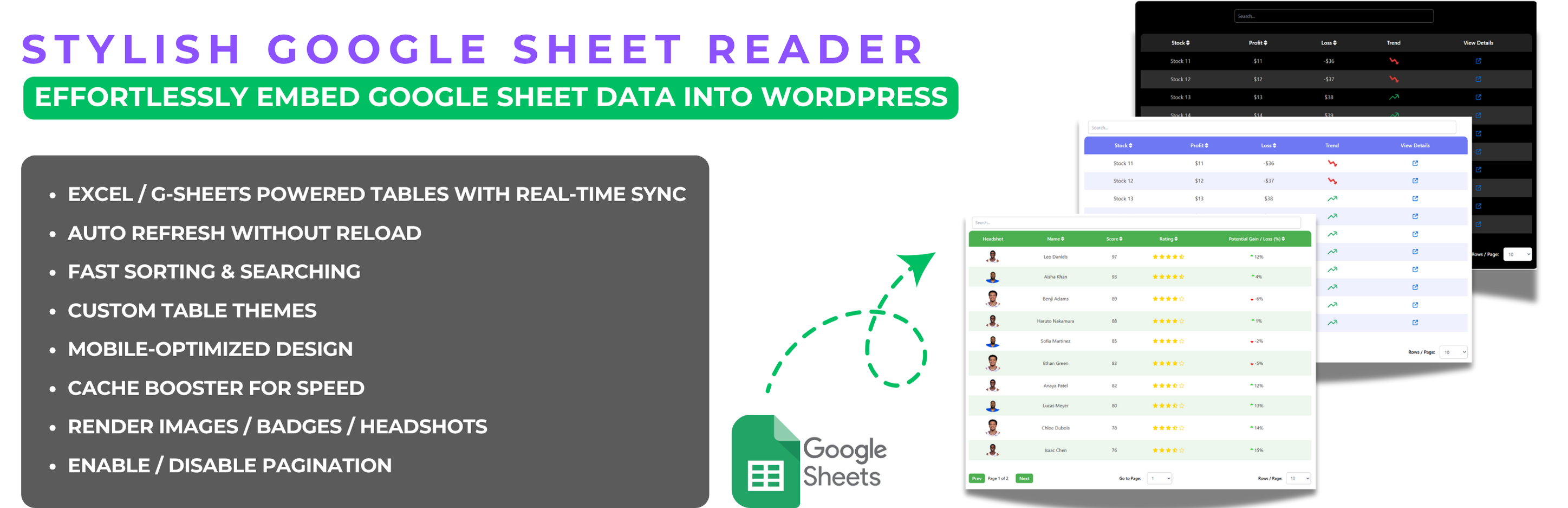
The Stylish Google Sheet Reader is a WordPress plugin that allows you to embed Google Sheets as interactive, responsive tables on your site. It includes features like built-in form submissions, enabling users to send orders or inquiries directly through the tables. This plugin is suitable for e-commerce stores, service providers, educational platforms, and event organizers who need to collect information or orders from users efficiently.
With customization options for themes, colours, and styles, you can tailor the appearance of the tables to match your website. The plugin supports multiple sheets, auto-refresh for live data updates, and offers advanced sorting and searching capabilities for easy data management.
Best for: This plugin suits e-commerce sites, service providers, and educational platforms that require interactive data tables.
What it does well
Where it falls short
The Stylish Google Sheet Reader offers a practical solution for displaying and interacting with Google Sheets on WordPress sites. Its features cater well to various user needs, although some advanced functionalities may be limited in the free version.
wppluginboxdev's own description of Stylish Google Sheet Reader, lightly tidied.
Effortlessly create responsive, searchable, auto-refreshable data tables — now with built-in form submissions to receive orders or inquiries directly.
The Stylish Google Sheet Reader plugin for WordPress makes it easy to convert Google Sheets data into fully responsive, interactive data tables on your website. The new Version 5.0 comes with enhanced features, allowing you to personalize the look of your tables, manage multiple sheets effortlessly, and customize every detail to match your website’s theme.
The new built-in submission feature opens up powerful possibilities:
Explore our extensive documentation for the Stylish Google Sheet Reader plugin. You’ll find detailed guides, advanced features, and troubleshooting tips to help you maximize the plugin’s potential. Whether you’re just getting started or looking to dive into advanced capabilities, our documentation provides everything you need to create and manage responsive, dynamic data tables with ease.
View the Stylish Google Sheet Reader Documentation
For users who need more advanced functionalities, Stylish Google Sheet Reader Pro offers:
To ensure continuous improvement, the plugin may collect non-sensitive usage data, helping us to identify and resolve issues effectively.
Other plugins for displaying data.
Turn your data into WordPress apps with tables, forms, charts & maps — no code required, with optional hoo...

Best WordPress table builder plugin packed with versatile features to create fully responsive data tables of a...

The best WordPress table plugin. Create responsive, and searchable tables and charts from Excel (.xlsx, .xls o...

Display your WooCommerce products in a responsive Product Slider, Product Carousel, or Product Grid Gallery wi...
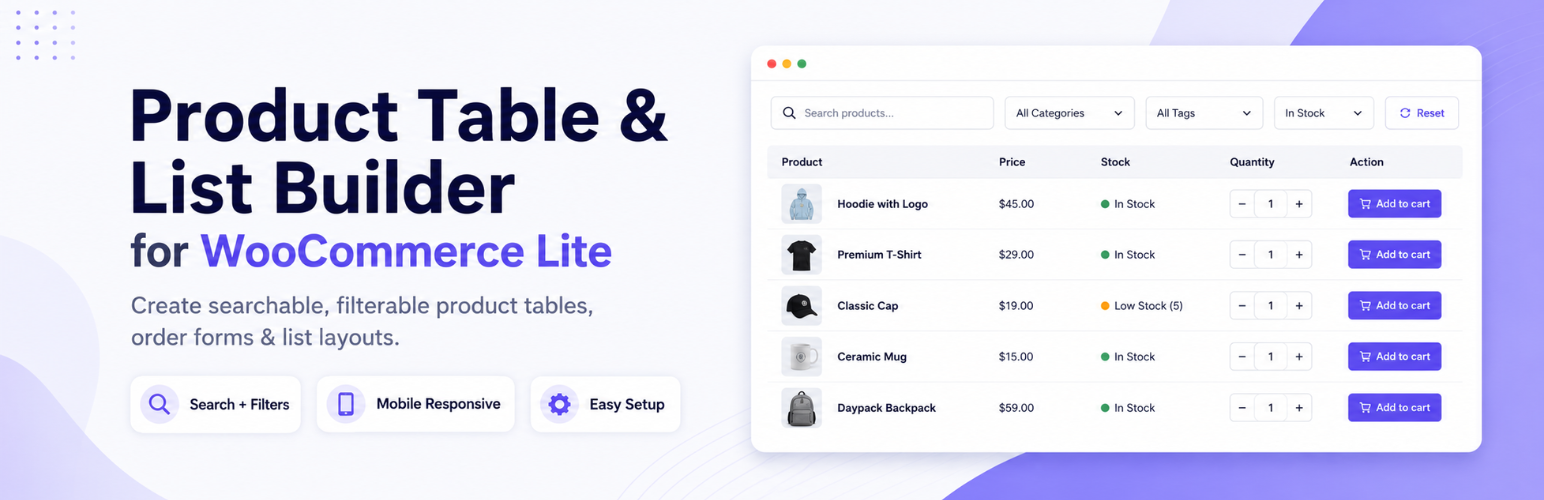
Create WooCommerce product tables that are searchable, sortable, filterable and mobile responsive. Help custom...
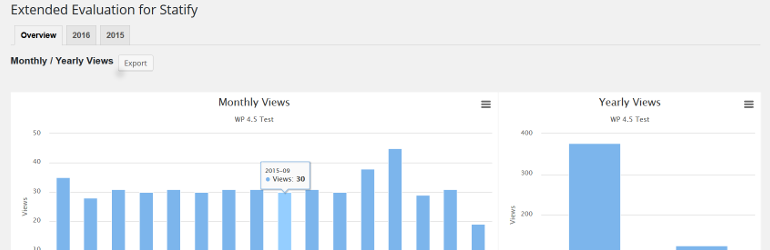
This plugin evaluates the data collected with the privacy-friendly Statify Plugin (data tables and diagrams)....