Subaccounts for WooCommerce
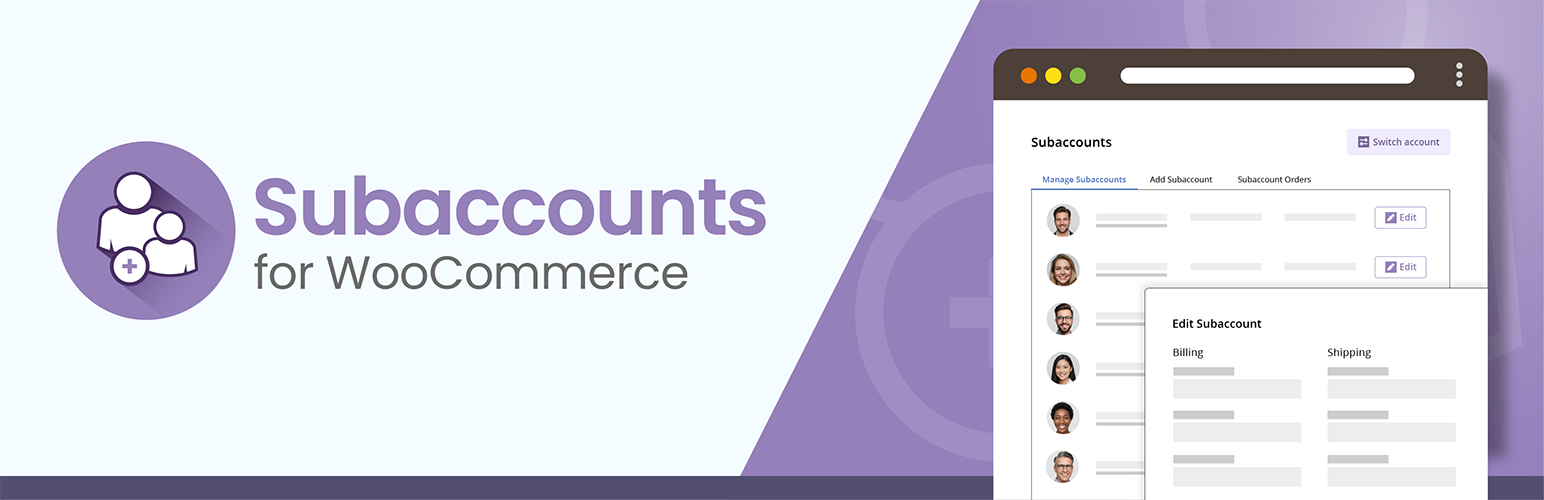
The best subaccount management plugin for WooCommerce. Easily allow customers to create subaccounts or add users to their company accounts.
The facts
- Rating
- 5★ from 27
- Active installs
- 200+
- Price
- Free
- Last updated
- 13 Aug 2026
- Added
- Jun 2022
- Requires WP
- 5.7
- Tested up to
- WP 7.1
- Requires PHP
- 5.7
- Downloads
- 13,749
Our analysis
AI-assistedSubaccounts for WooCommerce is a WordPress plugin that enables customers to create and manage subaccounts linked to a main parent account. This functionality is particularly useful for companies needing to oversee multiple employees' accounts, manage orders from various branches, or facilitate purchasing decisions among multiple stakeholders.
The plugin allows for two modes of subaccount management: Multi-User mode for businesses with different purchasing departments and Sub-User mode for keeping accounts separate while still under the parent account's supervision. Users can manage subaccount details, track orders, and monitor purchases directly from their My Account area.
Best for: This plugin is suitable for businesses that require subaccount management for employees or multiple decision-makers in purchasing.
What it does well
- ✓Free to use from the WordPress.org directory
- ✓Supports two subaccount modes for different business needs
- ✓Allows management of up to 10 subaccounts per parent account
- ✓Enables parent accounts to edit subaccount details
- ✓Includes a user switching system for easy navigation between accounts
Where it falls short
- •Limited to 10 subaccounts in the free version
- •No information on premium features provided
Verdict
Subaccounts for WooCommerce offers essential functionality for managing multiple accounts within a business context. It is a practical solution for companies looking to streamline their order management processes.
From the developer
mediaticus's own description of Subaccounts for WooCommerce, lightly tidied.
Easily allow customers to create subaccounts or add users to their company accounts, while giving them full control over subaccount details, order tracking, and purchase monitoring—all delivered through a powerful, extensible plugin.
Subaccounts for WooCommerce – The most comprehensive subaccount management plugin for WooCommerce
The Subaccounts for WooCommerce plugin gives you everything you need to add powerful subaccount functionality to your store. Subaccounts Pro (our premium version) and its extensions unlock even more advanced features.
The ability to create multiple subaccounts tied to a main parent account is extremely useful in the following scenarios:
- Companies that need to add and manage accounts for their employees
- Stores that need to place orders from multiple branches
- Businesses with multiple decision-makers involved in purchasing
- Parent accounts that need to supervise and monitor all subaccount activity (purchases, expenses, quotes, etc.), and even place orders on their behalf
- Company accounts that need to manage orders across different purchasing departments or multiple purchasing managers (B2B and similar cases)
- Sales agents or representatives who need to create new accounts for newly acquired customers and, if needed, place orders on their behalf
🏆 Main features
Subaccounts for WooCommerce (free version) provides support for the following features:
Two subaccount modes available
Whether your customers need parent-level control over multiple separate subaccounts or the ability to add users to their company account, we’ve got them covered.
-
Multi-User mode: This is the best option for company accounts that need to place orders across different purchasing departments or via multiple purchasing managers (B2B and similar).
-
Sub-User mode: This is the ideal solution if you want to keep accounts separate while still allowing the parent account to maintain control and supervise subaccount activity (purchases, expenses, quotes, etc.).
Frontend subaccount management
Allow customers to easily create new subaccounts and manage subaccount details, view subaccount orders, and monitor purchases with full visibility.
- Allow customers to add their own subaccounts (up to 10 subaccounts per parent account in the free version)
- Allow parent accounts to edit subaccount details, including billing and shipping addresses
- Allow customers to view and monitor subaccount orders directly from their own My Account area
- For each purchase display information about who did actually placed the order
- Allow parent accounts to switch forward and backward from their account to any subaccount user account using our advanced and secure user switching system
Tailored Settings
- Target Users Precisely — Enable the subaccount system only for the roles you choose (including custom roles).
- Assign Roles with Ease — Automatically set specific roles for subaccounts created on the frontend.
- Keep Roles Consistent — Let subaccounts inherit the same roles as their parent.
- Keep Roles in Sync — Keep subaccount roles synchronized with the parent account.
- Set Limits — Control the number of subaccounts parent accounts can create.
- Customize Appearance — Customize the User Switcher Pane to match your theme’s color scheme.