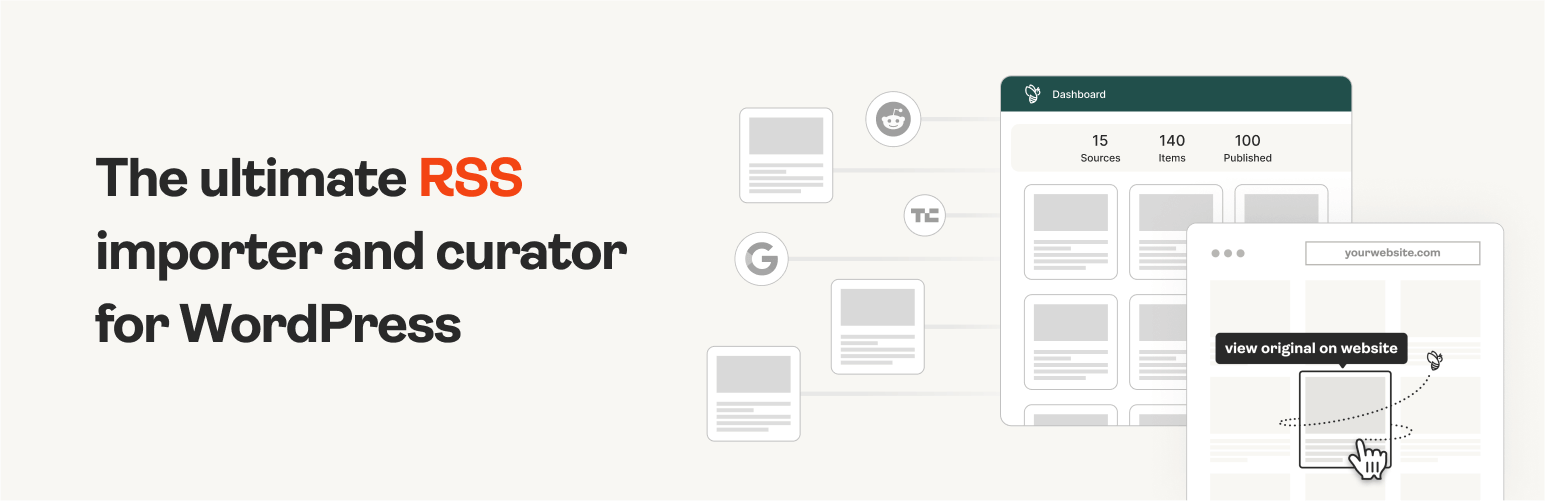
The #1 WordPress RSS aggregator to quickly import RSS feeds, build a news aggregator, and for easy autobloggin...
Free
40k+ installs 4.5★ (562)
Sync and display your Substack posts on WordPress. Perfect for newsletter publishers.

Subsync is a WordPress plugin designed to import posts from your Substack account into your WordPress site. It allows Substack writers to maintain a presence on their own domain by making their content searchable and discoverable. Once set up, the plugin automatically syncs new posts daily or weekly, ensuring your site remains up-to-date with minimal effort.
This plugin is suitable for Substack writers looking to back up their content and grow their audience by providing multiple ways for readers to access their work. It features a setup wizard for easy installation, options for displaying posts using shortcodes or Gutenberg blocks, and the ability to manage how deleted posts are handled.
Best for: This plugin suits Substack writers who want to enhance their online presence and control their content.
What it does well
Where it falls short
Subsync offers a straightforward solution for integrating Substack content into WordPress. It is beneficial for those looking to maintain their writing on their own site, although some details about support and user feedback are lacking.
stormhill's own description of Subsync, lightly tidied.
Bring your Substack to your WordPress site.
Subsync automatically imports your Substack posts into WordPress, making them searchable, discoverable, and part of your website. Perfect for Substack writers who want to maintain a presence on their own domain.
Own Your Content
Keep a backup of your posts on your WordPress site. If you ever decide to move platforms, you’ll have all your content ready to go.
Improve Discoverability
Make your posts searchable on Google and accessible to readers who prefer your website over email subscriptions.
Grow Your Audience
Give readers multiple ways to find and engage with your content. Your website visitors can browse your entire archive without needing to subscribe.
Set It and Forget It
Once configured, Subsync runs automatically. New posts appear on your site within 24 hours of publication.
yourname.substack.com/feed)[sstack_posts] shortcode or Gutenberg block to any pageNew posts are automatically synced daily (or weekly, your choice). Manual sync is always available if you want to update immediately after publishing.
Shortcode Usage:
[sstack_posts] — Show all posts (default 10, recommended)
[sstack_posts count=”5″] — Show 5 most recent posts
[sstack_posts orderby=”title” order=”ASC”] — Sort alphabetically
You can also use [subsync_posts] or [substack_posts] (backwards compatibility).
Gutenberg Block:
Use the “Subsync Posts” block in the editor with live preview and visual controls for number of posts, sorting, and ordering.
Other plugins for aggregating content.
The #1 WordPress RSS aggregator to quickly import RSS feeds, build a news aggregator, and for easy autobloggin...
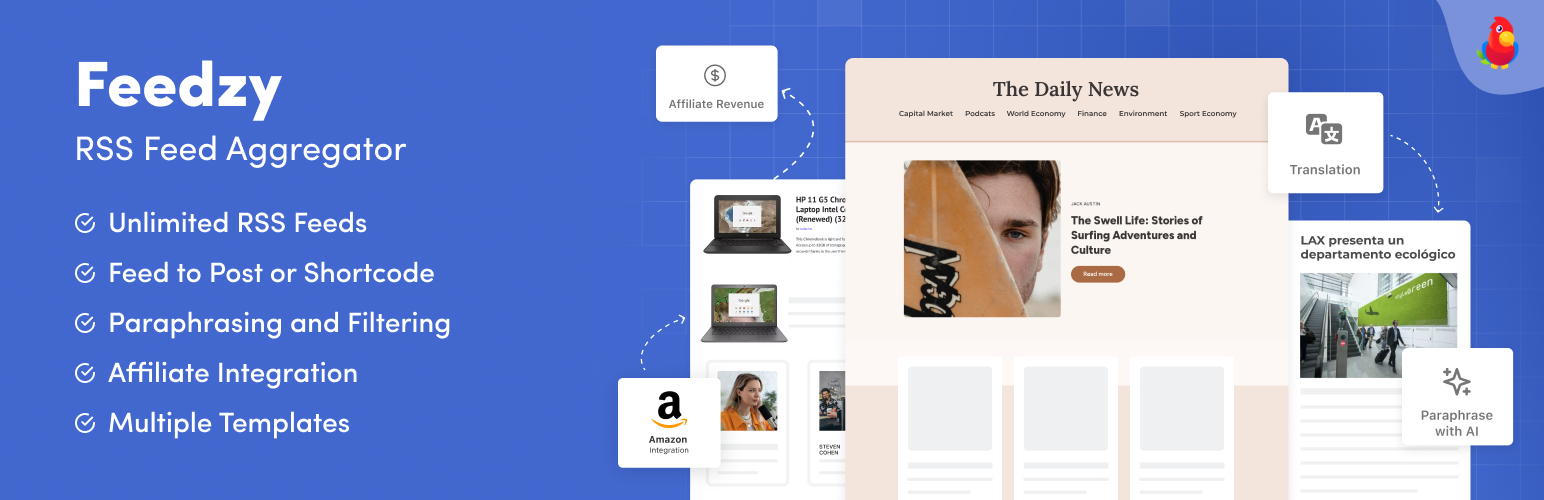
The most powerful WordPress RSS aggregator, helping you curate content, autoblog, import RSS & display unl...

Ditty offers a range of content display options, including its signature news ticker and customizable layouts.

Podcasting the way it's meant to be. No mess, no fuss - just you and your content taking over the world.

GN Publisher makes RSS feeds that comply with the Google News RSS Feed Technical Requirements for including yo...

Hide posts or WooCommerce products from the homepage, archives, search, RSS, REST API, sitemaps and SEO tools...