
WPForms
98The best WordPress contact form plugin. Drag & Drop form builder to create beautiful contact forms, paymen...
Free
5M+ installs 4.8★ (14,369)
Drag & Drop Form Builder for WordPress
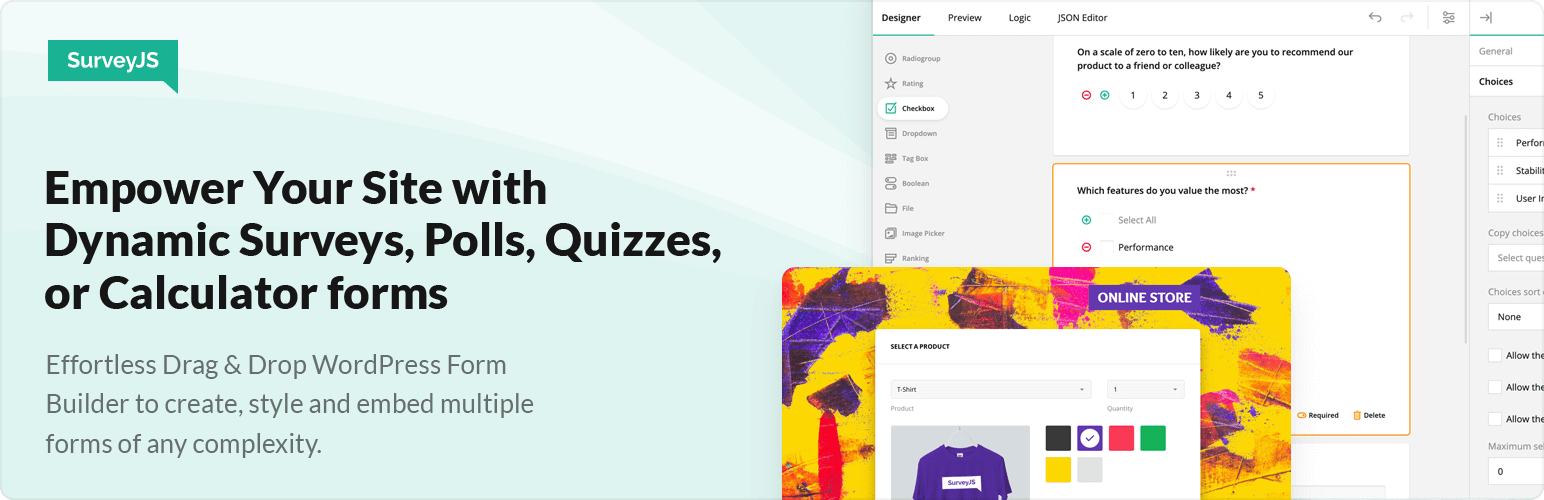
SurveyJS: Drag & Drop Form Builder is a WordPress plugin that allows you to create customizable forms for various purposes, from simple contact forms to complex applications. It features a drag-and-drop interface, enabling you to easily add diverse question types and advanced functionalities such as calculations and conditional logic.
This plugin is suitable for enterprises of any size looking to enhance their data collection through tailored forms. With options for styling and accessibility, it aims to provide a user-friendly experience for both form creators and respondents.
Best for: This plugin is best for businesses or organisations needing to create detailed and interactive forms.
What it does well
Where it falls short
SurveyJS provides a robust solution for building forms with advanced features, making it a solid choice for users who require flexibility and customisation in their form-building process.
devsoftbaltic's own description of SurveyJS: Drag & Drop Form Builder, lightly tidied.
SurveyJS is an advanced yet easy-to-use form builder, perfect for enterprises of any size. You can use it to build something as simple as a Contact or Feedback form or to handle more complex use cases, such as an Application form with dynamic fields whose values are calculated and set based on the user’s input and predefined conditions.
Every single element of your form is fully customizable, from titles and helper texts to placeholder texts and error messages—all to make sure you can provide your respondents with tailored guides and instructions and ensure high-quality user experience.
Unlike the vast majority of form builders, SurveyJS goes far beyond common question types such as Single-line input (date, email, name, surname etc.), Long text, Rating, and Radio button group. Among some more advanced form elements that you can use are the following:
In addition to offering a wide variety of question elements, SurveyJS enables you to implement the following advanced features:
To simplify the process of setting up conditional rules, SurveyJS ships with a dedicated GUI for conditional rules that makes the process simple for everyone. For example, you can set a rule that defines the visibility of the next question based on a given answer, or you can customize the text of the Thank you page based on how the respondent answered your questions.
But this is not all! SurveyJS Theme Editor gives you the power to effortlessly customize survey UI themes and create unique survey looks tailored to your application. And here’s the exciting part: we’ve included a collection of predefined themes to help you get started. Just pick a theme as your base, refine it further to align with your brand’s aesthetic, and witness real-time changes – from colors to layouts. Notably, our predefined themes prioritize accessibility. Dark mode and a specially designed contrast theme are particularly suited for individuals with visual impairments.
Please also refer to the collection of demos specially designed for various real-life use cases: View Featured Demos.
Other plugins for building forms.
The best WordPress contact form plugin. Drag & Drop form builder to create beautiful contact forms, paymen...

The best anti-spam protection to block spam comments and spam in a contact form. The most trusted antispam sol...

Get a fast contact form plugin. Create advanced forms using drag and drop form builder with all smart features...

Best WordPress form builder plugin. Create contact forms, payment forms & order forms with 1000+ integrati...

Save and manage Contact Form 7 messages. Never lose important data. It is a lightweight contact form 7 databas...

Elementor forms builder to create WordPress forms like contact form, booking form, feedback form, survey form,...