
Elementor addon offering 120+ widgets and templates — Elementor Gallery, Slider, Form, Post Grid, Menu, Accord...
Free
1M+ installs 4.9★ (4,111)
Easily add SVG icon to your Gutenberg block editor with this SVG Icon Block plugin.
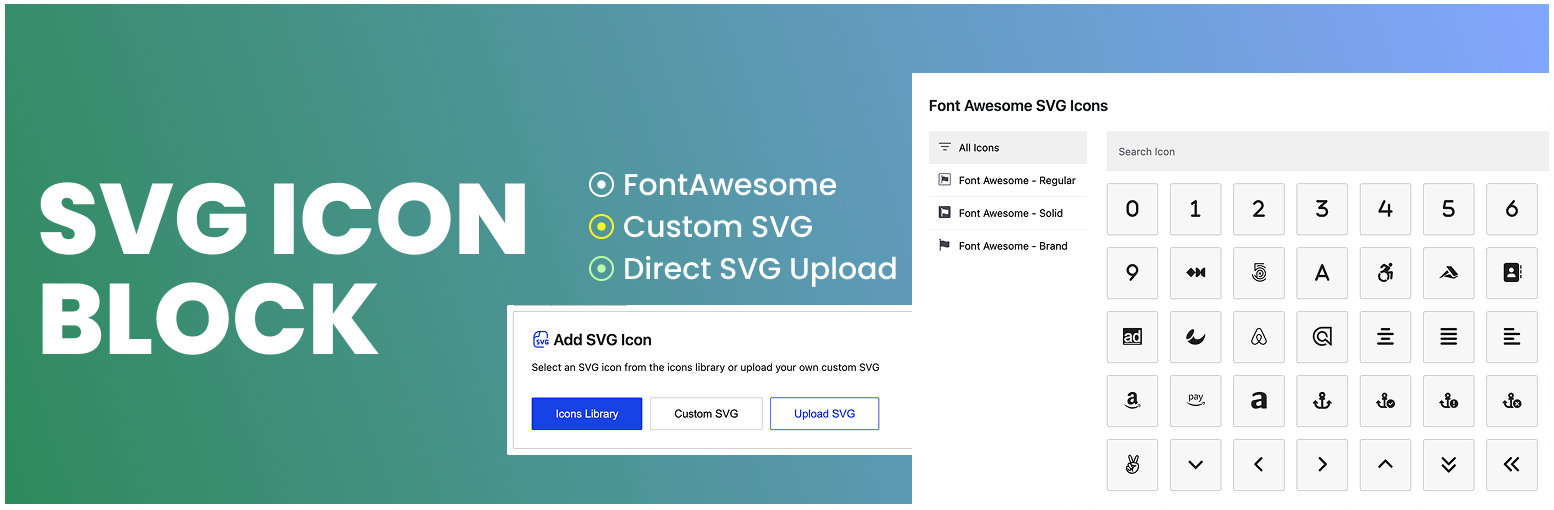
SVG Icon Block is a WordPress plugin that adds a custom Gutenberg block for incorporating SVG icons into your posts and pages. It features a user-friendly interface that allows for direct SVG uploads and offers a library for saving and reusing your own SVG icons across the site.
The plugin supports various customization options, including the ability to rotate and flip icons. It is designed for users who want to enhance their content with SVG graphics without relying on third-party libraries.
Best for: This plugin is suitable for WordPress users looking to enhance their site with custom SVG icons.
What it does well
Where it falls short
SVG Icon Block provides a straightforward solution for adding SVG icons in WordPress. It is particularly useful for teams needing to share and reuse icons efficiently.
Binsaifullah's own description of SVG Icon Block, lightly tidied.
SVG Icon Block is a custom Gutenberg block plugin that allows you to add SVG icon to your Gutenberg block editor. It comes with a lot of customization options, as a result, you can customize it as per your needs.
Paste your SVG code in the Custom SVG window, turn on Add to My Icons, give it a label, and the icon is saved to your site. A My Icons button then appears in the block placeholder so you can pick that icon again in any post or page, without pasting the code a second time.
The library is shared by everyone on the site who can edit posts, so a logo or brand icon saved by one author is available to the whole team. Saved icons can be searched and removed from the same window.
Every icon is sanitized before it is stored, using the same security checks applied to uploaded SVG files: scripts, event handlers and unsafe links are stripped out.
Other plugins for extending a page builder.
Elementor addon offering 120+ widgets and templates — Elementor Gallery, Slider, Form, Post Grid, Menu, Accord...

Join millions who empower their websites with ElementsKit Elementor Addons. Get templates, & 100+ widgets...

Elementor addons with 18+ free widgets, Header & Footer Builder, WooCommerce widgets & templates. Trus...

Elementor Carousel, Mega Menu, Posts List/Slider, WooCommerce Widgets, Display Conditions, AI Abilities, Prema...

Elementor templates, Header footer builder, Elementor Post Grid, Woocommerce Grid builder, Slider, Forms, Gall...

Disable Gutenberg Block Editor and restore the Classic Editor and original Edit Post screen (TinyMCE, meta box...