Temporary Login
Create a secure, temporary URL for easy access to your WP admin.
The facts
- Rating
- 4.2★ from 5
- Active installs
- 40k+
- Price
- Free
- Last updated
- 26 Nov 2024
- Added
- Mar 2024
- Requires WP
- 6.2
- Tested up to
- WP 6.7.7
- Requires PHP
- 7.4
- Downloads
- 149,640
Our analysis
AI-assistedTemporary Login is a WordPress plugin that allows you to create secure, temporary URLs for admin access to your site without needing a username or password. This feature is particularly useful for sharing access with trusted support agents or colleagues to resolve issues quickly.
The plugin automatically generates a temporary URL that expires after 7 days, but you can extend access if needed. You can also revoke access at any time, and the plugin will disable the URL automatically at expiration.
Best for: This plugin suits users who need to grant temporary admin access to their WordPress site for support or collaboration.
What it does well
- ✓Creates secure temporary URLs for admin access
- ✓Access can be revoked at any time
- ✓Automatic expiration after 7 days
- ✓Option to extend access if needed
- ✓No username or password required
Where it falls short
- •Limited information on additional features or support
- •No option for permanent access
Verdict
Temporary Login provides a straightforward solution for managing temporary access to your WordPress site. It is useful for those who require quick and secure access for trusted individuals.
From the developer
Elementor's own description of Temporary Login, lightly tidied.
Temporary Login creates a secure, temporary URL for easy access to your WP admin with no username and password. Share this URL with trusted support agents and colleagues in order to resolve issues quickly, and shut down access as soon as you’re done.
FEATURES
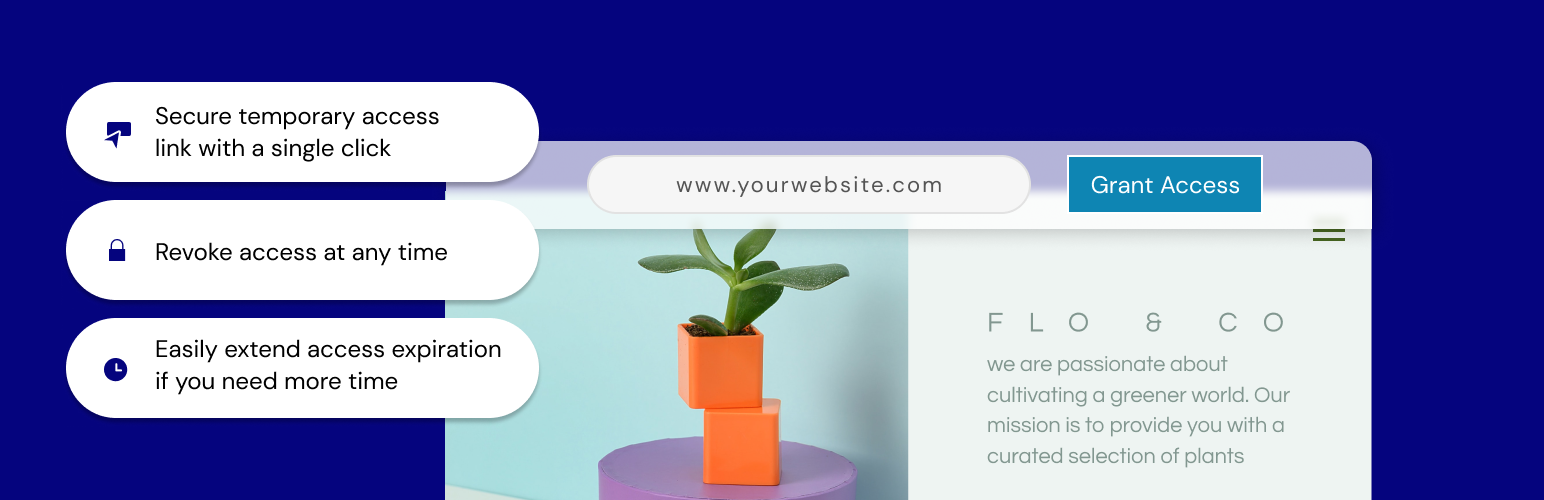
- Grant access to your site with a single click; a temporary URL will be created that you can share for admin-level access to your site and it will automatically expire 7 days from creation.
- Extend access – need more time? No problem. Just click to extend access so that users don’t get locked out.
- All done? Revoke access and the link becomes inaccessible.
- Auto disable access – whether you forget to revoke access or lose track of the timing, there’s no need to worry. We will automatically disable the access URL at the expiration, within 7 days.
Contribution
Would you like to contribute to this plugin? You’re more than welcome to submit your pull requests on the GitHub repo. Also, if you have any notes about the code, please open a ticket on the issue tracker.