
Elementor addon offering 120+ widgets and templates — Elementor Gallery, Slider, Form, Post Grid, Menu, Accord...
Free
1M+ installs 4.9★ (4,111)
Add shortcode, block and Elementor widget functionality to The Events Calendar Plugin, so you can easily list and promote your events anywhere.
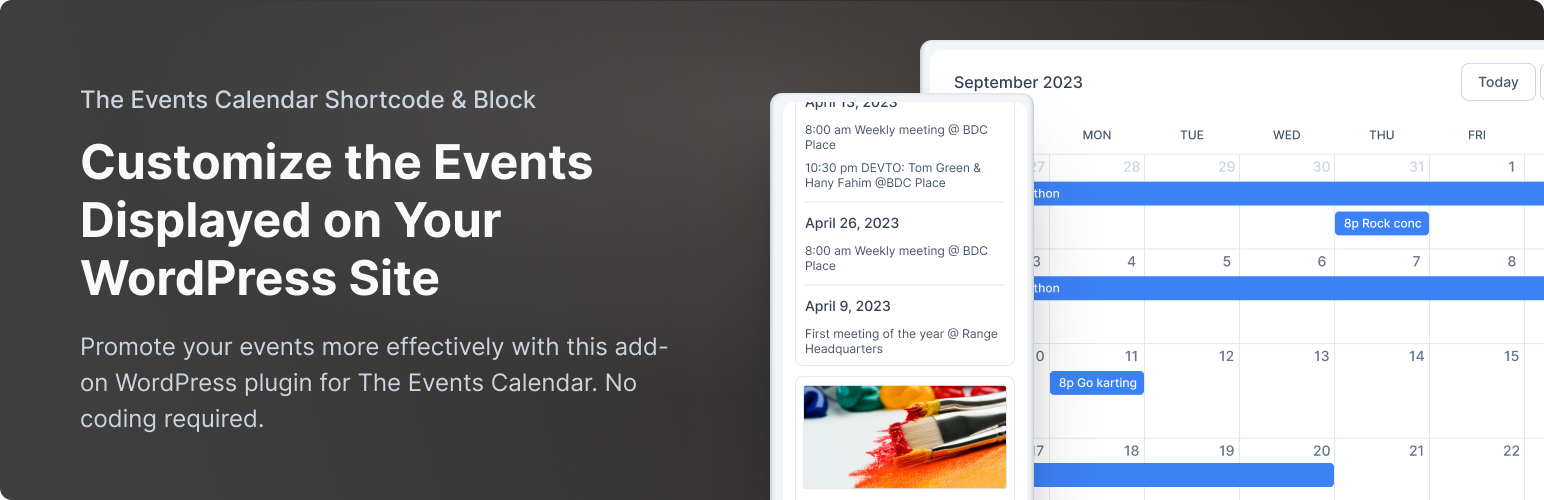
The Events Calendar Shortcode & Block is a WordPress plugin that allows you to display a customizable list of events on your site. It integrates with The Events Calendar Plugin and provides a shortcode, a Gutenberg block, and an Elementor widget for easy event listing. You can filter events by category, date, and other parameters to tailor the display to your needs.
This plugin is suitable for non-profits, charities, businesses, and anyone else who needs to showcase events on their WordPress website. It offers flexibility in how events are presented, making it a useful tool for managing event visibility and organisation.
Best for: This plugin suits WordPress users looking to display events on their site.
What it does well
Where it falls short
The Events Calendar Shortcode & Block provides a straightforward way to manage and display events on WordPress sites, though advanced features require the Pro version.
Event Calendar Newsletter's own description of The Events Calendar Shortcode & Block, lightly tidied.
Get your events displayed in a customizable list wherever you need them, with The Events Calendar Shortcode & Block! This plugin fully integrates with The Events Calendar Plugin (free version) by StellarWP, formerly Modern Tribe.
This plugin adds a shortcode, a WordPress block (Gutenberg editor), and now an Elementor widget and a Bricks element for use with The Events Calendar WordPress Plugin.
Display a list of your events by either adding a block in the new editor, or adding a shortcode to any post, page, or widget.
Here’s a quick video showing you what you can do:
If you need extra design and functionality, Get The Events Calendar Shortcode & Block Pro! The Pro version offers seven designs, additional filtering options, and full control over how your events display.
You get the same full integration with The Events Calendar, plus premium support, show multiple shortcodes on one page, a filter bar so users can find what events they want to see, and it works with any WordPress theme.
Trusted by 20,000+ WordPress sites and a 4.7 star rating on WordPress.org, The Events Calendar Shortcode & Block is the solution you’ve been after 🙂
You can use the shortcode or block to add a list of your events, filtered by various options. Here’s an example of how you’d show the next 8 events in the category festival:
[ecs-list-events cat="festival" limit="8"]
With the WordPress block editor, just add a block and search for The Events Calendar Shortcode.
When editing a post or page with Elementor, you can add The Events Calendar Shortcode widget (under “General”) and customize the display options.
You can also filter the events in the shortcode and choose from the following options:
This gives you full control over how your events are displayed, and is perfect for non-profits, charities, businesses, conferences, and anyone with a WordPress website showing events.
You’ll find a full list of how to use these options in the shortcode below in the plugin’s FAQs or on our documentation page.
With Pro, choose your design and get even more control
The Events Calendar Shortcode & Block Pro adds extra designs, including a true calendar view, compact and column-based designs, and advanced features like events grouped by day.
Plus, get advanced control over how your events display:
- Events in the next week: Show events happening in the next X days, for example tomorrow, next week, or next month.
- Only specific days: Show only events on specific days.
- Display events by location: Choose to show events by city, state, or country!
- Only featured events: Show only events you mark as featured.
- Full event description: Show the full event description, instead of just a short excerpt.
- Only show start time: Just show the start time of your event.
- Hide recurring events: Only show the first instance of a recurring event.
- Filter bar: Allow visitors to choose what events they want to see.
- Pagination: Let visitors view additional pages of events.
- Custom design: Create your own using Shortcode Variables or templates, or use one of the seven built-in options.
- Plus much more: check out The Events Calendar Shortcode & Block Pro details here.
The Events Calendar Shortcode & Block Pro is ideal for non-profits, charities, businesses, conferences, developers, and WordPress agencies who need the extra control and support straight from the plugin developer. Check it out here.
Other plugins for extending a page builder.
Elementor addon offering 120+ widgets and templates — Elementor Gallery, Slider, Form, Post Grid, Menu, Accord...

Join millions who empower their websites with ElementsKit Elementor Addons. Get templates, & 100+ widgets...

Elementor addons with 18+ free widgets, Header & Footer Builder, WooCommerce widgets & templates. Trus...

Elementor Carousel, Mega Menu, Posts List/Slider, WooCommerce Widgets, Display Conditions, AI Abilities, Prema...

Elementor templates, Header footer builder, Elementor Post Grid, Woocommerce Grid builder, Slider, Forms, Gall...

Disable Gutenberg Block Editor and restore the Classic Editor and original Edit Post screen (TinyMCE, meta box...