
Backup, restore or migrate your WordPress website to another host or domain. Schedule backups or run manually....
Free
3M+ installs 4.8★ (8,631)
Safely analyze, preview, trash, restore, schedule, regenerate, and manage WordPress thumbnails from a clean tabbed admin screen.
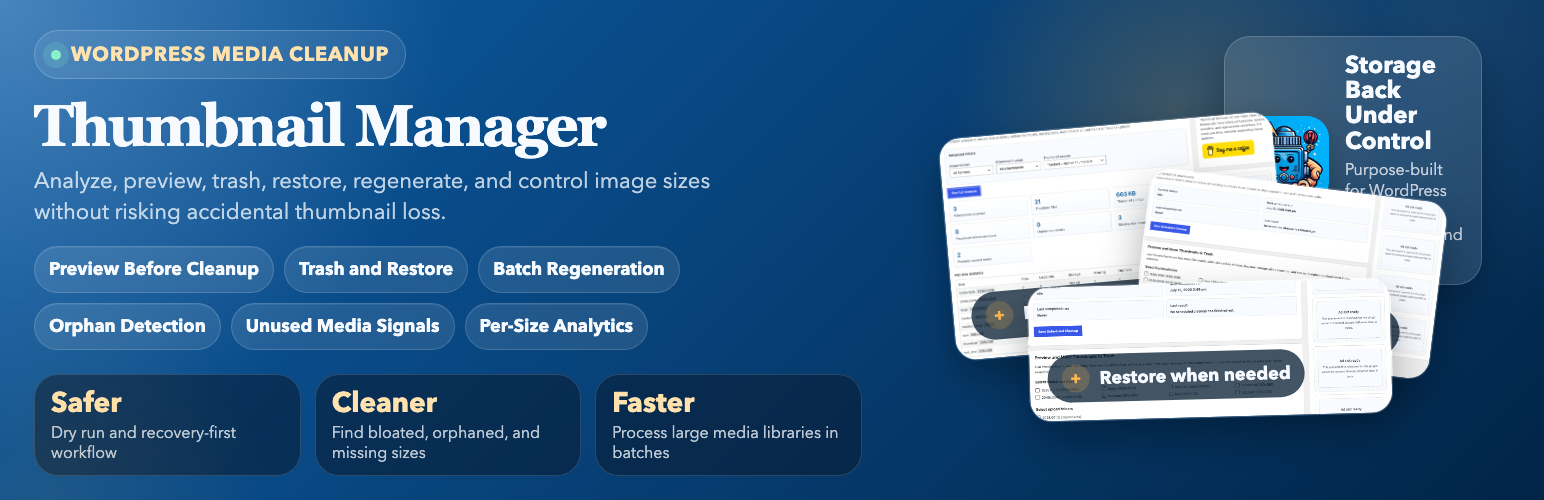
Thumbnail Manager is a WordPress plugin designed to enhance media maintenance workflows. It allows you to preview cleanup results, manage thumbnails safely with a Trash feature, and create backups before deletion. The plugin is suitable for site owners, developers, and agencies looking to manage thumbnail bloat without risking data loss.
It offers features like batch processing, unused media detection, and detailed analytics for image sizes. The tabbed admin interface organizes various functions, including cleanup, optimization, and reporting, making it user-friendly for managing large media libraries.
Best for: This plugin suits site owners and developers who need to manage and optimize media libraries effectively.
What it does well
Where it falls short
Thumbnail Manager provides a comprehensive solution for managing thumbnails in WordPress. Its features cater well to those looking to maintain their media libraries efficiently.
Mehdi Rezaei's own description of Thumbnail Manager, lightly tidied.
Thumbnail Manager is a safer and more complete media-maintenance workflow for WordPress.
Instead of deleting thumbnails blindly, the plugin now helps you:
This release is built for site owners, developers, agencies, and anyone trying to reduce thumbnail bloat without risking accidental data loss.
Create, update, and remove custom image sizes directly from the plugin screen. The manager includes a simple visual preview so you can sanity-check new dimensions before you save them for future uploads.
The Thumbnail Manager screen is organized into focused tabs for Analysis, Sizes, Cleanup, Optimize, Backup, Reports, and Pro previews. The support and ad sidebar remains visible while moving between tabs.
The free version of Thumbnail Manager displays a Google AdSense support ad in its WordPress admin screen sidebar.
The admin screen loads Google’s AdSense script from https://pagead2.googlesyndication.com/pagead/js/adsbygoogle.js with the publisher client ca-pub-9076174896803444 and ad slot 9828772606. Google may process ad requests, impressions, browser data, cookies, and related signals according to its own policies.
Google AdSense is provided by Google LLC.
Terms: https://policies.google.com/terms
Privacy Policy: https://policies.google.com/privacy
AdSense policies: https://support.google.com/adsense/answer/48182
Other plugins for backups.
Backup, restore or migrate your WordPress website to another host or domain. Schedule backups or run manually....

Trusted by 60M+ sites: The gold standard for WordPress migration and backup. Migrate, backup, and restore your...

The best WordPress backup and migration plugin. Quickly and easily backup ,migrate, copy, move, or clone your...

All-in-one WordPress backup, migration and staging plugin — schedule automatic backups, restore in one click,...

Disable Gutenberg Block Editor and restore the Classic Editor and original Edit Post screen (TinyMCE, meta box...

WordPress backup plugin: backups, restore & migration in minutes. Clone or duplicate your site, test updat...