
Backup, restore or migrate your WordPress website to another host or domain. Schedule backups or run manually....
Free
3M+ installs 4.8★ (8,631)
Site health snapshot and REST monitoring API. Auto-detects WordFence/Defender, UpdraftPlus/Snapshot. Built for agencies running multiple sites.
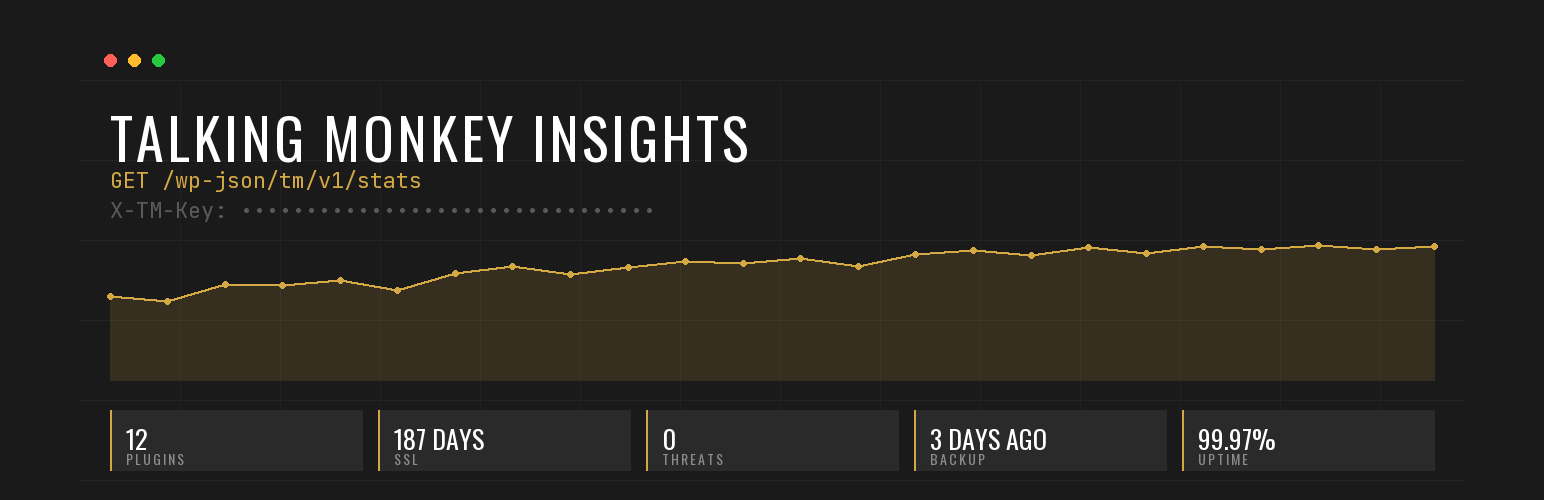
Talking Monkey Insights is a WordPress plugin that provides a site health snapshot within the WordPress admin dashboard. It offers insights on updates, security threats, backups, and SSL status, and exposes this data through a secure REST API for monitoring multiple sites from a custom dashboard.
This plugin is suitable for agencies, freelancers, or anyone managing multiple WordPress sites, as it allows for streamlined site health monitoring without being tied to a specific ecosystem. It automatically detects installed security and backup plugins, providing relevant information without requiring additional installations.
Best for: This plugin suits agencies and freelancers managing multiple WordPress sites.
What it does well
Where it falls short
Talking Monkey Insights offers a straightforward solution for monitoring site health and security. Its REST API functionality makes it particularly useful for users with multiple sites.
talkingmonkeymedia's own description of Talking Monkey Insights, lightly tidied.
Talking Monkey Insights gives you a site health snapshot in your WordPress admin — and exposes the same data via a secure REST API so you can monitor multiple sites from your own dashboard.
If you manage multiple WordPress sites — agency, freelance portfolio, internal IT — built-in WP Site Health is shallow and ManageWP/MainWP require connecting to their proprietary dashboards. This plugin gives you a clean, secure REST endpoint at /wp-json/tm/v1/stats that you can hit from your own dashboard, BI tool, Slack bot, or whatever you already use.
The endpoint requires an API key (auto-generated on activation; regeneratable). No other authentication.
Most site monitoring plugins lock you into one ecosystem. This one auto-detects whichever security and backup plugin you have installed:
Don’t have either installed? The corresponding section shows a neutral “no supported plugin detected” state. No upsells, no recommendations to install anything.
This plugin does not send any data outside of your WordPress site without your explicit configuration. No telemetry. No analytics. No phone-home.
The REST API endpoint is enabled by default but can be disabled in settings. When enabled, access requires an API key. The plugin only responds to authenticated requests; it never proactively contacts external services.
Talking Monkey hosts WordPress sites for our own clients. We built this plugin to monitor them from our internal dashboard — and made it free + open source so other agencies and site owners can do the same. We need it to be trustworthy because we install it on every site we host.
Other plugins for backups.
Backup, restore or migrate your WordPress website to another host or domain. Schedule backups or run manually....

Trusted by 60M+ sites: The gold standard for WordPress migration and backup. Migrate, backup, and restore your...

The best WordPress backup and migration plugin. Quickly and easily backup ,migrate, copy, move, or clone your...

All-in-one WordPress backup, migration and staging plugin — schedule automatic backups, restore in one click,...

Disable Gutenberg Block Editor and restore the Classic Editor and original Edit Post screen (TinyMCE, meta box...

WordPress backup plugin: backups, restore & migration in minutes. Clone or duplicate your site, test updat...