
Build photo galleries, image galleries, and portfolio grids with gallery blocks. Masonry, lightbox, sliders, a...
Free
60k+ installs 4.8★ (336)
Supercharge the WordPress block editor with enhanced core blocks, hundreds of block patterns, professional starter sites, and portfolio tools.
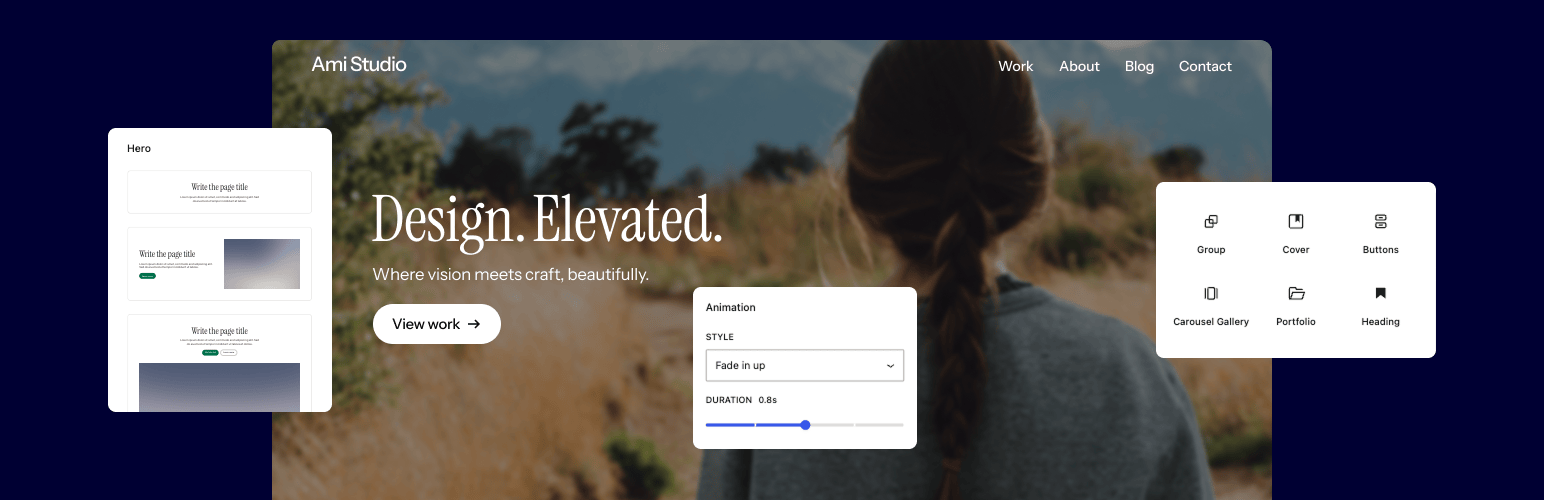
Twentig Supercharged Block Editor is a WordPress plugin designed to enhance the block editing experience. It provides tools for customizing block themes, creating starter sites, and improving core WordPress blocks, making it easier to build a professional-looking website without coding skills.
The plugin includes ready-made starter sites that can be imported with one click, allowing users to quickly set up a website tailored to their needs. It also offers enhancements to existing WordPress blocks, adding new design features and settings for greater flexibility in page creation.
Best for: This plugin is suitable for users looking to create a professional website using the WordPress block editor without prior coding experience.
What it does well
Where it falls short
Twentig Supercharged Block Editor offers useful tools for simplifying website creation with WordPress. It is particularly beneficial for those who prefer a straightforward approach to web design.
Twentig's own description of Twentig Supercharged Block Editor, lightly tidied.
Twentig gives you simple, powerful tools to design a professional website with the WordPress block editor — no coding or design skills required. Customize your block theme, create polished pages, and build a site that fits your needs.
With starter sites, enhanced WordPress core blocks, block patterns, and portfolio tools, you’ve got everything you need to create a stunning website that looks great on every device.
For the best experience, pair the Twentig plugin with Twentig One — our free block theme built for WordPress Full Site Editing. Lightweight and beautifully designed, it gives you a professional foundation right out of the box.
Start with a professionally designed website, not a blank canvas. Import a ready-made starter site from our growing library and make it your own.
Twentig includes starter sites for the Twentig One theme directly in your WordPress dashboard. Import a starter site with one click, then customize the header, footer, homepage, blog, colors, and typography with our Onboarding Customizer.
From there, use the block editor to easily replace the content with your own text and images.
Built-in starter sites for Twentig One:
Twentig also includes starter sites for the Twenty Twenty-Five and Twenty Twenty-Four themes.
Twentig enhances WordPress core blocks — giving you more design flexibility and creative control in the block editor.
Powerful block features. Twentig adds new settings, alternative styles, and CSS classes to the existing WordPress blocks. From scroll animations, hover effects, and image shapes to gallery sliders, button icons, video lightboxes, and fully clickable blocks — you’ve got everything you need to build modern, professional pages.
No extra blocks. Just better ones. Instead of cluttering the block editor with additional blocks, Twentig enhances WordPress core blocks with essential features for a more intuitive editing experience, greater creative freedom, and no lock-in.
Twentig extends the following WordPress blocks:
Other plugins for showcasing work.
Build photo galleries, image galleries, and portfolio grids with gallery blocks. Masonry, lightbox, sliders, a...
Logo Slider: The best responsive plugin for Logo Showcase, Logo Carousel, and displaying clients' logos....
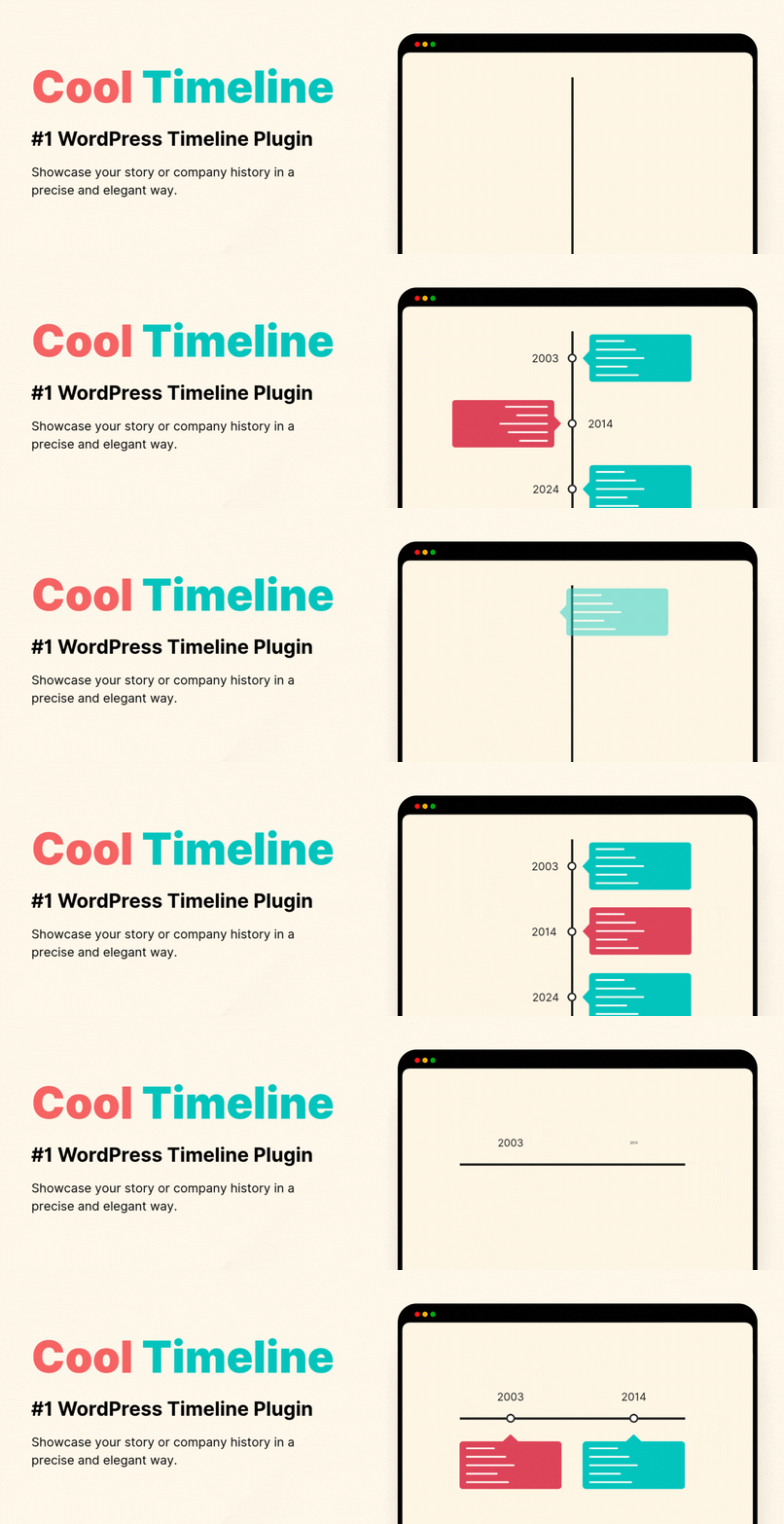
Showcase your story or company history, events, and roadmap in an interactive timeline using the powerful Cool...

Create filterable portfolio galleries with photos, videos, category filters in masonry layouts. Supports Guten...
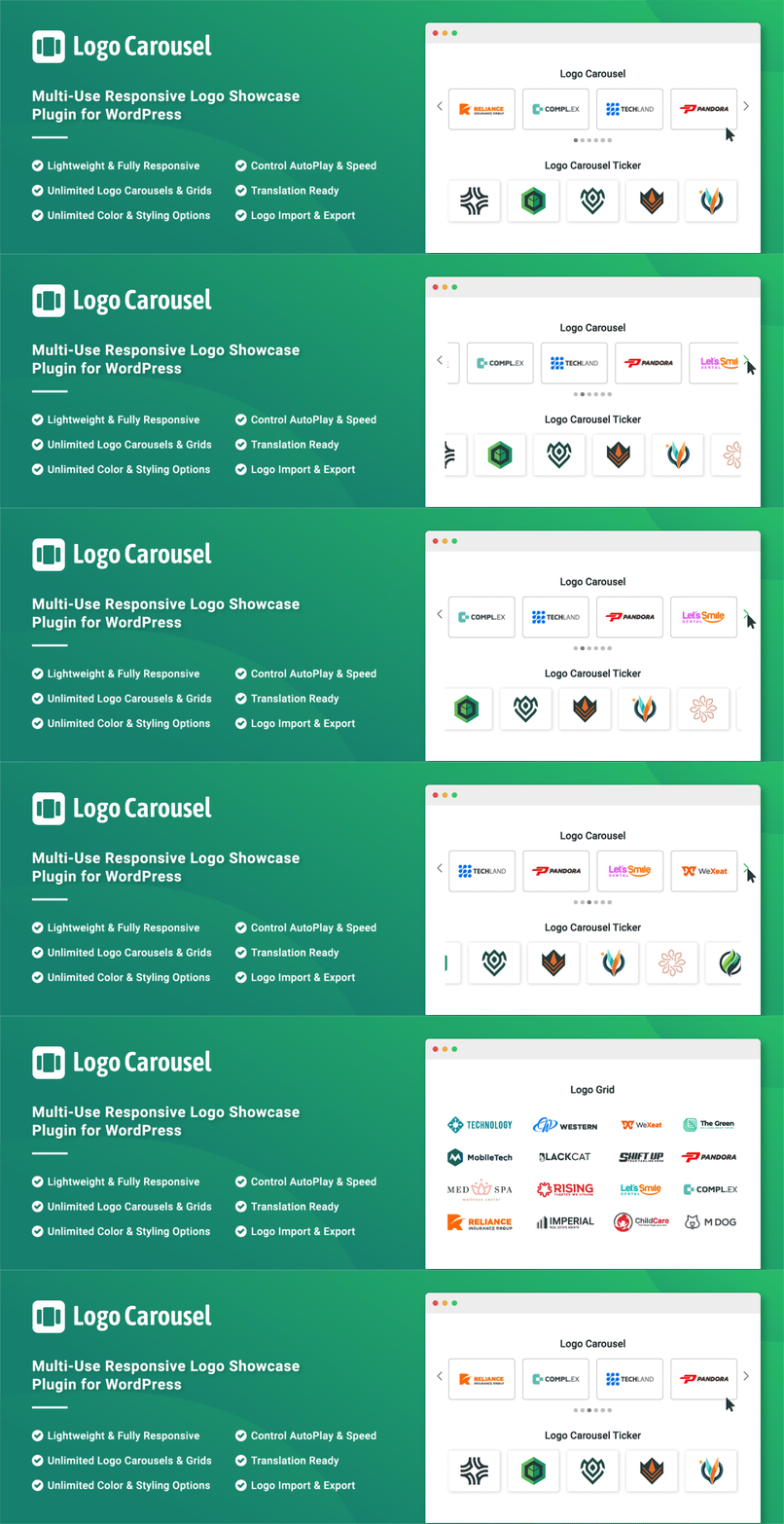
Add, display, and manage clients, partners, sponsors, and brand logos with multiple slideshows on your site. C...
Image Gallery + Photo Gallery + Portfolio Gallery + Tiled Gallery in 1 plugin. Includes lightbox and hover eff...