Unique Headers
Add unique custom header images to individual pages, posts, categories, or tags.
The facts
- Rating
- 4.9★ from 160
- Active installs
- 10k+
- Price
- Free
- Last updated
- 10 May 2026
- Added
- Jun 2012
- Requires WP
- 4.3
- Tested up to
- WP 7.0.4
- Downloads
- 456,486
Our analysis
AI-assistedUnique Headers is a WordPress plugin that allows you to add custom header images to individual posts and pages. It replaces the default header image with a unique one that you can upload or select from your media library. The plugin also supports custom headers for categories and tags.
This plugin is suitable for users who want to personalise their site’s header on a per-post or per-category basis, provided their theme supports WordPress's built-in custom header functionality.
Best for: This plugin suits WordPress users looking to customise headers for individual posts and categories.
What it does well
- ✓Allows unique header images for posts and pages
- ✓Supports categories and tags
- ✓Active maintenance since 2012
- ✓High rating of 4.9 out of 5 from users
- ✓Free to use from the WordPress.org directory
Where it falls short
- •Requires a compatible theme that supports WordPress custom headers
- •Limited information on additional features or support
Verdict
Unique Headers offers a straightforward solution for customising header images, but its effectiveness depends on theme compatibility.
From the developer
Ryan Hellyer's own description of Unique Headers, lightly tidied.
This plugin has been actively maintained since 2012 and is used on over 20,000 websites worldwide.
Features
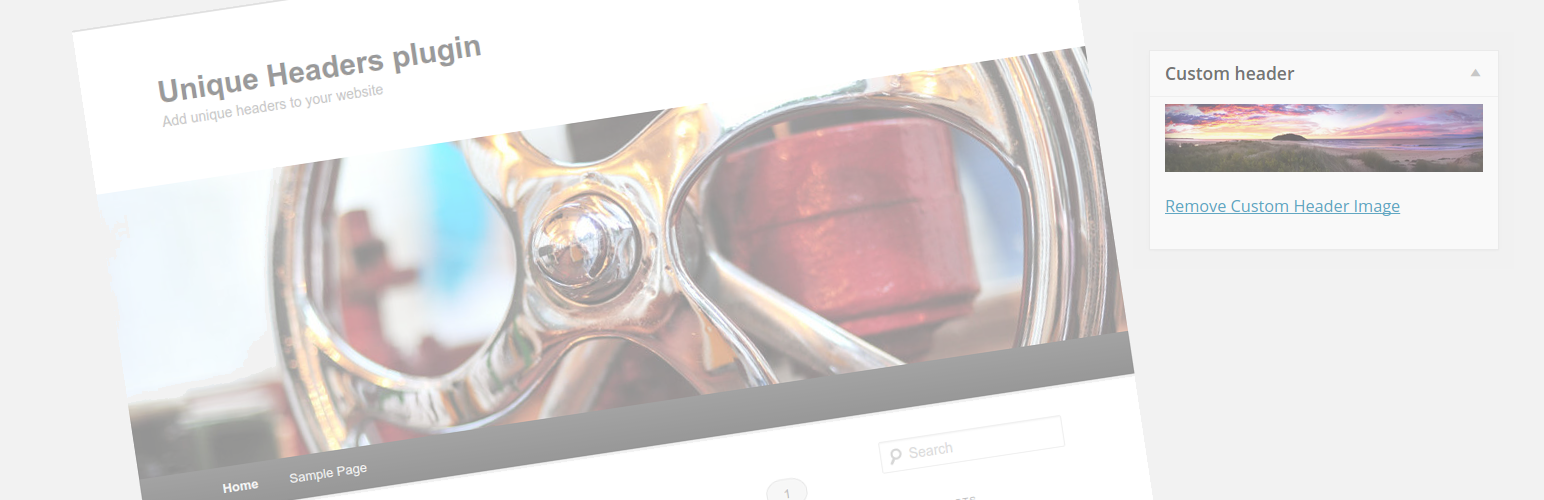
The Unique Headers Plugin adds a custom header image box to the post/page edit screen. You can use this to upload a unique header image for that post, or use another image from your WordPress media library. When you view that page on the front-end of your site, the default header image for your site will be replaced by the unique header you selected.
This functionality also works with categories and tags.
Requirements
You must use a theme which utilizes the built-in custom header functionality of WordPress. If your theme implement it’s own header functionality, then this plugin will not work with it.
Paid WordPress development
If you would like to pay for assistance, additional features to be added to the plugin or are just looking for general WordPress development services, please contact me via my contact form.
Development
This section is only relevant for developers building the plugin from source (e.g. cloning from GitHub). If you installed via WordPress.org, the plugin is ready to use — no build steps required.
The plugin uses Composer for PHP autoloading and dependencies, npm for JavaScript tooling, and TypeScript for admin JavaScript.
To set up a development environment:
- Install PHP dependencies:
composer install - Install JavaScript dependencies:
npm install - Compile TypeScript to JavaScript:
npm run build
To run tests and analysis:
- PHPCS (PSR-12 coding standards):
composer phpcs - Auto-fix PHPCS violations:
composer phpcbf - PHP-CS-Fixer (dry-run):
composer cs - PHP-CS-Fixer (auto-fix):
composer cs:fix - PHPStan static analysis:
composer phpstan - PHPUnit unit tests:
composer test - TypeScript type checking:
npm run typecheck
TypeScript source files are in src/ts/. The compiled output is written to assets/admin.js and is what WordPress loads on the admin side.