
Create WordPress websites with free forms, Gutenberg blocks, popups, sliders, countdowns, animations, pre-buil...
Free
80k+ installs 4.9★ (22)
Free memory & server IP display, PHP EOL countdown, live CPU/RAM sparklines, server location, environment indicators, SSL expiry & EOL alerts.

Version Info is a WordPress plugin designed to provide essential server health monitoring information directly within your WordPress admin area. It displays key environment data such as PHP version, MySQL version, WordPress version, and server type, allowing users to access this information without navigating through hidden menus or using insecure files.
This plugin is suitable for freelancers, developers, and agencies who manage multiple WordPress sites and need quick access to vital server details. It offers features like an admin footer display, memory and server IP information, and PHP end-of-life countdowns, making it a practical tool for maintaining site performance and security.
Best for: This plugin is best for WordPress professionals managing multiple client sites or complex projects.
What it does well
Where it falls short
Version Info is a straightforward tool for accessing critical server information quickly. It is particularly useful for developers and agencies needing to monitor multiple sites efficiently.
Brandon Ernst's own description of Version Info, lightly tidied.
Stop digging through hidden menus or leaving insecure phpinfo() files on your server. Version Info is the essential technical dashboard that brings your site’s most vital environment data directly into your daily workflow — the admin footer, the admin bar, or a dedicated dashboard widget.
Whether you’re a freelancer managing dozens of client sites, a developer debugging a complex plugin conflict, or an agency maintaining a portfolio of high-value properties, having instant access to your PHP version, MySQL version, WordPress version, and web server type is a mission-critical utility.
Version Info has been trusted by WordPress professionals since 2015 and is now supercharged with a complete PRO + Agency suite for serious site monitoring. Learn more at versioninfoplugin.com.
Most server info plugins show you a wall of data you don’t need. Version Info is designed around the data you actually use every day, placed exactly where you need it — no extra pages, no bloat, no performance impact.
These features will always be free. No bait-and-switch.
Unlock real-time performance monitoring, environment safety, and proactive health checks. Built for developers who take their stack seriously.
🖥️ Live System Resources HUD in the Dashboard Widget
Turn your dashboard widget into a full server-health command center. One toggle lights up 30+ live stats in clean groups:
The modern replacement for the abandoned wp-server-stats plugin.
Other plugins for urgency and countdowns.
Create WordPress websites with free forms, Gutenberg blocks, popups, sliders, countdowns, animations, pre-buil...
ShopLentor – More than a WooCommerce builder. A complete growth plugin to boost conversions, UX, and sales for...
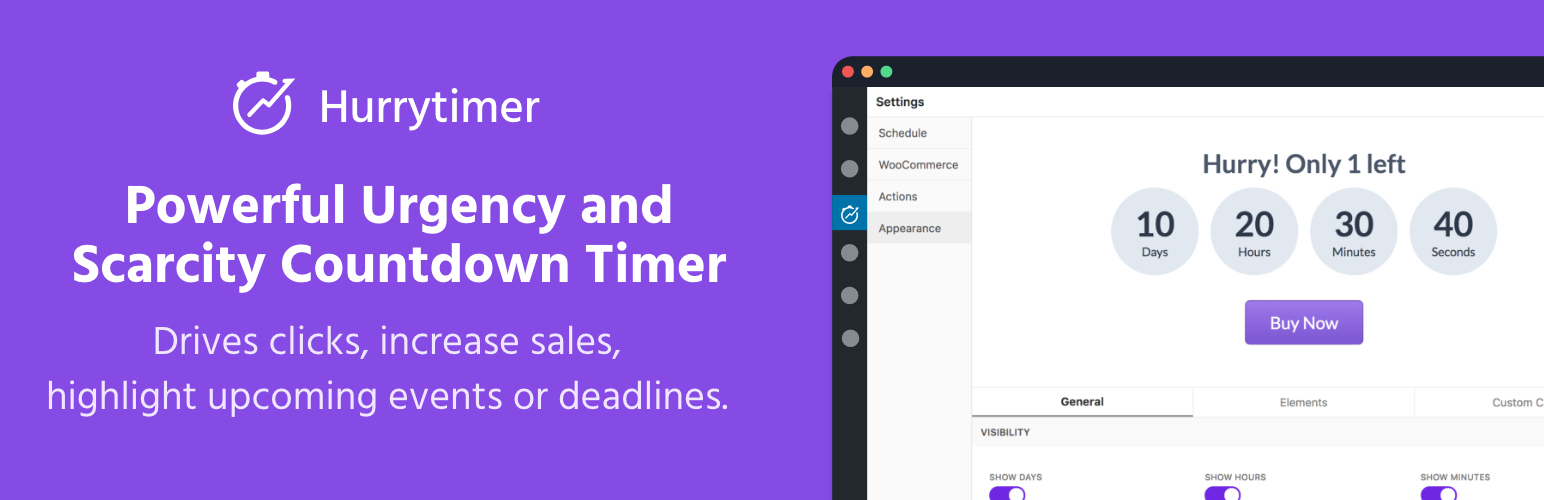
Create unlimited urgency and scarcity countdown timers for WordPress and WooCommerce to boost conversions and...
Automate SEO and content with dynamic shortcodes for dates, years, months, age calculations, seasons and count...
Create a coming soon page or maintenance mode screen with 15 responsive templates, countdown timer, MailChimp...
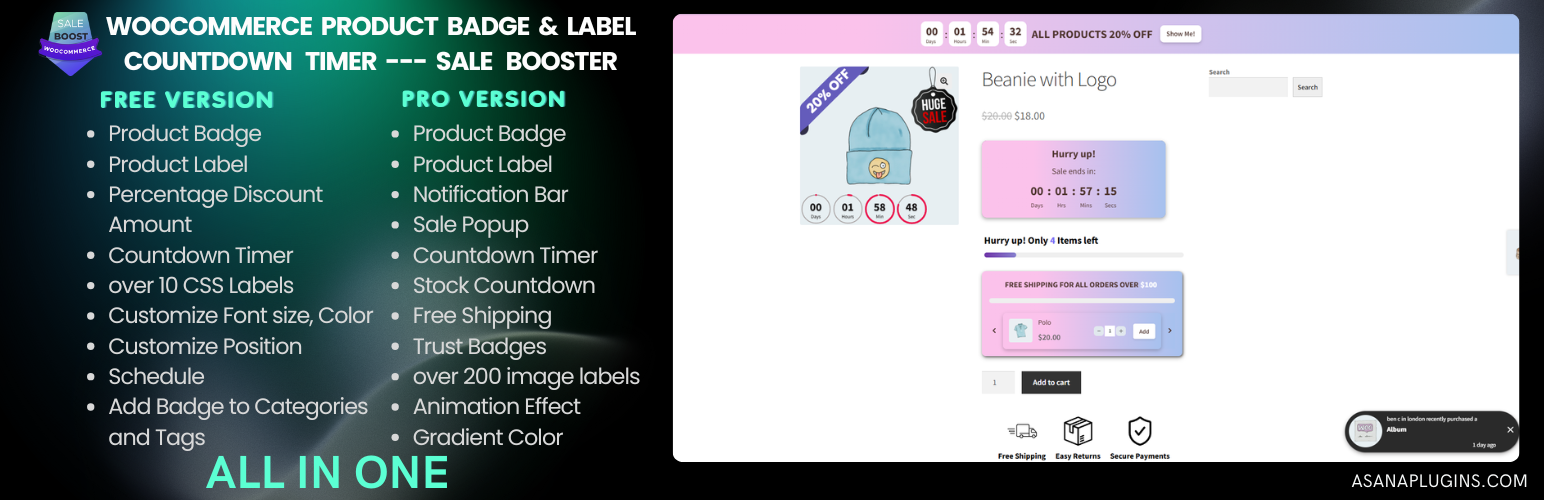
WooCommerce Product Badge and Label, Sale Badge, Sold Out Badge, Countdown Timer, Notification Bar (PRO), Quic...