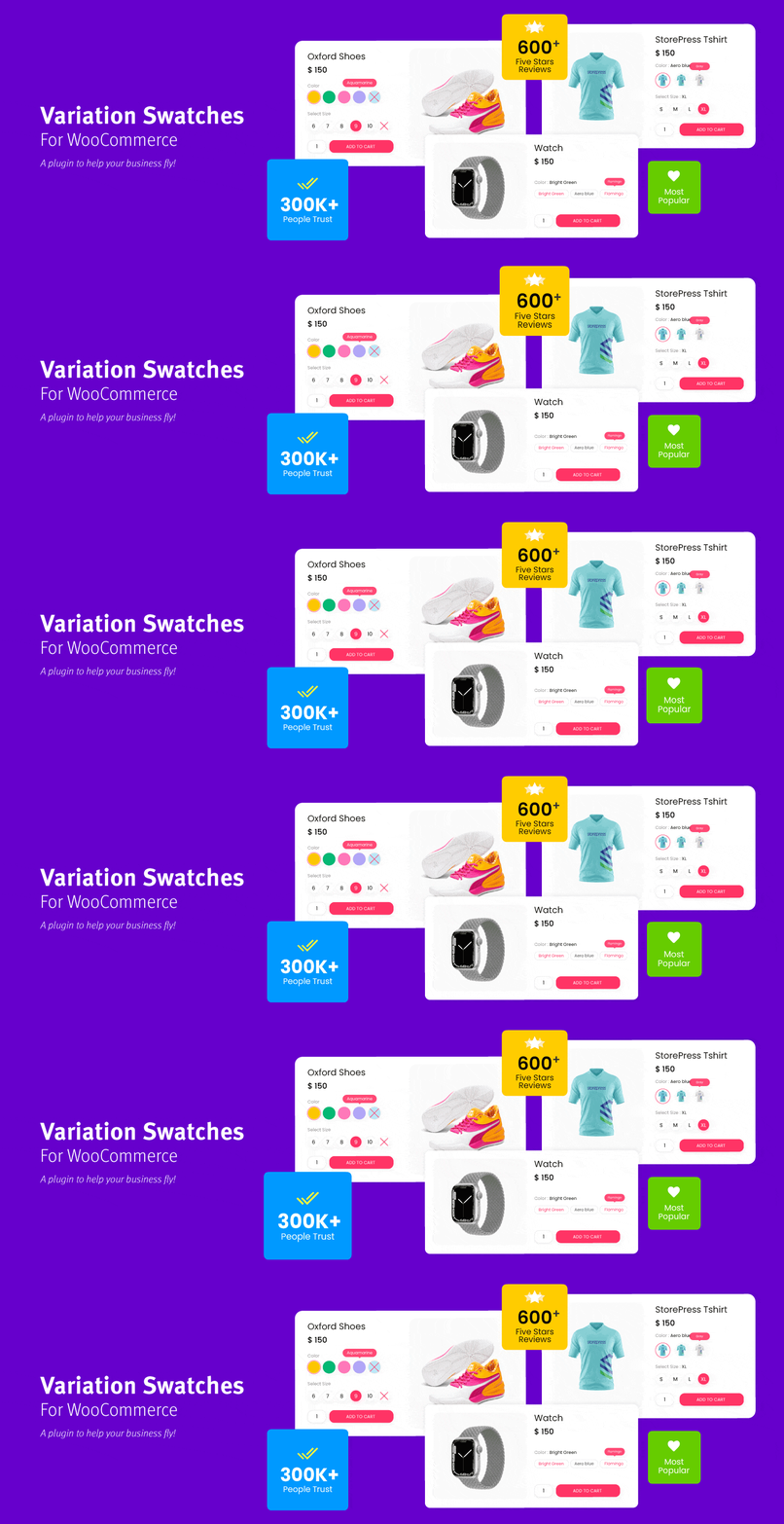
WooCommerce Variation Swatches replaces boring variation dropdowns with engaging color, image, and label swatc...
Free
300k+ installs 4.8★ (919)
Create unlimited WooCommerce tabs and assign them in bulk by category, tag, brand, or product. Also disable WooCommerce’s default product tabs.

Custom Product Tabs for WooCommerce is a WordPress plugin that allows you to add unlimited custom tabs to your WooCommerce product pages. You can create global tabs that can be assigned to multiple products based on categories, tags, or brands, as well as product-specific tabs for individual items. The plugin also supports embedding YouTube videos and provides options for multilingual stores.
This plugin is suitable for WooCommerce store owners who want to enhance their product pages with additional information and media. It is particularly beneficial for those looking to streamline tab management across multiple products and improve the shopping experience for customers.
Best for: WooCommerce store owners seeking to enhance product pages with custom tabs.
What it does well
Where it falls short
Custom Product Tabs for WooCommerce offers a flexible solution for managing product information. It is a useful tool for those wanting to improve their online store's product presentation.
Web Builder 143's own description of Custom Product tabs for WooCommerce, lightly tidied.
Need a customized tab for your WooCommerce products? The Custom Product Tabs for WooCommerce plugin lets you effortlessly add an unlimited number of tabs to your product pages.
You don’t need to add tabs to every product manually. Instead, you can use global tabs and assign them to products based on Category, Tags, Brands, or individual products. Additionally, there’s also an option to create product-specific tabs if needed.
Enhance your WooCommerce product pages today with Custom Product Tabs for WooCommerce!
✅ Unlimited Custom Tabs – Add as many custom tabs as needed for your WooCommerce products.
✅ Global Tabs – Create tabs that can be assigned to multiple products based on categories, tags, and WooCommerce brands.
✅ Category specific Tabs.
✅ Option to disable WooCommerce default product tabs such as the Description, Additional Information, and Reviews tabs.
✅ Product specific Tabs.
✅ Supports the default WordPress Exporter and the WordPress Importer plugin to migrate the tabs.
✅ Brand-Specific Tabs – Fully supports WooCommerce’s default brand functionality and third-party brand plugins like Perfect Brands for WooCommerce.
✅ YouTube Embed Support – Easily embed YouTube videos directly within product tabs.
✅ Sortable Tabs – Organize tabs with a priority input field for better content arrangement.
✅ Multi-Language Support – Compatible with WPML and Polylang for multilingual stores.
✅ Rich Content Support – Add extra product images, detailed descriptions, videos, FAQs, and more.
✅ Shortcode Compatibility – Use WordPress shortcodes to insert dynamic content into tabs.
✅ Tab slug – SEO friendly tab slug. Create specific URL for each tab. Easy to share tab content.
✅ Developer-Friendly Hooks – Includes multiple hooks for customization and integration with third-party plugins.
Want to see this plugin in your language? Contribute a translation and become a proud WordPress translation contributor. Your support makes a difference!
Install & Activate the Plugin
Create a New Product Tab
Assign Tabs to Products
Product-Specific Tabs
Tab Settings
Other plugins for product customisation.
WooCommerce Variation Swatches replaces boring variation dropdowns with engaging color, image, and label swatc...
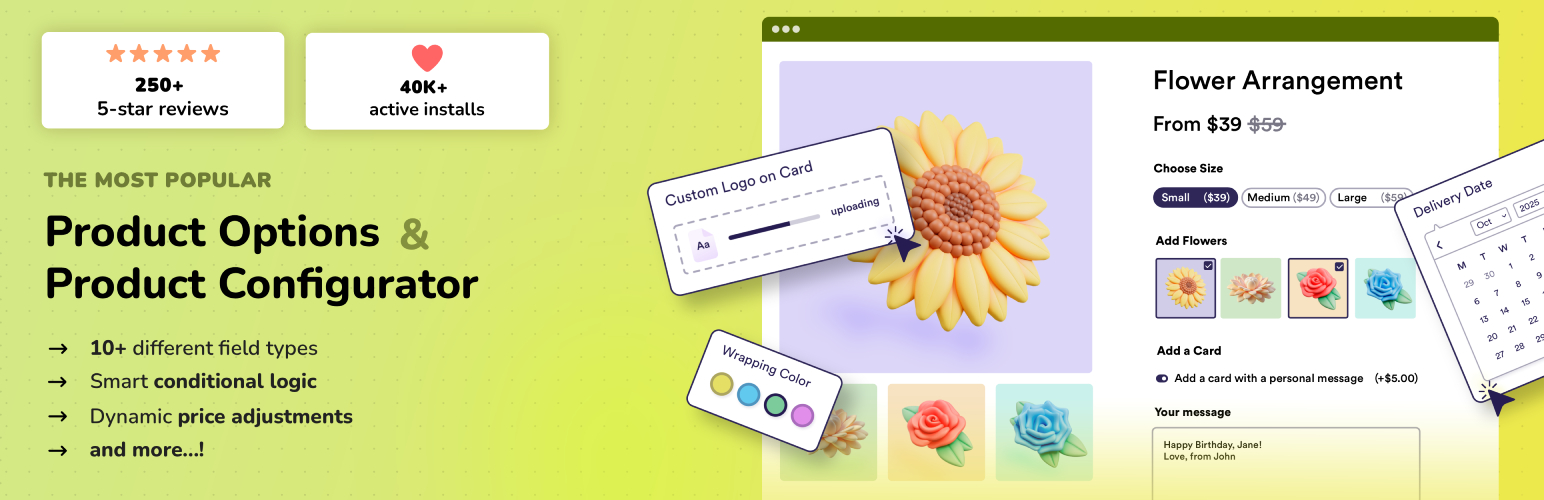
Add options (addons) to your WooCommerce products so your customers can personalize their products. Product fo...

Variation Swatches for WooCommerce replaces dropdowns with color, image & size swatches, helping shoppers...

WooCommerce Product Addons Add custom fields to your WooCommerce product page. With an easy-to-use Custom Form...
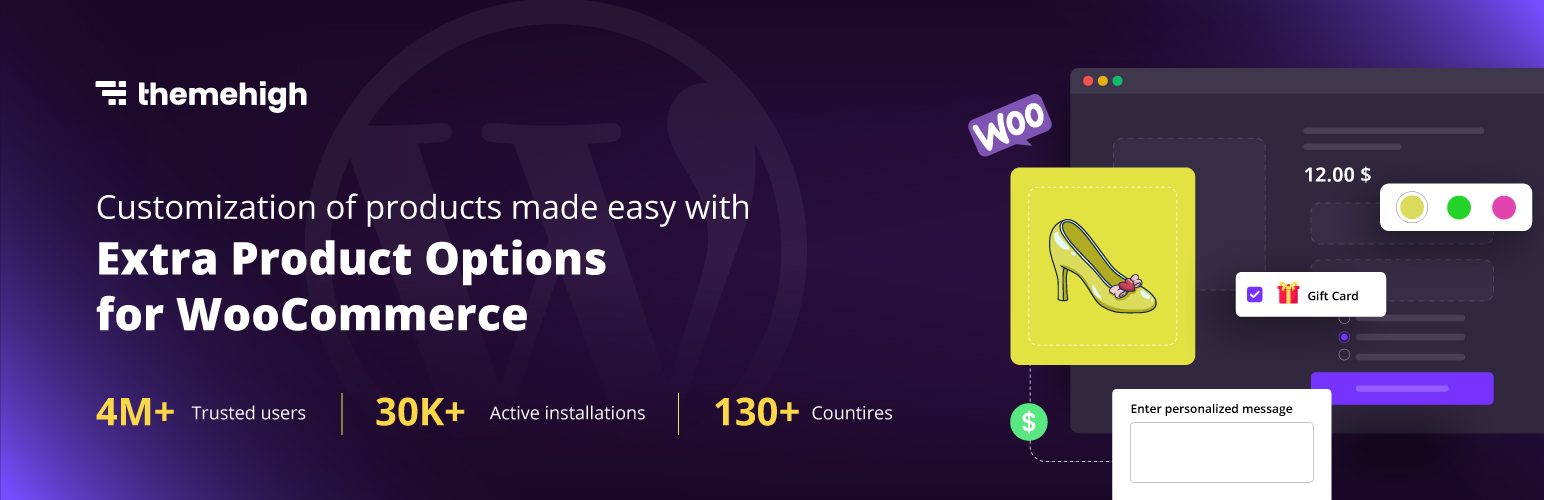
WooCommerce Extra Product Options plugin lets you add product addons (custom products field) of 20 different f...

WCBoost – Variation Swatches is the ultimate plugin to display WooCommerce product variations in style.