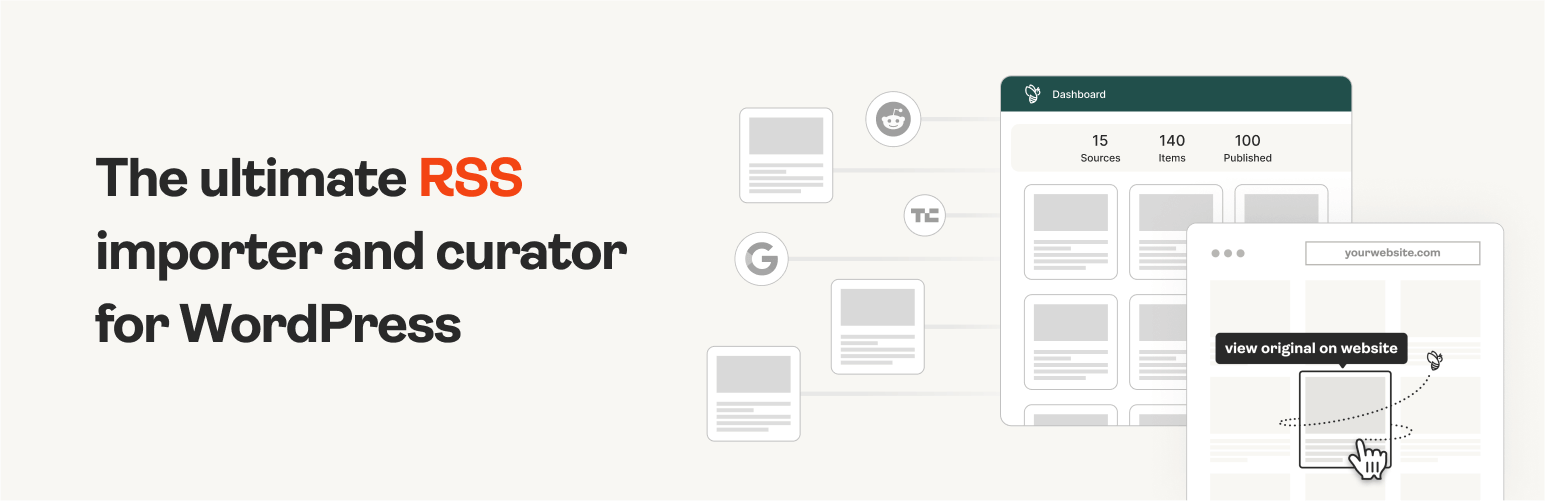
The #1 WordPress RSS aggregator to quickly import RSS feeds, build a news aggregator, and for easy autobloggin...
Free
40k+ installs 4.5★ (562)
Automatically pin your products on your WooCommerce site to Pinterest.

Product Feed for Pinterest Product Catalogs is a WordPress plugin designed for WooCommerce sites. It automatically generates an RSS feed of your products for Pinterest, allowing you to pin product information such as images, prices, and stock status directly to your Pinterest account.
This plugin is suitable for WooCommerce store owners looking to enhance their visibility on Pinterest and drive potential sales through this platform. It does not include blog posts, focusing solely on product data.
Best for: WooCommerce store owners wanting to promote their products on Pinterest.
What it does well
Where it falls short
This plugin provides a straightforward way to connect your WooCommerce products with Pinterest, potentially increasing your sales channel. It is a useful tool for those already using WooCommerce.
Mehmet Cenk Yenikoylu's own description of Product Feed for Pinterest Product Catalogs, lightly tidied.
Automatically pin your products on your WooCommerce site to Pinterest.
WooCommerce product RSS Feed for ‘Pinterest Product Catalogs’. Automatically pin the products on your website by posting information such as photo, price, stock status, product description in your pinterest account.
Does not contain your blog posts! It feeds only your products.
for example:
All products:
http://www.yourdomain.com/?call_pinterest_product_catalogs=1&ppcf_posts_per_page=100
Category specific feeds:
http://www.yourdomain.com/?call_pinterest_product_catalogs=1&ppcf_posts_per_page=100&ppcf_category=your-category-slug
Product Items by:
Thus, you earn customer through pinterest and increase your potential sales channel.
The RSS feed has been developed with tags recommended by Pinterest.
It is mandatory to have WooCommerce in your WordPress structure.
You do not need to install an additional RSS plugin on your site.
Other plugins for aggregating content.
The #1 WordPress RSS aggregator to quickly import RSS feeds, build a news aggregator, and for easy autobloggin...

The most powerful WordPress RSS aggregator, helping you curate content, autoblog, import RSS & display unl...

Ditty offers a range of content display options, including its signature news ticker and customizable layouts.

Podcasting the way it's meant to be. No mess, no fuss - just you and your content taking over the world.

GN Publisher makes RSS feeds that comply with the Google News RSS Feed Technical Requirements for including yo...

Hide posts or WooCommerce products from the homepage, archives, search, RSS, REST API, sitemaps and SEO tools...