WebChange Detector: Visual Regression Testing & Visual Check...
Visual regression testing for WordPress: catch broken layouts after auto-updates, plugin installs, or deploys before your visitors do.
The facts
- Rating
- 5★ from 4
- Active installs
- 200+
- Price
- Free
- Last updated
- 28 Jul 2026
- Added
- Aug 2020
- Requires WP
- 5.5
- Tested up to
- WP 7.0.4
- Requires PHP
- 7.4
- Downloads
- 8,900
Our analysis
AI-assistedWebChange Detector is a WordPress plugin designed for visual regression testing. It helps you identify layout issues after updates, plugin installations, or deployments by taking screenshots before and after changes, allowing you to catch visual bugs before your visitors do.
The plugin offers three modes of operation: automatic checks during WordPress updates, on-demand checks for specific changes, and scheduled monitoring for continuous oversight. It is suitable for site owners who want to maintain site integrity and user experience without needing extensive technical knowledge.
Best for: Site owners and developers looking to ensure visual consistency after updates and changes.
What it does well
- ✓Detects layout breaks after updates
- ✓Offers automatic, on-demand, and scheduled checks
- ✓Ignores moving parts like sliders and animations
- ✓Sends alerts with visual diffs and AI summaries
- ✓Easy one-click setup
Where it falls short
- •Limited information on specific features or user experiences
Verdict
WebChange Detector provides a straightforward solution for monitoring visual changes on WordPress sites, making it a practical tool for maintaining site quality.
From the developer
Mike Miler's own description of WebChange Detector: Visual Regression Testing & Visual Check..., lightly tidied.
Visual regression testing for WordPress: catch broken layouts after auto-updates, plugin installs, or deploys before your visitors do.
Find visual bugs before your visitors do
Every time WordPress core, a plugin, or a theme updates, something on your site can quietly break. By the time a visitor reports it, you have already lost trust and probably sales.
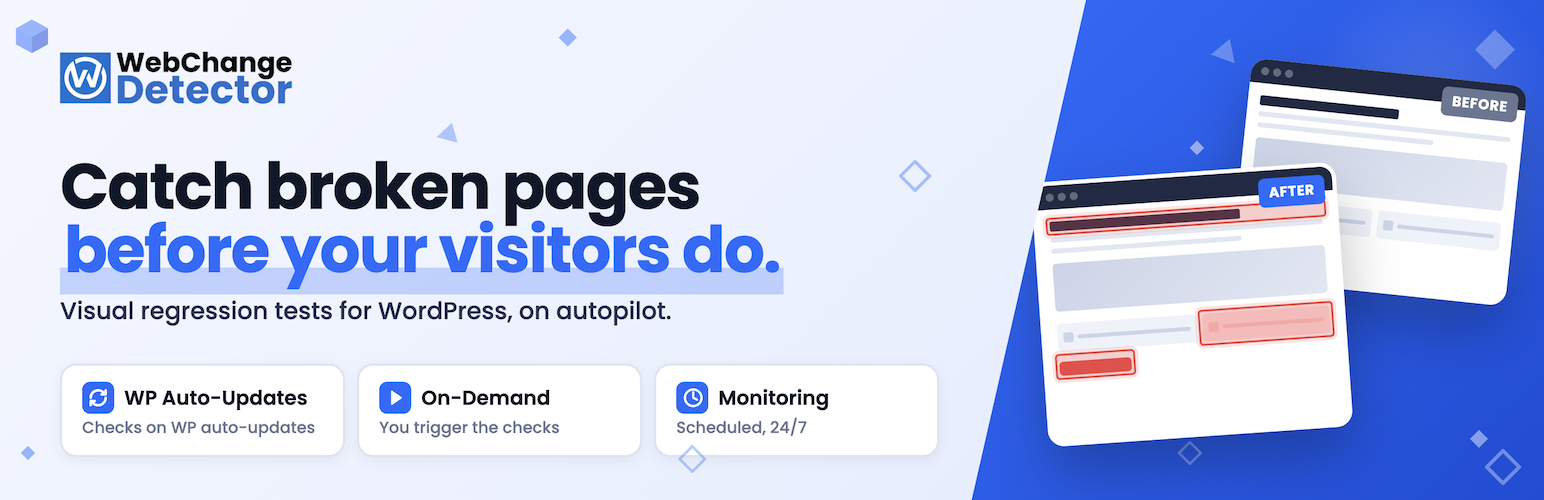
WebChange Detector takes a screenshot of your pages before the change, another after, and tells you exactly what is different on desktop and mobile. The AI check ignores moving parts like sliders, carousels, and animations, so you only get alerts that actually matter.
What is visual regression testing?
Visual regression testing is the practice of taking a screenshot of a web page in a known-good state, then comparing a new screenshot to it after any change like an update, a deploy, a CSS tweak, or a plugin install. Anything that looks different is flagged.
It is the fastest way to catch layout breakage that traditional testing like PHP errors or broken links cannot see, because the page can render “successfully” while still looking wrong to a human visitor. WebChange Detector brings this practice to WordPress with one-click setup, no headless-browser scripting, and no Selenium or BackstopJS know-how required.
What you can detect
- Layout breaks after WordPress updates (core, plugins, themes)
- Side effects of installing or activating a new plugin
- Visual regressions after deployments, CSS edits, or pagespeed tweaks
- Silent breakage from third-party scripts, fonts, or external APIs
- Hacks, defacement, or injected ads during continuous monitoring
- Theme regressions after switching themes or updating a child theme
- Block library or page-builder breakage (Gutenberg, Elementor, Divi, Beaver Builder, Bricks)
- Mobile-only layout issues that you would never see on desktop
- Scheduled monitoring checks from every 15 minutes up to once per month
- Quiet times when monitoring gets skipped to save check credits
Three ways to detect changes
WebChange Detector gives you three independent check modes. Use one, two, or all three side by side, depending on how you manage your site.
1. Auto Update Checks: automatic safety net for WordPress auto-updates.
This mode hooks directly into the WordPress auto-update system. Right before WordPress installs a core, plugin, or theme update automatically, WebChange Detector takes a “before” screenshot of the pages you selected. Right after the native WordPress auto-update finishes, it takes the “after” screenshot. If anything changed visually you get an email with the affected pages highlighted, plus an AI summary of what looks different. This is the mode that lets you actually leave WordPress auto-updates turned on without losing sleep.
2. On-Demand Checks: visual diffs on your own schedule.
Run a check on demand right before and right after any change you make: a deploy, a plugin install, a CSS tweak, a theme switch, a hosting migration. On-demand checks are perfect for teams that already have an update workflow in tools like MainWP, ManageWP, WP Umbrella, InfiniteWP, or WP Remote. Use those tools to push your updates, and use WebChange Detector to verify visually that nothing broke. The plugin captures the pre-state, you push your changes, you trigger the post-state, and you get a side-by-side diff.
3. Monitoring: continuous visual surveillance with alerts.
Schedule recurring checks at fixed intervals. The plugin captures and compares your selected pages on schedule, and emails you the moment a difference appears. Monitoring catches changes that nobody on your team pushed: hacks, defacement, expired SSL, third-party-script breakage, broken CDN assets, accidental edits, server-side issues, theme regressions, vendor outages. It is your “site is silently broken” alarm.
You can mix all three. A typical agency setup: auto-update checks on every client site so nothing breaks silently during automated WordPress updates, monitoring at 24h intervals on the same selection, and on-demand checks fired from the agency’s MainWP or ManageWP dashboard before scheduled maintenance windows.