
Elementor addon offering 120+ widgets and templates — Elementor Gallery, Slider, Form, Post Grid, Menu, Accord...
Free
1M+ installs 4.9★ (4,111)
Widget Options gives you super powers to control your site’s sidebar widgets and all Gutenberg blocks on pages, posts & other custom post types.
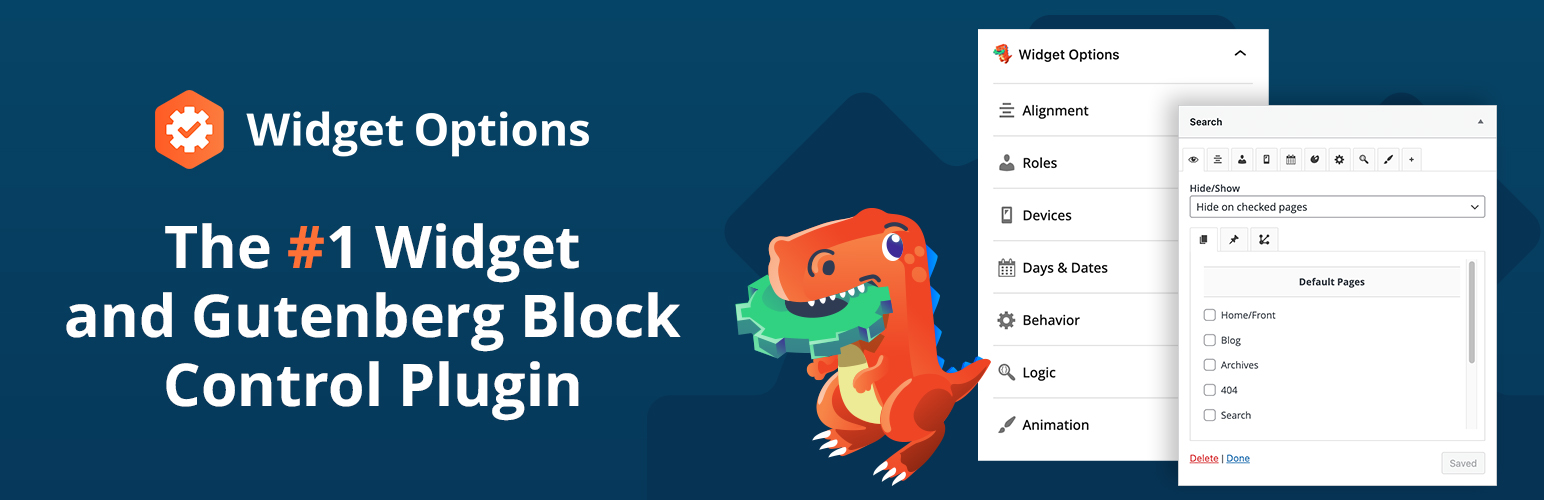
Widget Options is a WordPress plugin designed to enhance control over sidebar widgets and Gutenberg blocks. It allows you to manage visibility and appearance based on various criteria, such as user roles, devices, and URLs. This plugin is suitable for users who want to customise their site layout and improve user experience across different devices.
The plugin offers features like mobile visibility control, user login state management, and custom alignment options for widgets and blocks. It aims to streamline navigation and enhance the overall functionality of your WordPress site.
Best for: This plugin suits WordPress users looking to manage widget and block visibility effectively.
What it does well
Where it falls short
Widget Options provides a solid solution for controlling widget and block visibility on WordPress sites. It is particularly useful for those aiming to enhance user experience across devices.
Marketing Fire's own description of Widget Options, lightly tidied.
Widget Options gives you super powers to control your site’s sidebar widgets and all Gutenberg blocks on pages & posts.
👉 Over 2,700,000+ downloads
👉 Average rating of ⭐⭐⭐⭐⭐ 4.9 stars
👉 Reduce plugin bloat. Widgets AND Gutenberg block control in one plugin
Widget Options expands Widget & Gutenberg block settings with feature-packed options so you can completely manage and control their visibility, appearance, and behavior. Show or hide content depending on user roles, devices, dates, URL…and more!
✨ INSIDER TIP: ✨ Power users love the Pro version—unlock conditional logic, animation effects, sticky widgets, custom styling, and dozens of advanced controls to make your blocks and widgets do exactly what you want.
Widget Options’ suite of controls makes it simple to achieve all of the following:
Effortlessly manage visibility and access across different pages, posts, and categories with the Widget Options plugin.With intuitive search or checkbox selections, customize your site’s layout for categories, tags, custom post types, and more, ensuring your widgets and blocks appear exactly where you want them!
Enhance your website’s mobile experience with Widget Options. This tool allows you to streamline navigation by selectively displaying widgets or blocks on mobile devices. Keep your desktop and tablet interfaces unaffected while optimizing mobile views. The ‘Device Visibility’ feature in the widget settings clearly indicates which sidebar widgets are active on different devices, ensuring a flexible and user-friendly widget management.
Decide which widgets or Gutenberg blocks should be visible or hidden to either logged-in or non-logged-in users. This feature is helpful when you want certain website functions to be available only to registered users.
Change your widget or block alignment to match the entire look of your website. Comes with center, left, right, and justified alignment options which can be customized for each device type.
Create predefined classes on the plugin’s settings page and use them later for each widget. You can also add custom widget ID and additional classes for styling or javascript purposes.
Other plugins for extending a page builder.
Elementor addon offering 120+ widgets and templates — Elementor Gallery, Slider, Form, Post Grid, Menu, Accord...

Join millions who empower their websites with ElementsKit Elementor Addons. Get templates, & 100+ widgets...

Elementor addons with 18+ free widgets, Header & Footer Builder, WooCommerce widgets & templates. Trus...

Elementor Carousel, Mega Menu, Posts List/Slider, WooCommerce Widgets, Display Conditions, AI Abilities, Prema...

Elementor templates, Header footer builder, Elementor Post Grid, Woocommerce Grid builder, Slider, Forms, Gall...

Disable Gutenberg Block Editor and restore the Classic Editor and original Edit Post screen (TinyMCE, meta box...